MI-42-0001 Rev. 19 257
TROUBLESHOOTING: Troubleshooting
System Manager
Errors
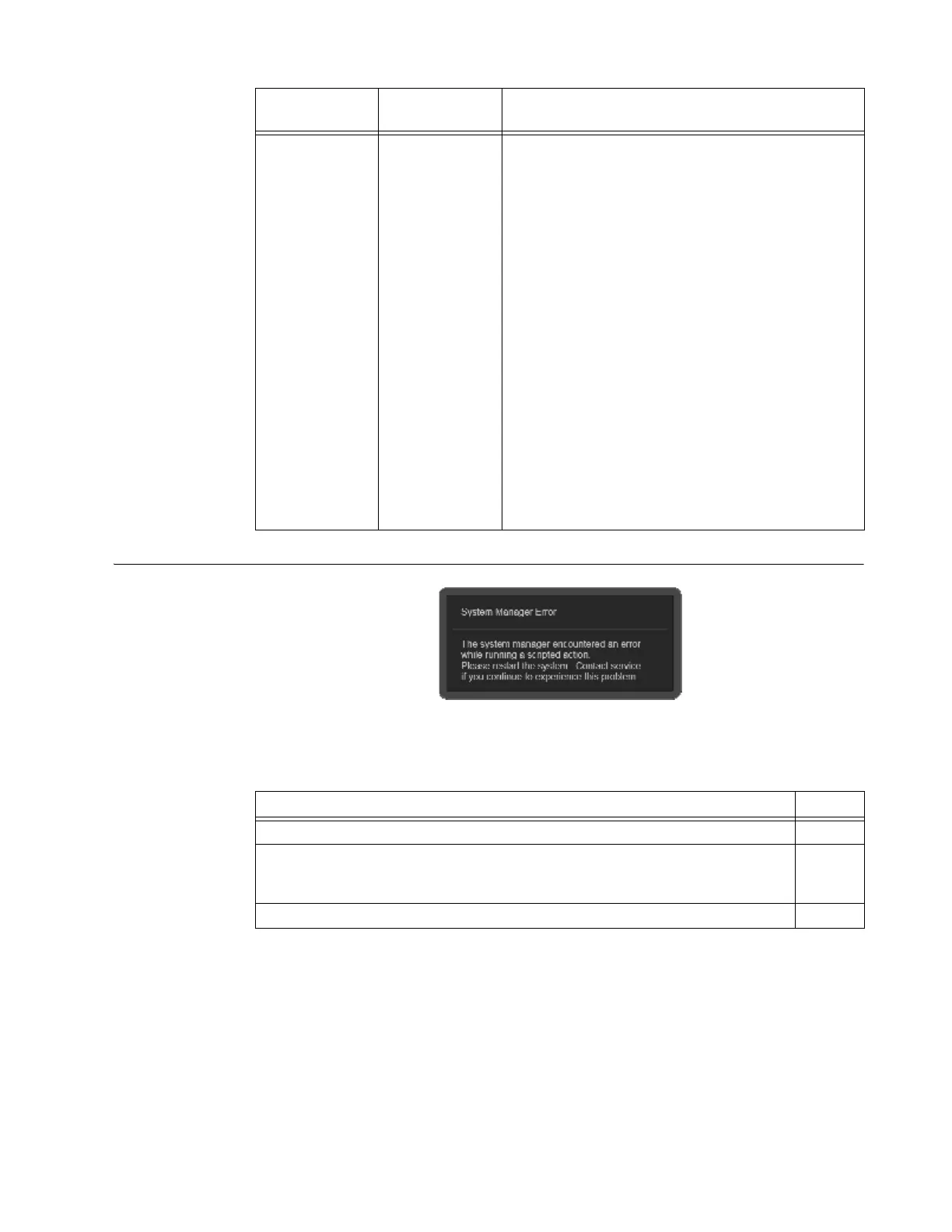
Figure 173
When System Manager errors interrupt work-flows, restarting AIRO often resolves the system issue
described in the error message. Figure 173 shows an example System Manager Error.
AIRO will not
power on,
Trumpf column
needs to be
moved.
Power
interruption.
Requires two Users:
•User 1:
1. Turn AIRO Power key on.
2. Press and hold start button on control panel.
Hold for 5 seconds and continue holding until User
2 is done.
• User 2:
1. While User 1 holds down AIRO start button, turn on
the power to the Trumpf column.
2. Using column keypad, manipulate the table.
• User 1:
1. When User 2 is done, release start button to power
down the system.
For more information about using:
• Original Trumpf TruSystem 7500 Column, see MI-42-
0167 AIRO Original Trumpf Column Supplement.
• Updated Trumpf TruSystem 7500 Column, see MI-
42-0165 AIRO Updated Trumpf Column Supplement
Problem
Possible
Cause
Steps
Steps See
1. Note on-screen error message.
2. Follow on-screen instructions and re-start AIRO.
3.4
&
3.3.1
3. Contact your distributor or Mobius Imaging if the issue continues to occur. 1.2



 To Next Page