MI-42-0001 Rev. 19 47
TRANSPORT MODE: Transportation
Optional
Conditions
Steps See
System is plugged in
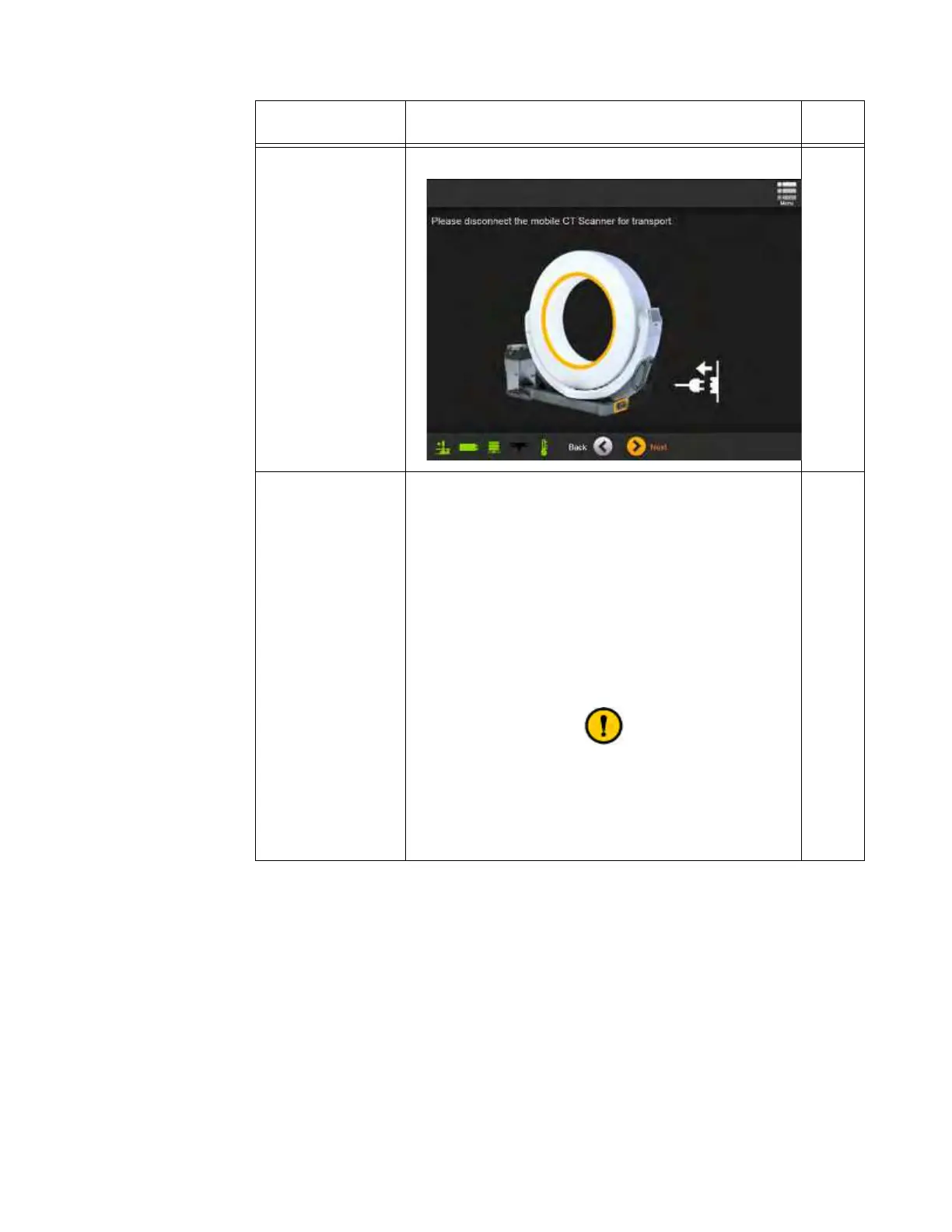
System prompts you to unplug cord(s).
Ring is in Scan
position
1. Make sure there is room for the Ring to rotate.
3.3.5
2. From the Choose Mode screen, select
Transport
.
The screen shows instructions for latching the Ring into
the Transport position. See Figure 24.
3. Unlatch the Ring and follow on-screen instructions.
Make sure that the Ring latches:
• In line with the base.
• In the middle of the base’s Z-axis.
For more information, see section 3.3.5 Starting from
Scan Mode.
Move the Ring slowly and carefully. Moving the Ring
quickly can damage the anchor points in the Ring and
Transport latches.
See cautions about rotating the Ring in section
3.3.6 Rotating and Latching the Ring in Transport or
Scan Position.



 To Next Page