Equipment --- Section 5
The Executive 2005
237
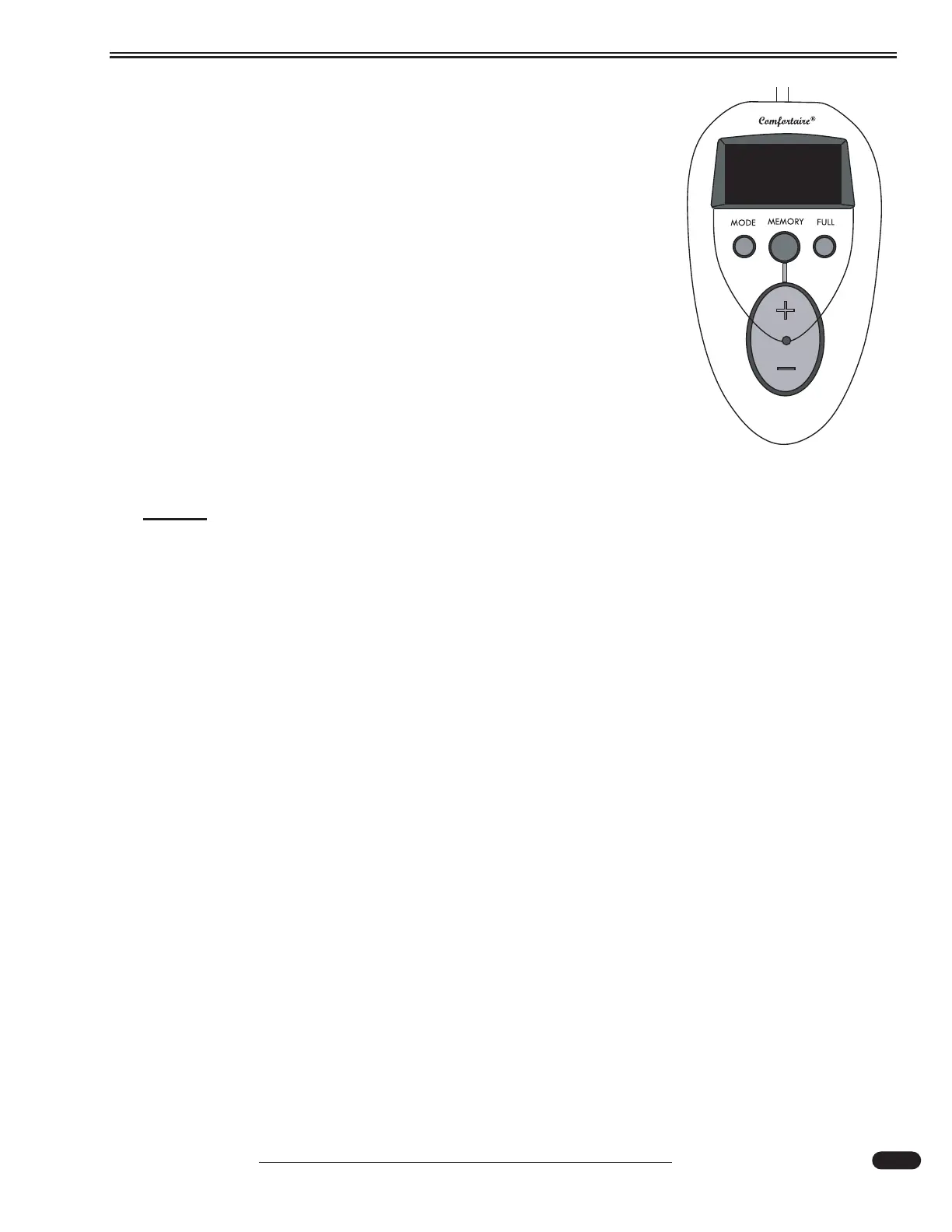
When in Manual Mode (1):
Press and hold the + button to increase mattress firmness or press
and hold the - button to reduce mattress firmness. After adjusting the
mattress the current firmness will be displayed on the remote for a few
seconds.
When in Pressure Sensitive Mode (2):
The firmness setting will show on the display and can be adjusted
in 1% increments by pressing the + and - buttons.
To Store a Firmness Setting:
After adjusting the mattress firmness in either the Manual (1) or
Pressure Sensitive (2) mode press and hold the blue MEMORY button
until the remote beeps. The firmness setting is stored. The firmness
can be adjusted and then returned to the stored setting by pressing the
MEMORY button. Holding the MEMORY button down until it beeps
will change the stored position to the current mattress firmness.
NOTE:
This system is designed to use the back pressure of a person's weight. Changes to
firmness should be made while lying on the mattress.
Instant Fill feature:
The instant fill feature works in either the MANUAL or the PRESSURE SENSITIVE mode. Press
the FULL button on the remote and the mattress will inflate to 100% capacity. The instant fill works
with or without someone on the mattress.
Cleaning and Maintenance:
• Check air filter at back of pump monthly. Rinse with water to clean and let dry before
installing.
• Over time normal settling and impressions in cover will occur. Only the cover quilting is
affected. Steam clean only, allow mattress cover to dry thoroughly. Do not dry clean.
031117
Air Mattress Remote on Nightstand





 To Next Page