Equipment --- Section 5
The Executive 2005
245
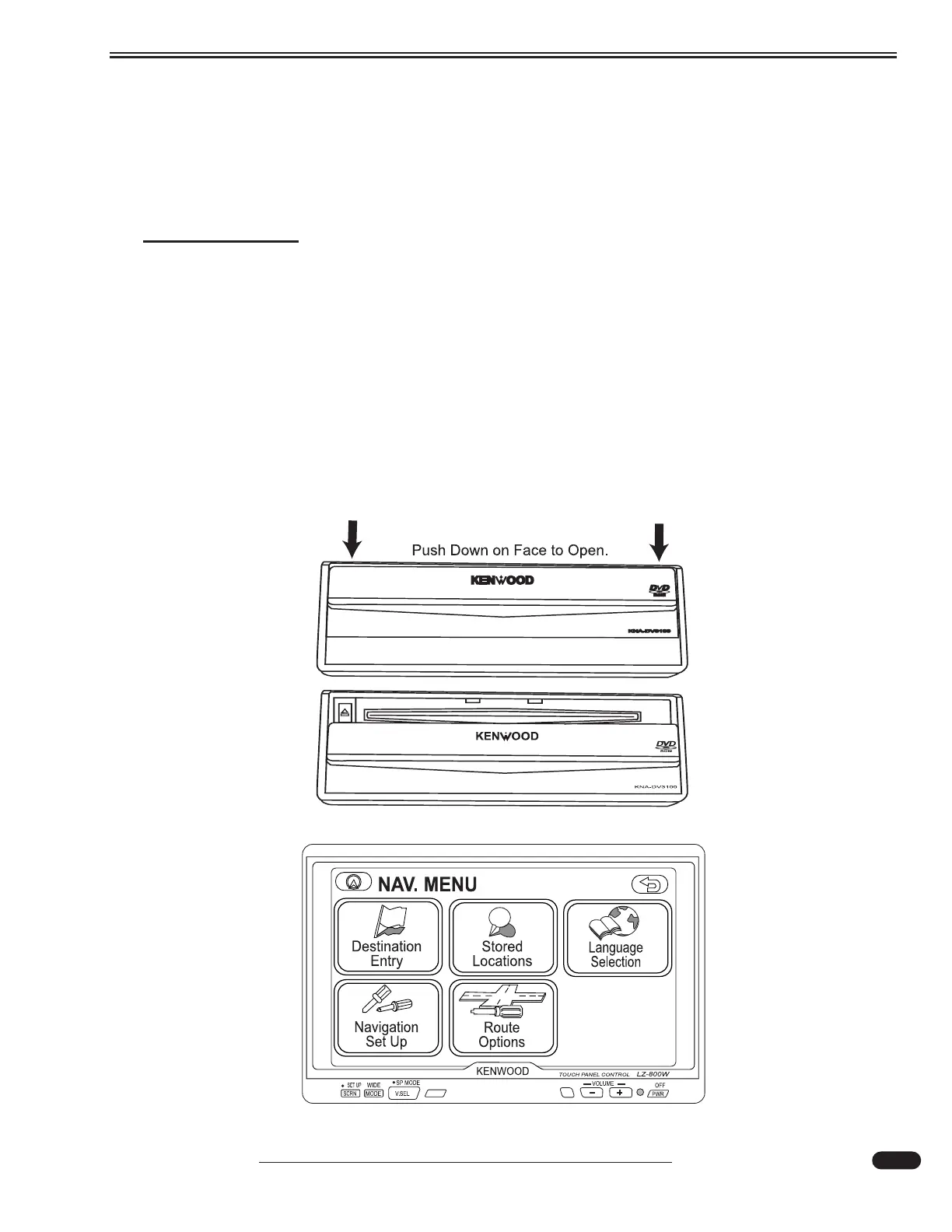
Kenwood GPS Navigation
The GPS Mobile Navigation system provides 2-D and 3-D map views, instant re-routing and voice
prompted turn-by-turn instructions. The system includes a GPS antenna, a DVD ROM player, touch
screen monitor and a single DVD to provide maps for the entire continental US and Canada.
INFORMATION:
Complete information and instruction are found in the OEM instruction manual.
Perform the following instruction only when the motorhome is PARKED:
• Press the PWR button to turn on the Navigation monitor.
• Insert the map disk in the navigation CD unit.
• Press V.SEL repeatedly until NAV is displayed on the screen.
• When the ignition is switched on, the opening screen will appear on the monitor. The
Caution Screen will follow.
• The monitor is a touch screen display. Press the Agree label to enable the Current
Position screen.
• Press the MENU label to enable the main NAVIGATION MENU.
031051b
031052c





 To Next Page