Electrical Systems - Chassis --- Section 9
The Executive 2005
397
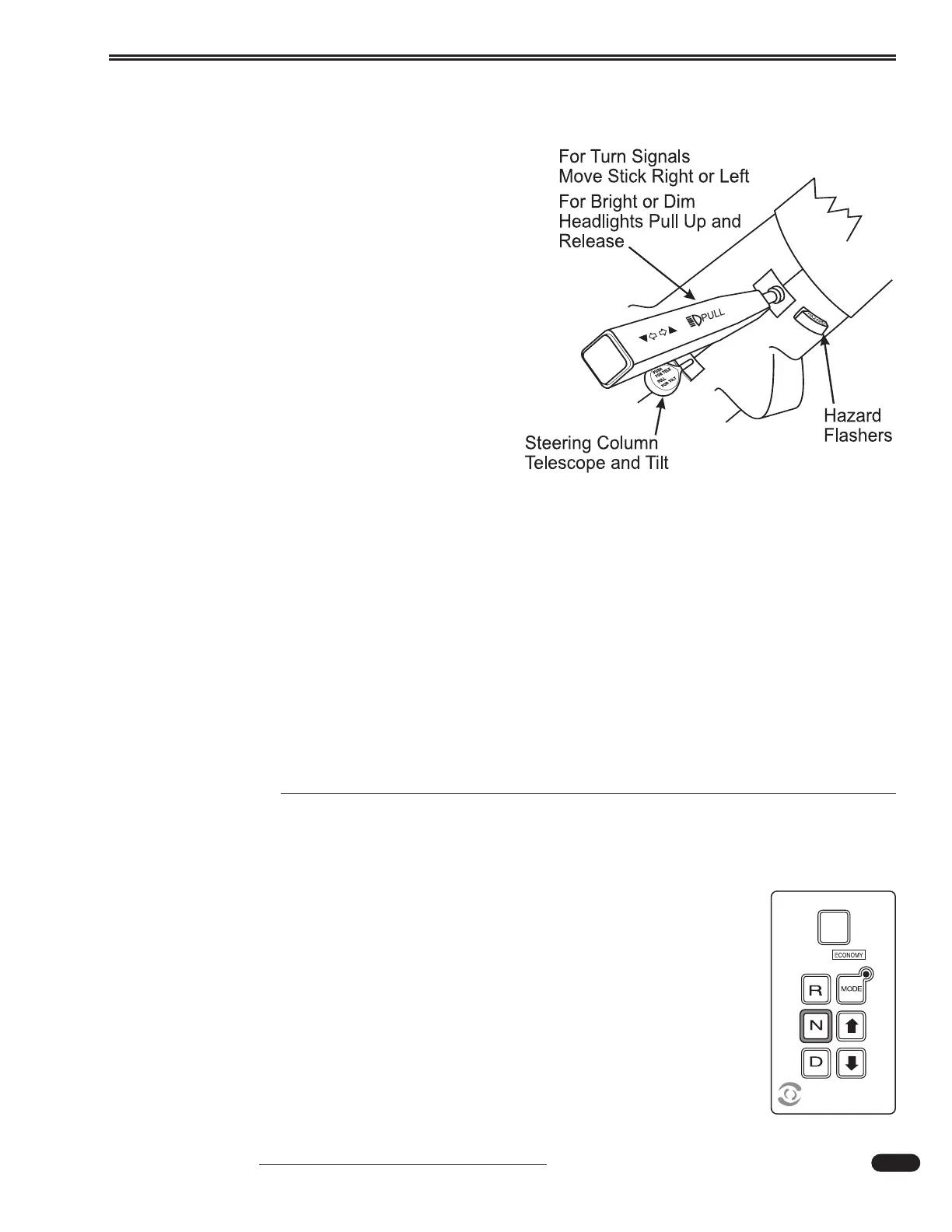
Tilt & Telescope
Tilt and telescope steering wheel control lever
is located on the steering column.
• To tilt the steering wheel: Pull the lever up and
tilt the steering wheel to the desired level.
Release the lever to lock the steering wheel in
the new position.
• To telescope the steering wheel: Push and hold
the lever down. Move the steering wheel to the
desired location. Release the lever to lock the
steering wheel in the new position.
Turn indicator and headlight high/low dimmer
control is located on the steering column.
• Push the lever forward to activate right turn
indicator circuits when the ignition is on.
• Pull the lever back to activate left turn indicator
circuits when the ignition is on.
• Pull the lever up to select high/low beam circuits
when the headlights are on.
Hazard Flashers:
• The flasher button is located on the steering column.
• To turn on the four way flashers, pull out on the flasher button. The turn signal alarm will
sound.
• To turn off the flashers, push the button in.
CONSOLE
Transmission Shift Selector
Transmission Key Pad:
The function of each position of the keypad push-button shifter is as follows:
• Selects NEUTRAL by pressing N. The area around the N button has a raised ridge
so the driver can orient his hand to the Neutral button by touch.
• Selects REVERSE gear by pressing R.
• Selects the forward DRIVE range by pressing D. The highest forward gear (6)
appears on the display and the transmission will shift to the first gear. Gear “6”
will remain on the display through subsequent upshifts or downshifts.
090243
080355c





 To Next Page