Section 5 --- Equipment
The Executive 2005
256
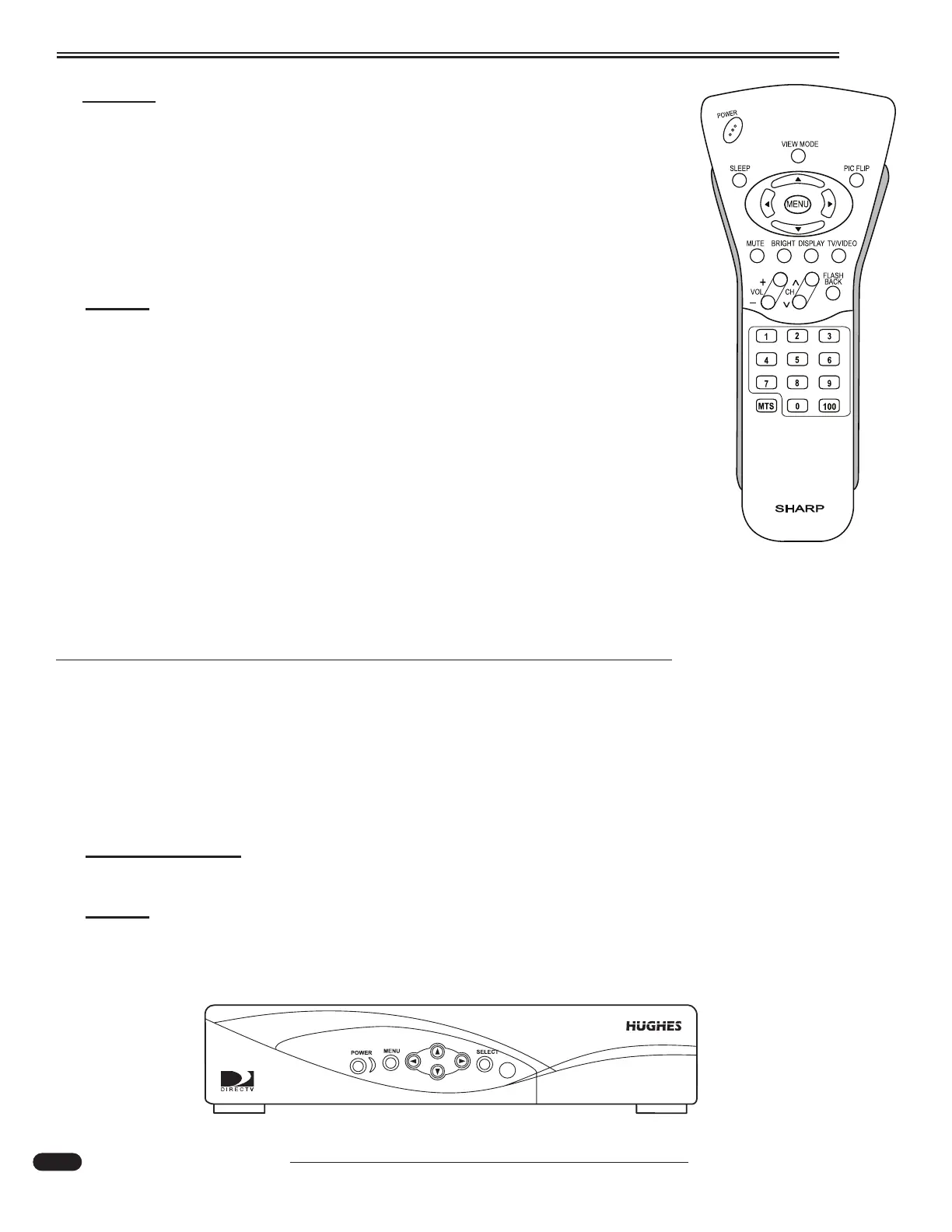
LCD TV:
Using the TV remote to select Antenna or Cable:
• Turn on the Power button on the TV tuner. To turn on the TV, press the Power
button using the remote. Press the Input button on the top of the remote until
the Input Source menu indicates TV.
• If selecting roof antenna, turn on Antenna Boost. For shore cable, turn antenna
boost off.
• Using the TV remote, select desired channel and adjust volume.
NOTE:
Auxiliary components must be on.
To Select Satellite Viewing:
• Turn on the satellite receiver, controller and the TV.
• Using the Channel UP/DOWN arrows on the TV remote, select CHANNEL 3.
• Follow screen instructions for the satellite system.
To Select VCR or DVD:
• Turn the TV on.
• Turn the VCR/DVD on.
• Push either VCR or DVD player on the VCR/DVD remote (TV automatically
goes to CH 3).
• Load DVD disc or VHS tape and push PLAY.
SATELLITE SYSTEM (Optional)
Satellite Receiver
The Internal Receiver Descrambler (IRD) receives satellite signals from the antenna for decoding,
processing, and channel selection, and then sends those signals to the TV for viewing. The IRD also
provides the interface for the user to activate authorization for reception.
INFORMA
TION:
Refer to the IRD User's Manual for complete operating instructions.
NOTE:
The satellite remote can be programmed for Infrared (IR) or Radio Frequency (RF).
This will enable either line of sight or control from another area. The IR setting
requires the remote to have a direct line of sight to the satellite receiver. The RF set-
ting allows the remote to operate the receiver from any room.
Bedroom LCD TV Remote
031107
031055a
Satellite Receiver





 To Next Page