Section 6 --- Water Systems
The Executive 2005
268
WATER TANKS - Measurements & Calibration
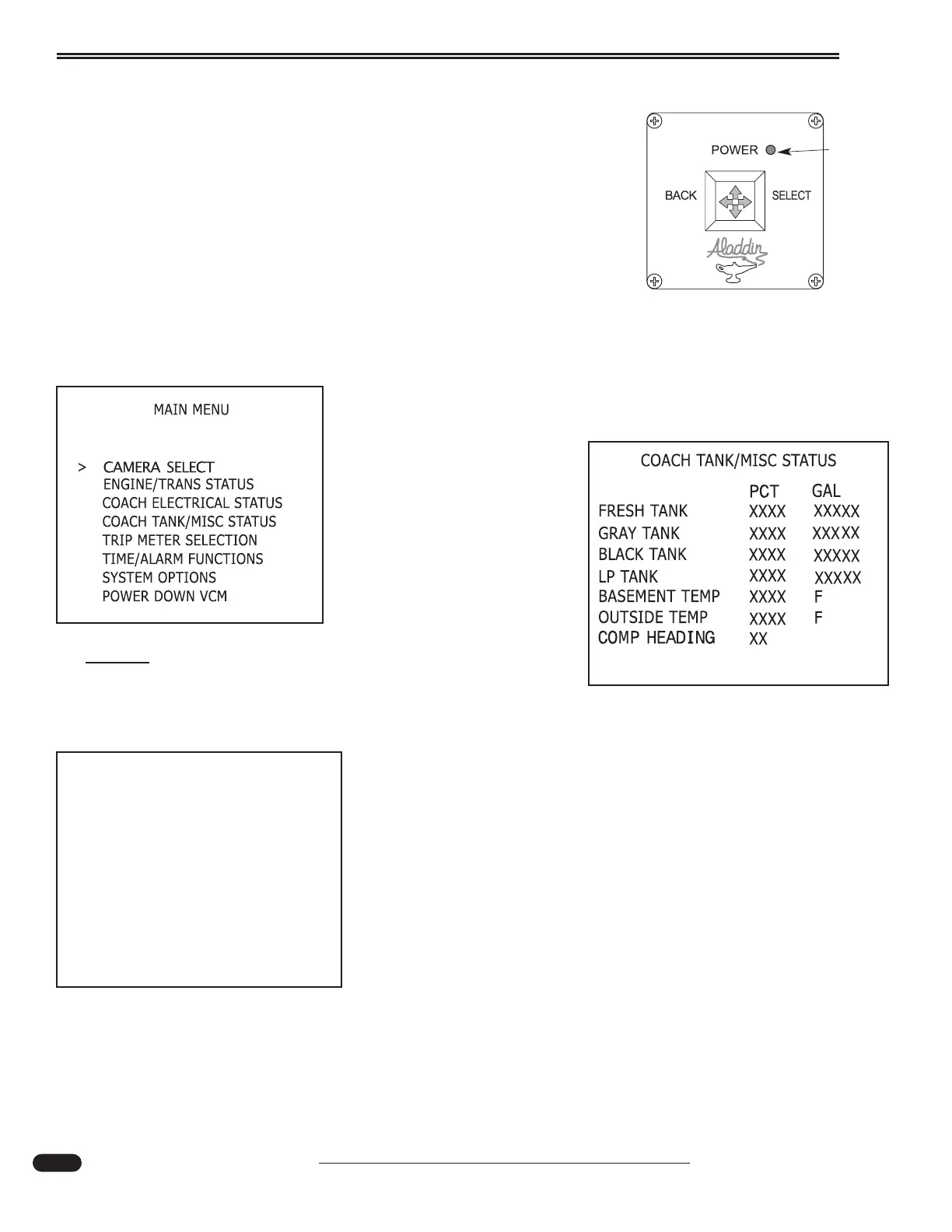
The Aladdin™ system is used to monitor various systems including
holding tank capacity. From the main menu, move the joystick until the cur-
sor is next to Coach Tank/Misc Status. Move the joystick right to display
tank status.
The Coach Tank/Misc Status screen displays:
• Fresh, grey and black tank percentage full and corresponding gallons.
• LP-Gas tank percentage of full.
• Basement and outside temperatures.
• Compass heading.
Access the Main Menu, scroll down to the Systems Options
screen.
Calibration:
Fresh, grey and black tank
percentages are determined by
the tank sensors. Tank sensors
measure the height of the water
in the tank. Gallons entered are
equally divided by the
Aladdin™ system between
empty and full calibration.
NOTE:
The Aladdin system is calibrated at the factory.
Calibration should only need to be performed if a com-
ponent in the system is replaced.
Systems Options screen displays:
• Screen Color
• Text Color
• Sensor Mode
• System Setup
• Compass Calibration
080377d
020195h
020199e
RED
Power
L.E.D.
Aladdin Joystick
SYSTEM OPTIONS
ALADDIN MODEL 440 2.04
JOYSTICK F/M VERSION 2.01
SCREEN COLOR: 01
TEXT COLOR: 16
SENSOR MODE: NORMAL
SYSTEM SETUP
COMPASS CALIBRATION





 To Next Page