Equipment --- Section 5
The Executive 2005
259
TracVision SF system requires the following preventive maintenance to maintain optimum perform-
ance.
Monthly:
• Wash the exterior of the radome and base plate assembly with fresh water; a mild detergent
may be added to remove grime. DO NOT spray the radome directly with high-pressure
water.
• DO NOT apply abrasive cleaners or volatile solvents, such as acetone, to the ABS dome.
Annually:
• Have the TracVision SF satellite system inspected by a professional RV Technician or
TracVision satellite installer.
• Apply full strength liquid dish detergent to the dome surface and allow it to dry. This treat-
ment provides a film on the dome surface that will allow moisture to bead up and roll off.
NOTE:
If a need arises to paint the radome, ONLY use non-metallic automotive paint to avoid
degrading the RF signal strength and the reception quality.
INFORMA
TION:
For information on KVH warranty, repair, and liability policies, please refer to the
complete warranty statement provided with the KVH User's Manual.
In-Motion System (Optional)
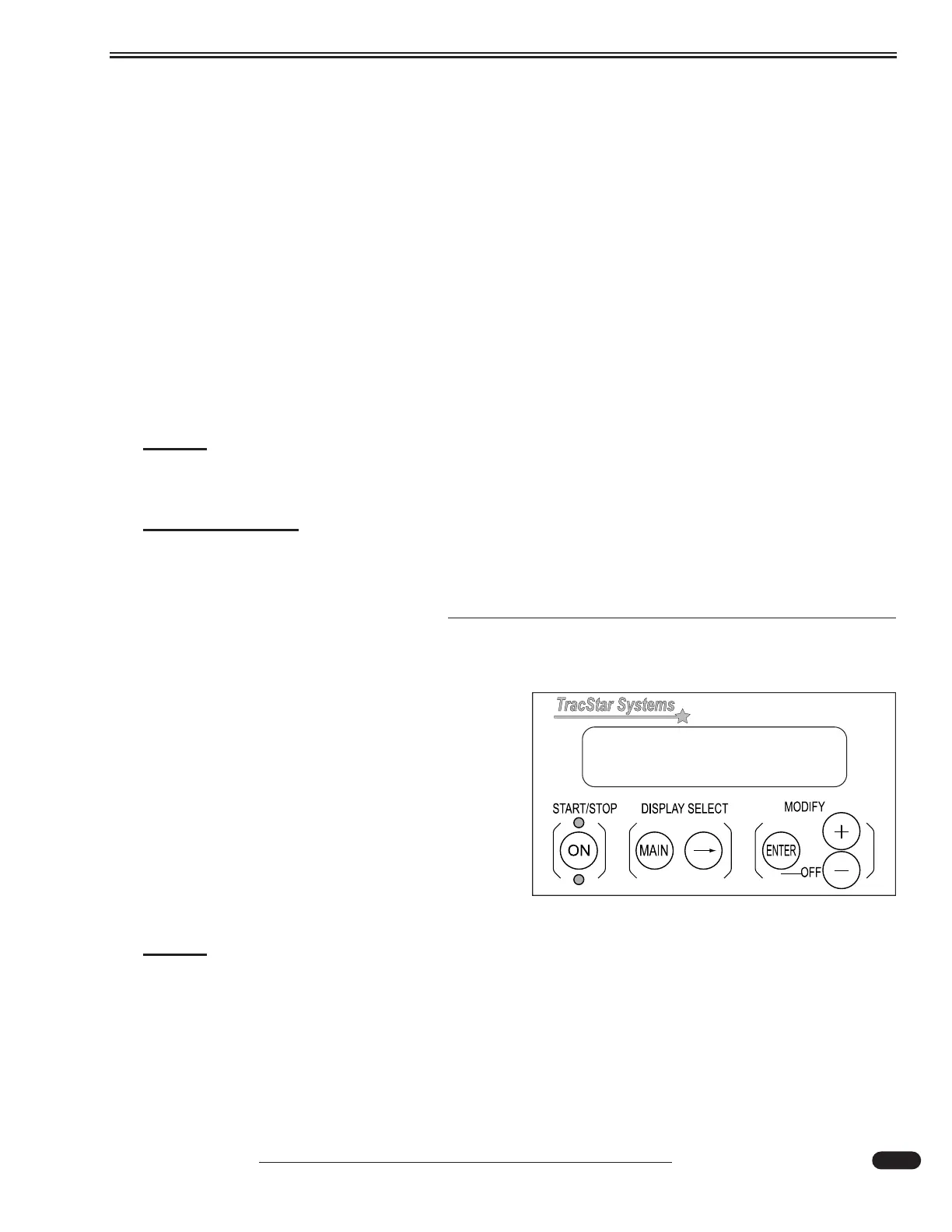
TracStar SV360 In-Motion Satellite System:
Press the ON button to allow the dish inside the
dome to rotate and acquire the signal from the satel-
lite. After the system has obtained the signal, the dis-
play can be turned off by pressing the ENTER and -
button simultaneously.
To Use the In-Motion System:
• Turn on the display unit.
• Turn on the Satellite Receiver.
NOTE:
Inclement weather conditions may adversely affect the satellite signal acquisition.
Degraded audio and video signals through the receiver will result.
031033
Located in cabinet above pilot seat.





 To Next Page