Section 5 --- Equipment
The Executive 2005
246
ALADDIN™ SYSTEM
The Aladdin™ system is designed to provide the operator with up-to-date chassis
and house system information.
The Aladdin™ system automatically selects one of a number of cameras used to
aid the driver during travel. For example, when the system is turned ON, placing the
transmission in reverse will select the backup camera. Activating a turn signal will
select the corresponding side view camera.
Joystick Module:
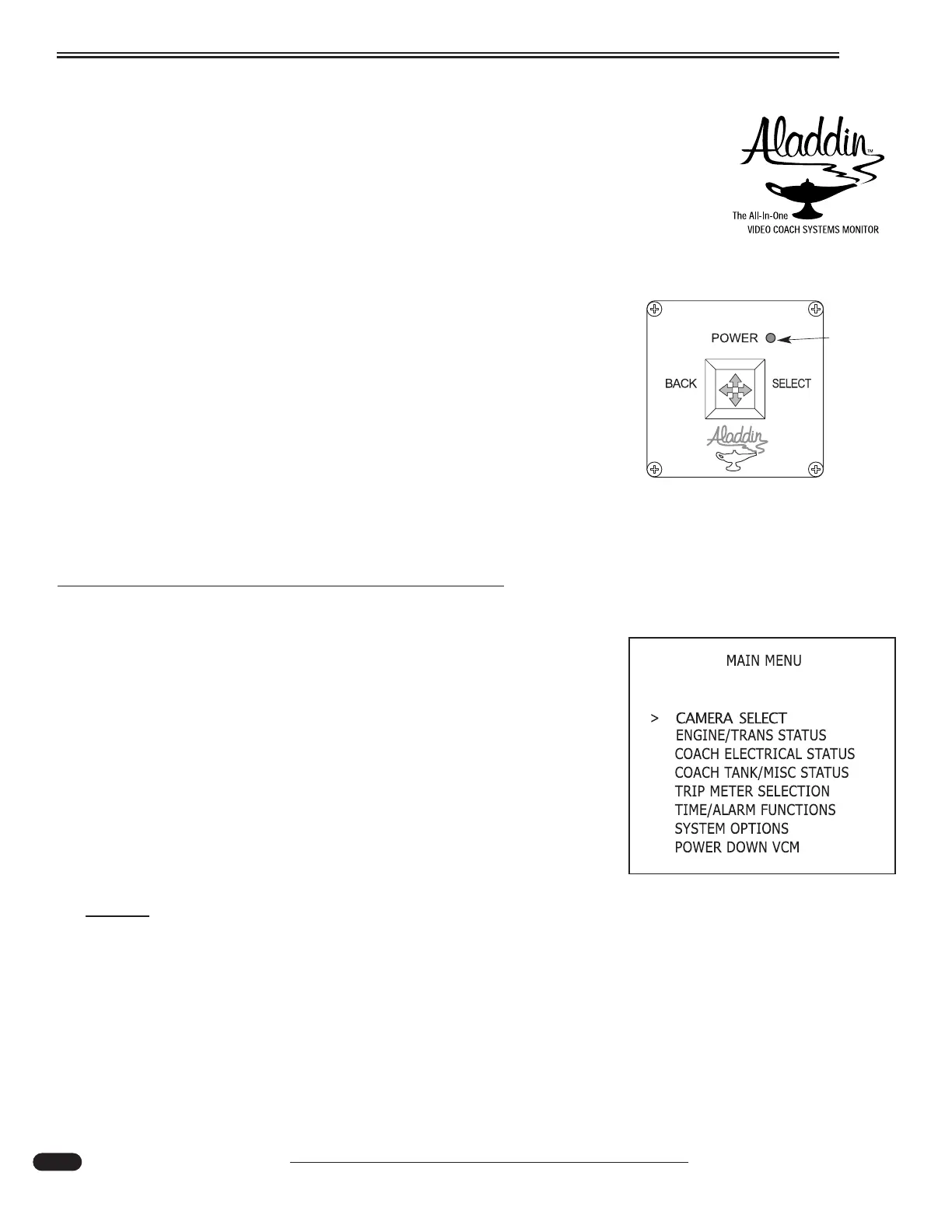
Joystick Module is the operator interface to the Aladdin™ system
through the monitor and television display. Multiple joystick modules may
be attached to the Aladdin™. Pushing the joystick to the right selects a
menu item, pushing the joystick left takes the operator back to the previ-
ous menu. Pushing the joystick up or down enables the operator to scroll
through or change information. An LED provides system-on power indica-
tion. When the joystick is moved, the LED turns off briefly ("blinks") indi-
cating that the joystick command has been transferred to the Aladdin™.
During normal operation, the LED also blinks approximately every four
seconds.
Operations
The Aladdin™ is turned on either with the motorhome ignition
switch or a joystick. The Aladdin™ will power down when ignition is
turned off, unless the operator selects the Aladdin™ to remain on.
Main Menu:
When the Aladdin™ is powered up, the main menu appears. The
operator can choose any item by pressing the joystick up or down. An
arrow indicates the current menu item. Pressing the joystick right will
select that menu item. Pressing the joystick left goes to the previous
screen.
NOTE:
Interior house power must be ON for the Aladdin™ screen to be displayed.
RED
Power
L.E.D.
Aladdin Joystick
020195h





 To Next Page