Section 2 --- Driving & Safety
The Executive 2005
58
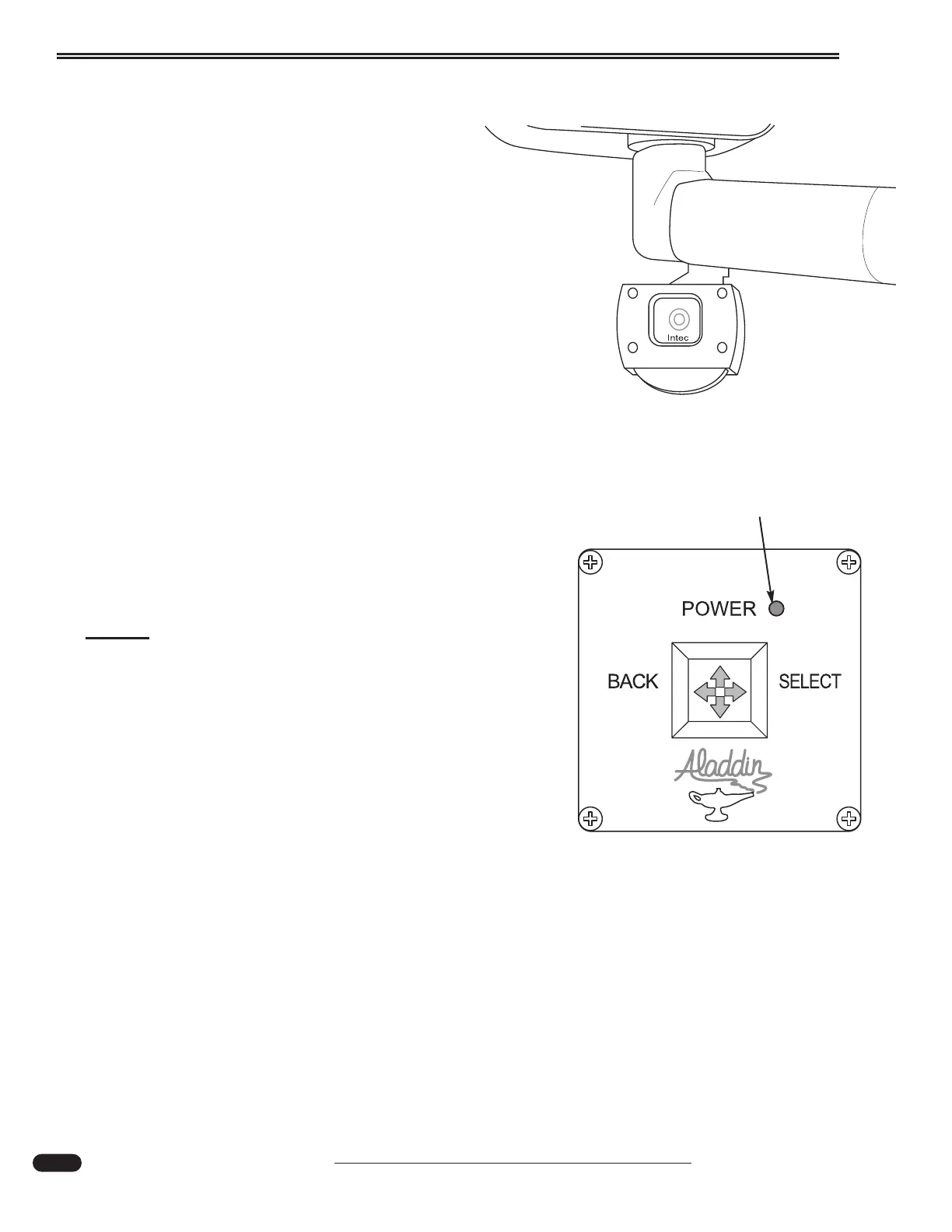
See Vision (Optional)
The optional See Vision system includes three addi-
tional cameras. A camera is mounted on each of the rear
view mirrors and one camera is also mounted on the
front overhead to provide a view of the interior.
To obtain different camera views:
• Turn on the interior house power using
the battery cut-off switch.
• Move the Aladdin joystick in any direction
to "waken" the system.
• From the Main Menu, use the Aladdin joy
stick to move the cursor to Select Camera.
• Move the joystick Right to enter
Select Camera. Move the joystick up
or down to select the desired view.
• Activating the turn signal will select that
camera, either right or left. When the
turn signal lever is placed to the neutral
position, the system will return to the
previously selected camera.
NOTE:
When the motorhome is placed in reverse,
the rear camera will automatically display.
As an aid in guidance when backing, select
either right or left turn signal to display the
desired camera for a more complete view.
Cancel the turn signal to return to rear view.
080377d
Status L.E.D





 To Next Page