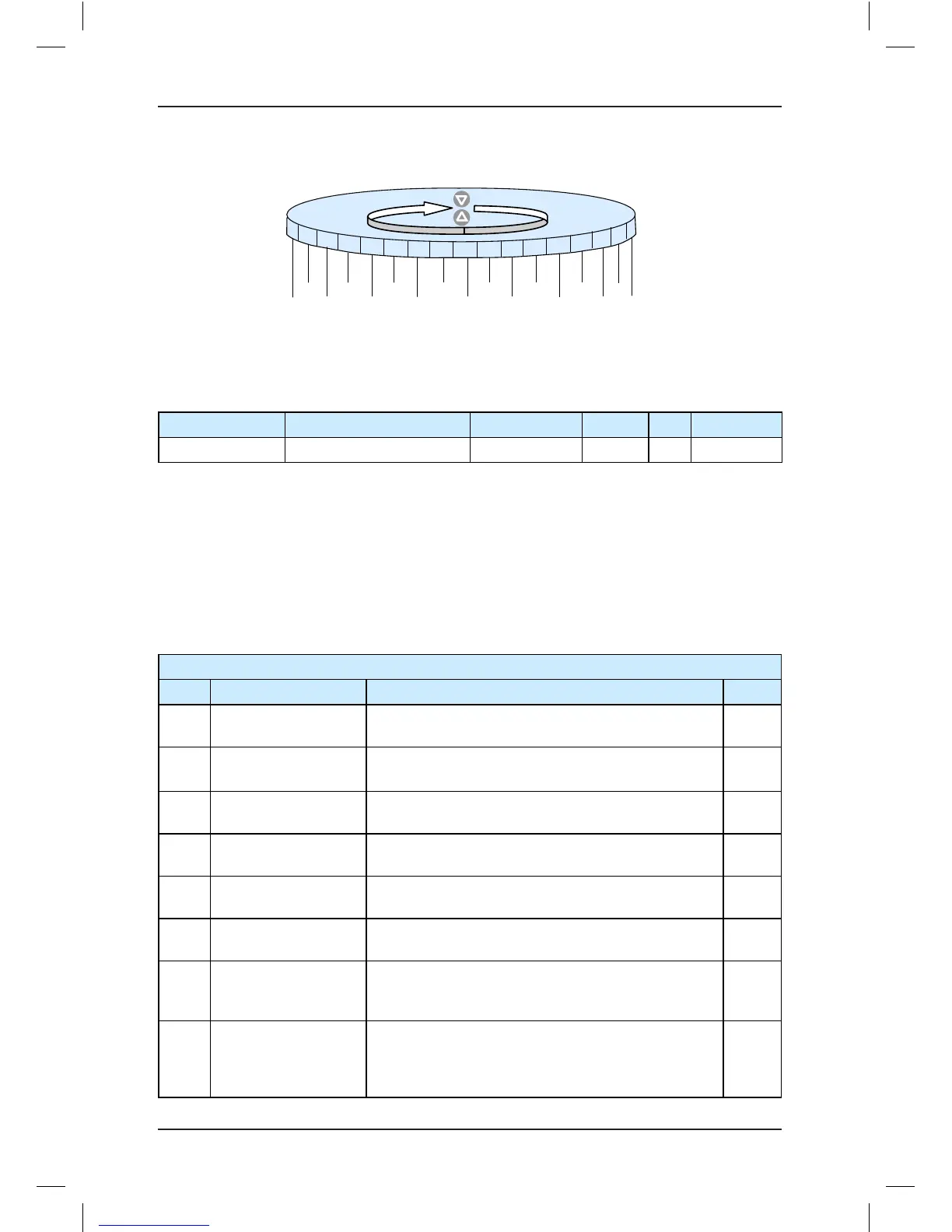
Function codes with multiple bits can be viewed and set in the same way as F6-06. These
function codes include F6-07, F6-64 to F6-69, FB-07, FC-00 and FC-01, and FE-13 and FE-
14.
Function Code Parameter Name Setting Range Default Unit Property
F6-07 Elevator function control 2 0–65535 0 -
★
It is used to select the required elevator functions.
Each bit of the function code denes a function, as described in the following table.
If a bit is set to 1, the function indicated by this bit is enabled; if this bit is set to 0, the
function is disabled.
For details on how to view and set this function code in bit, refer to F6-06.
Table 7-8 Functions indicated by bits of F6-07
F6-07 Elevator function control 2
Bit Function Description Default
Bit2
Arrow blinking during
running
The display arrow blinks during elevator running. The
blinking interval is set in F6-08.
0
Bit3
Elevator lock in the
attendant state
The elevator is locked properly in the attendant state. 0
Bit6
Fault code not
displayed on keypad
The fault code is not displayed on the keypad of the
MCB.
0
Bit9
Stop holding at brake
feedback abnormal
When the brake feedback is abnormal, the controller
retains the holding torque.
0
Bit10
Cancelling Err30
detection at re-leveling
Err30 is not judged during re-leveling. 0
Bit12 Fault auto reset
The controller automatically resets the faults once
every hour.
0
Bit13
Super short oor
function
The controller cannot perform shaft-tuning if the oor
height is less than 500 mm. After this function is
enabled, shaft-tuning can be performed normally.
0
Bit14
Up slow-down not
reset for super short
oor
If this function is enabled, the up slow-down 1 signal
does not reset oor display. The down slow-down 1
signal still resets oor display. This is valid only when
the customized super short oor function is enabled.
0



 To Next Page