4-66 Motorola RF Switch System Reference Guide
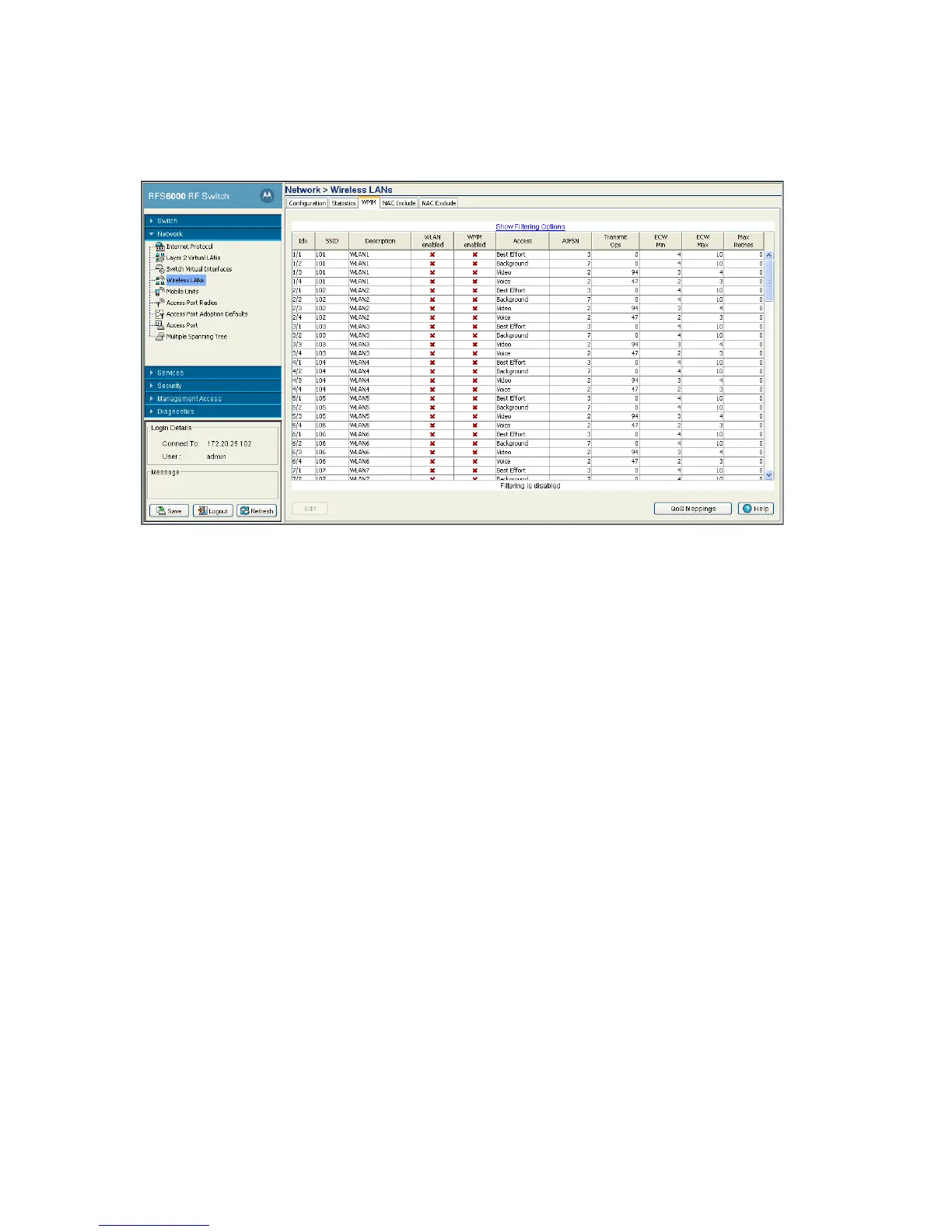
1. Select Network > Wireless LANs from the main menu tree.
2. Click the WMM tab.
The WMM tab displays the following information:
Idx Displays the WLANs numerical identifier. This field is displayed in a two part
format. The first number is the WLAN index and the second number is a sub-index
corresponding to the access category. Click the Edit button to modify this property.
Note: The available WLAN index range is from 1-24 for RFS4000.
SSID Displays the Service Set ID (SSID) associated with each WLAN.
Description Displays a brief description of the WLAN.
WLAN enabled Displays the status of the WLAN. A Green check defines the WLAN as enabled
and a Red "X" means it is disabled. The enable/disable setting can be defined
using the WLAN Configuration screen.
WMM enabled Displays WLAN-WMM status. It can be enabled (for a WLAN) from the WLAN
Configurations Edit screen by selecting the Enable WMM checkbox.
Access Displays the Access Category for the intended radio traffic. Access Categories are
the different WLAN-WMM options available.
The four Access Category types are:
• Background — Optimized for background traffic
• Best-effort — Optimized for best effort traffic
• Video — Optimized for video traffic
• Voice — Optimized for voice traffic
AIFSN Displays the current Arbitrary Inter-frame Space Number (AIFSN). Higher-priority
traffic categories should have lower AIFSNs than lower-priority traffic categories.
This will cause lower-priority traffic to wait longer before attempting access.


 To Next Page
 Loading...






