Chapter 6 LightField and Gated Operation 107
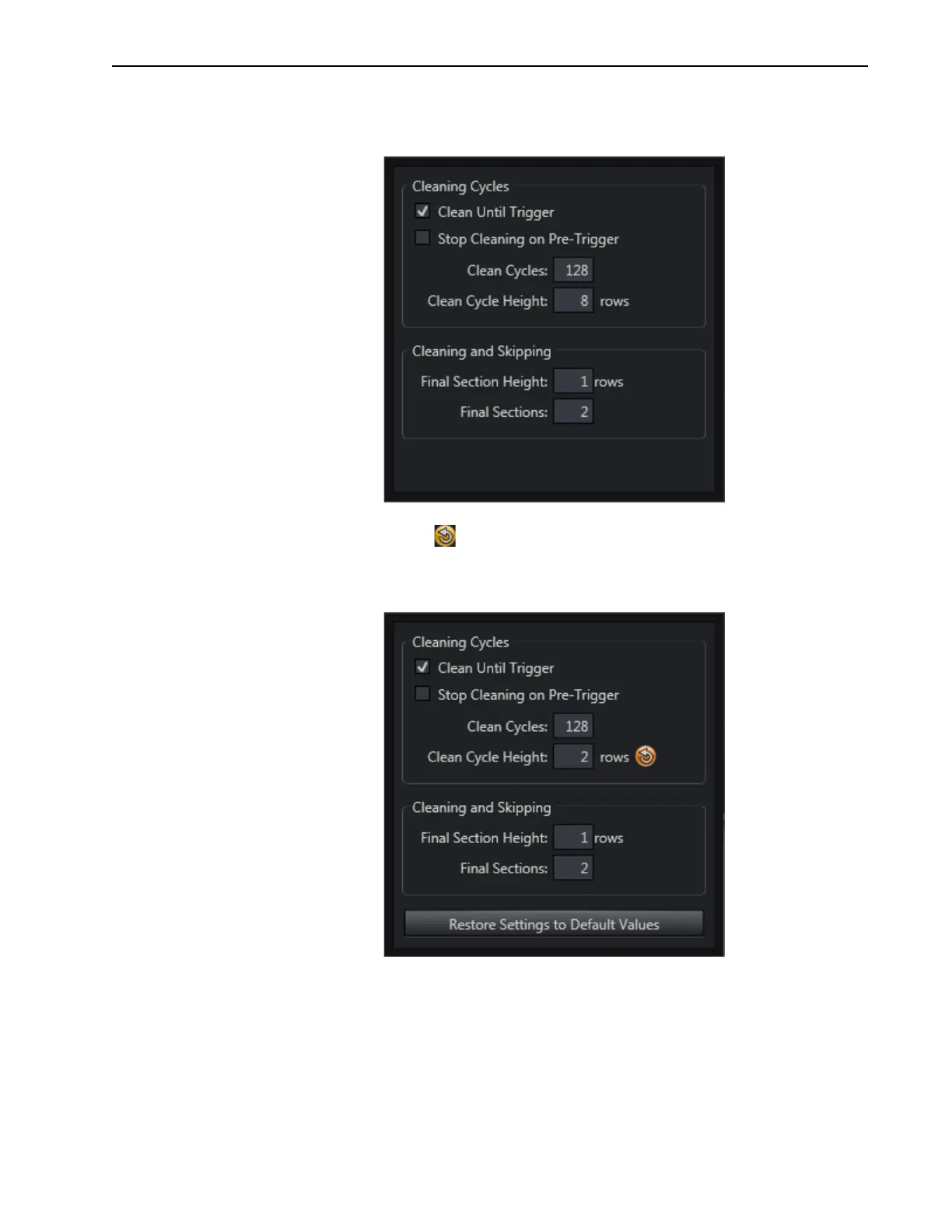
4. On the Sensor expander, click on the Sensor Cleaning button to configure the desired
cleaning parameters. See Figure 6-6.
Figure 6-6: Typical Sensor Cleaning Dialog
If a Restore to Default button is displayed on the dialog, click it to restore the
associated parameter to its default value. See Figure 6-7.
Figure 6-7: Typical Reset to Default



 To Next Page