Chapter 6 LightField and Gated Operation 111
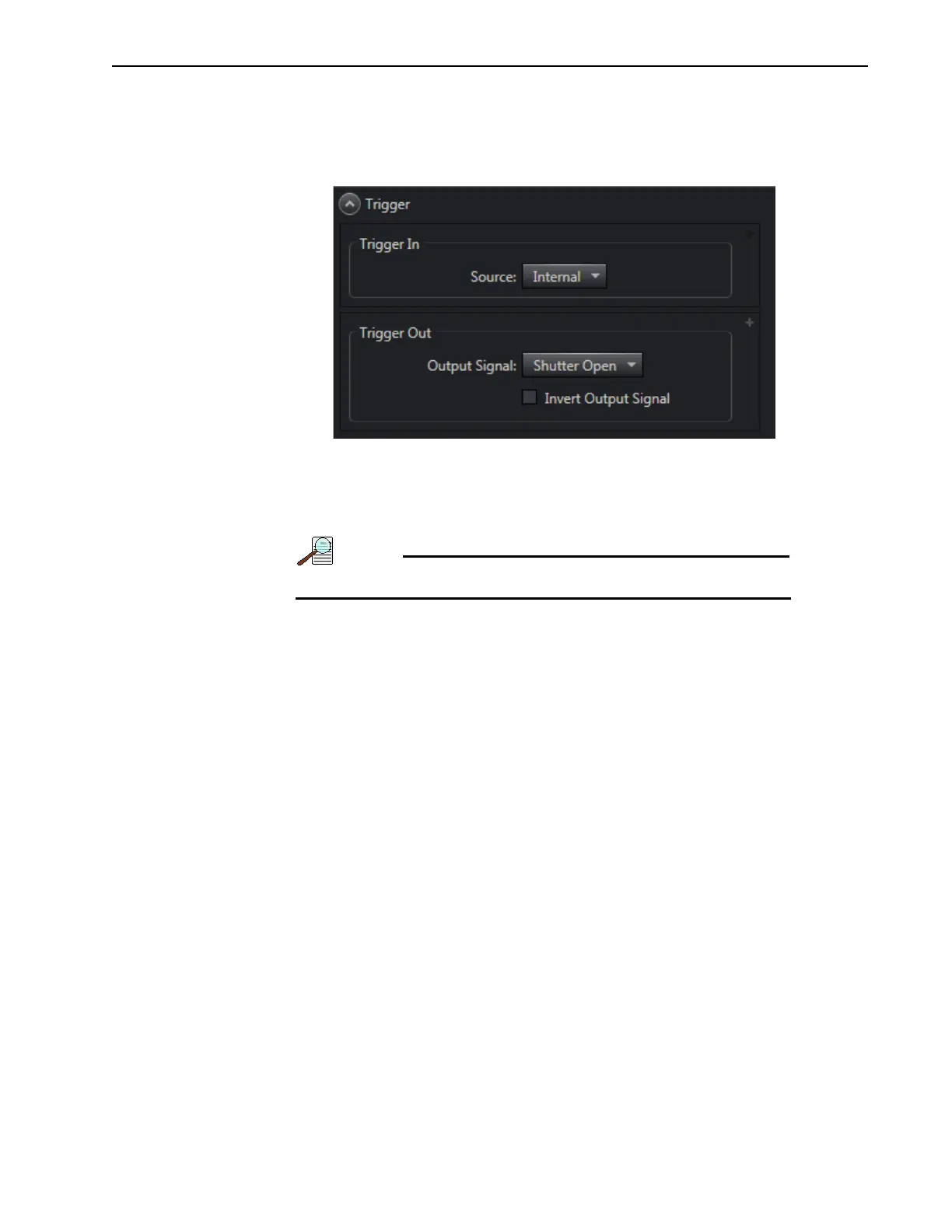
c. On the Trigger expander, configure the following parameters as indicated:
• Trigger Source: Internal.
See Figure 6-12.
Figure 6-12: Typical Trigger Expander
d.
Verify the ambient light level is low. Adjust the light level as required.
e. If necessary, click on the View tab and then click Run.
The camera will begin acquiring data.
Data collected at this time will not be saved.
f. Once it has been verified that the camera is operating properly and is in focus, halt
data acquisition.
9. On the Regions of Interest expander, configure the following parameters as indicated:
• Select Full Sensor, Binned;
• Bin H: 1024.
See Figure 6-13.



 To Next Page