90 PI-MAX
®
4 System Manual Issue 9
5.14 LightField Experiment Setup
Initial experiment setup for LightField is an easy process. If the PI-MAX4 is powered on when
LightField is launched, the camera will automatically be detected and its icon will be placed in
the
Available Devices area. When the camera icon is dragged into the Experiment Devices
area, the appropriate expanders are loaded in the
Experiment Settings stack. If this is the first
time LightField has been launched with this specific camera, the default settings for the camera
will have been loaded into the expanders.
The following sections provide brief descriptions of many
Experiment Settings expanders.
For detailed information about each expander, refer to the
LightField online help.
5.14.1 Common Acquisition Settings Expander
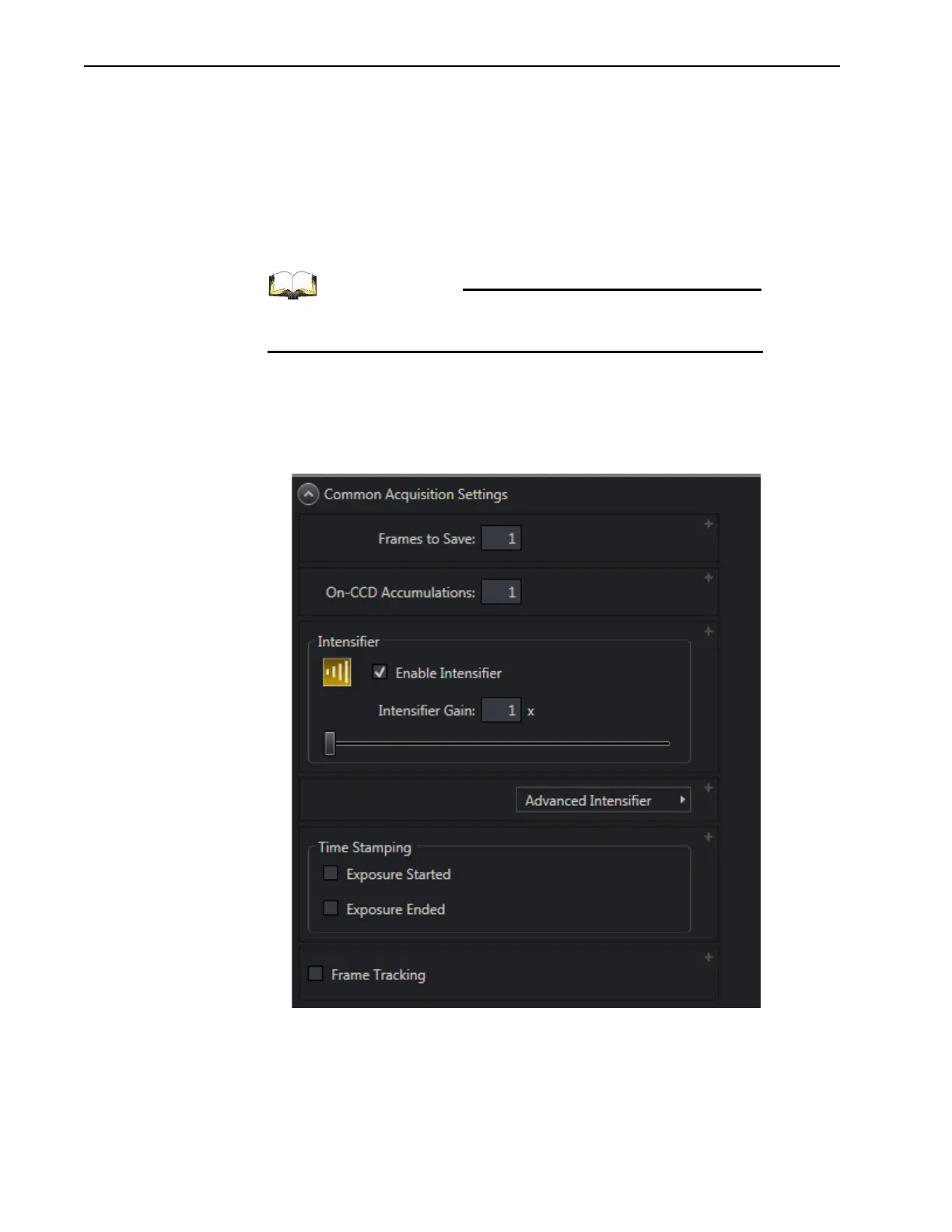
Figure 5-23 illustrates a typical Common Acquisition Settings expander.
Figure 5-23: Typical Common Acquisition Settings Expander



 To Next Page