140 PI-MAX
®
4 System Manual Issue 9
f. Click OK to save all Experiment Setup configuration information and dismiss the
dialog.
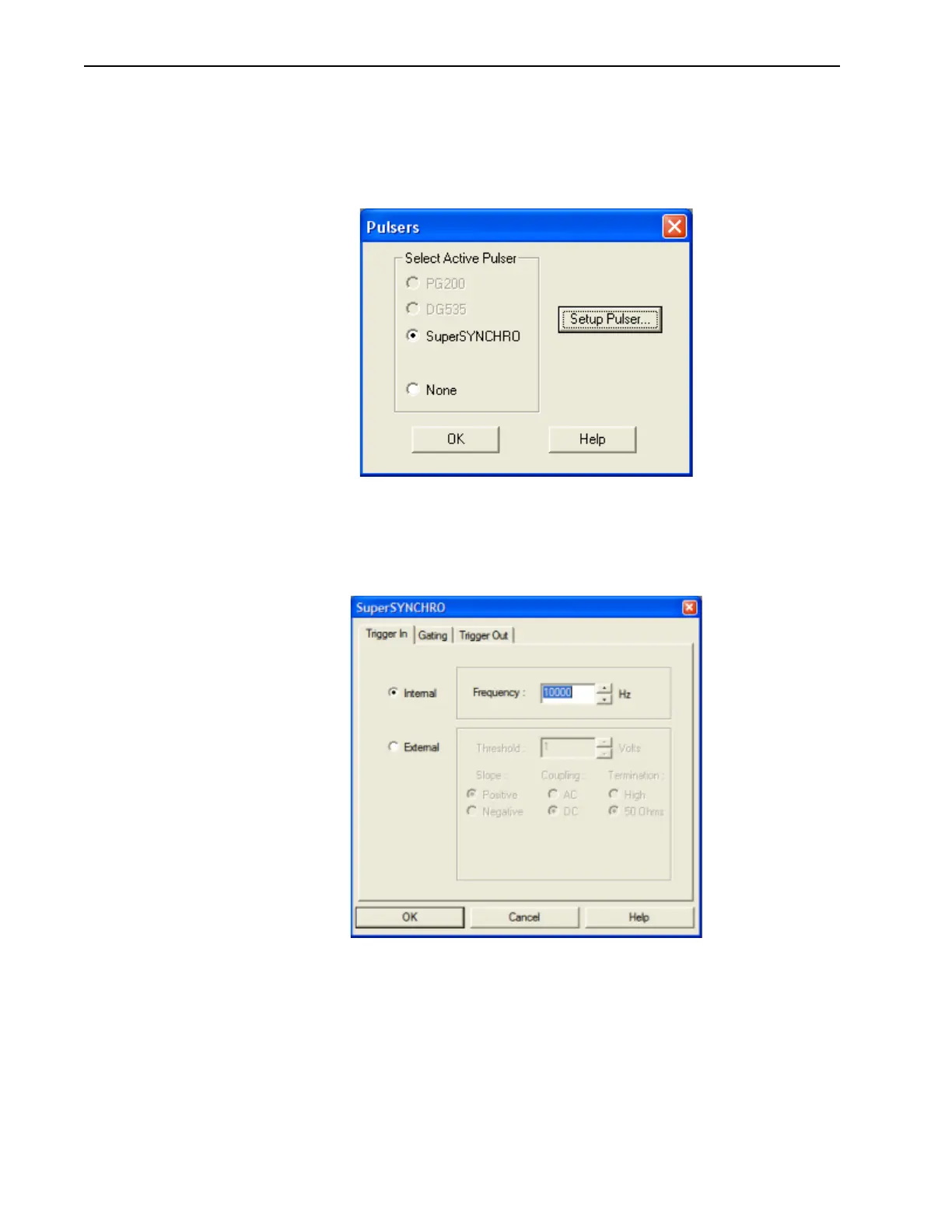
g. From the Setup pull-down menu, select Pulsers.
The
Pulsers dialog is displayed, similar to that shown in Figure 7-12.
Figure 7-12: Typical WinX Pulsers Dialog
h.
Select the SuperSYNCHRO radio button, and then click on the Setup Pulser…
button.
The
SuperSYNCHRO dialog is displayed, as shown in Figure 7-13.
Figure 7-13: Typical SuperSYNCHRO Dialog: Trigger In Tab
i.
If not already selected, select the Internal radio button.
j. Configure the desired Frequency, in Hz.
k. Click OK to save the configuration settings and dismiss the SuperSYNCHRO
dialog.
l. Click OK to save the configuration settings and dismiss the Pulsers dialog.
m. Verify the ambient light level is low. Adjust the light level as required.



 To Next Page