297
Appendix F: Spectrograph Mount
Information
This appendix provides information about mounting a PI-MAX4 with spectroscopy-mount
adapter to an Acton SpectraPro Series or IsoPlane
®
SCT-320 spectrograph and for
subsequent alignment and focusing of the spectrometer. Mounting the camera to an Acton
SpectraPro Series spectrograph requires a male sliding tube that slides into the spectrograph
for setting the alignment and focus. Mounting a camera to an IsoPlane is a matter of bolting it
directly to the mounting plate on the IsoPlane. Once a camera has been mounted to the
spectrograph, the camera must be aligned and focused to the spectrograph optics for the best
signal acquisition.
When mounted to a spectrograph, the text on the back of the
camera should be right side up.
F.1 Mount PI-MAX4 to an Acton SpectraPro Series Spectrograph
This section provides the procedure for mounting a PI-MAX4 with a 3.60 3-hole Slotted
Flange to an Acton SpectraPro Series spectrograph.
F.1.1 Required Tools and Equipment
The following tools and equipment are required:
F.1.2 Procedure
Perform the following procedure to install a PI-MAX4 on an Acton SpectraPro Series
Spectrograph
• 5/32” Hex wrench • 3/32” Hex wrench
• 5/16” Open end wrench
a
a. Included in Spectrometer Kit bag
• (3) 10-32x ½” hex head stainless steel screws
a
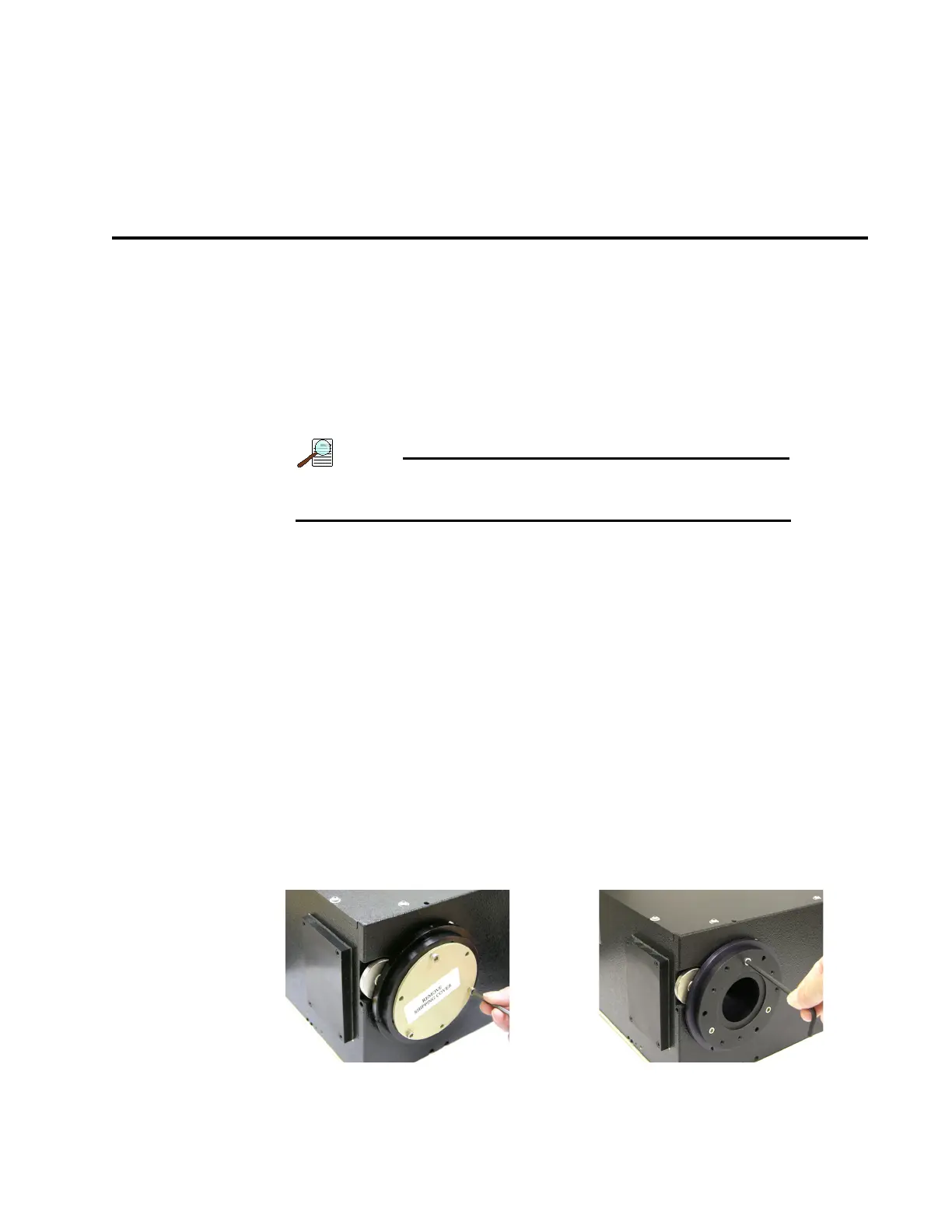
1. Remove shipping plate and store. 2. Remove spacer and store.



 To Next Page