Chapter 7 WinX and Gated Operation 135
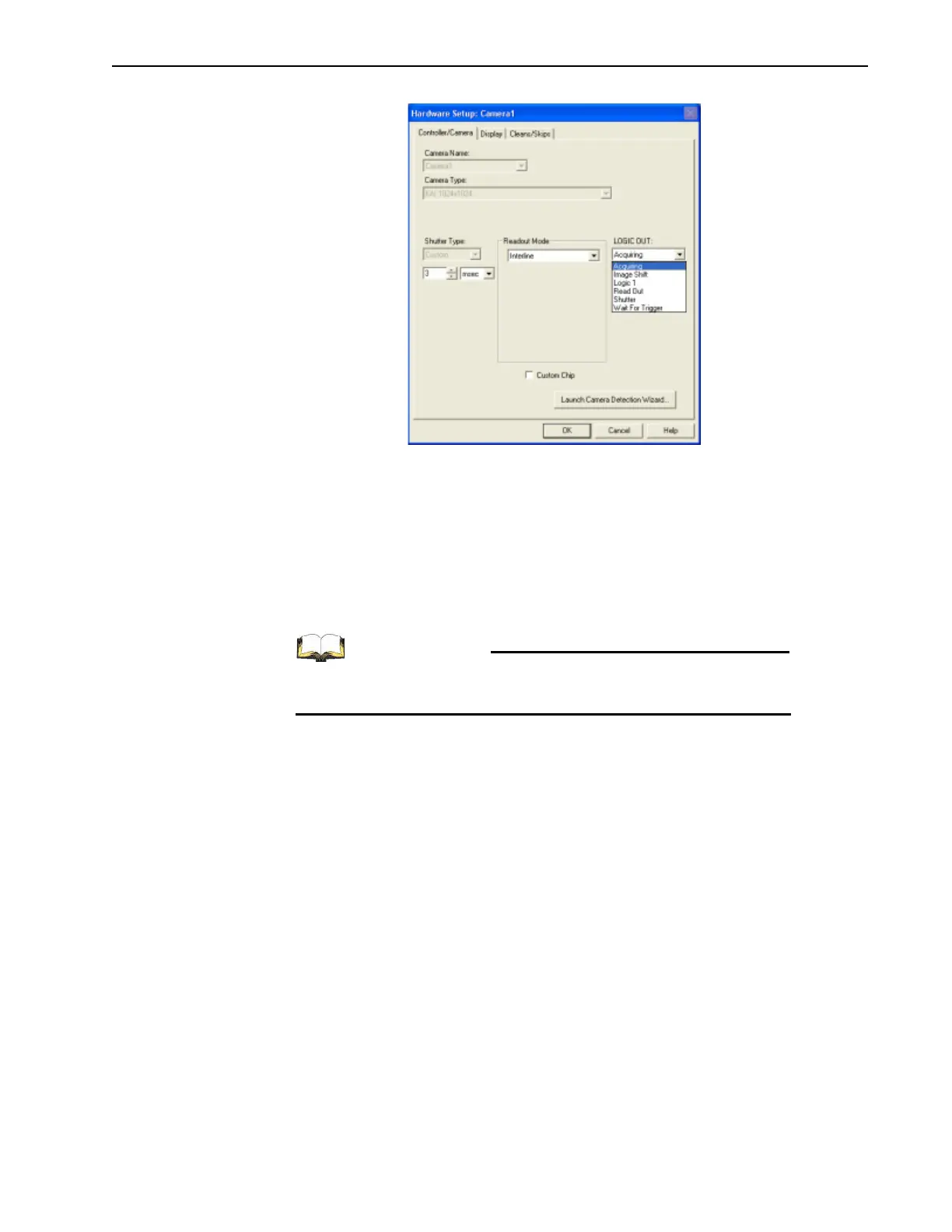
Figure 7-5: Typical Hardware Setup Dialog
4.
Click on the Cleans/Skips tab.
5. Click the Load Default Values button.
6. Click OK to save the configuration information and dismiss the Hardware Setup
dialog.
7. From the menu bar, select Setup —> Detector Temperature.
8. Within the Target Temperature field, enter the desired temperature.
9. Clicking Set Temp followed by OK.
For additional information, refer to the WinView/32 or
WinSpec/32 User’s Manual as needed.



 To Next Page