Chapter 7 WinX and Gated Operation 143
Configure the following Sequential Gating parameters:
• Number of Spectra to be acquired (e.g., 41);
• Increment Type: Fixed [radio button]
• Gate Width Start
This is the desired initial Gate Width.
Both numeric value (e.g.,
5,) and an associated unit (e.g., µsec,) must be
configured.
• Gate Width End
This is the desired ending Gate Width.
Both numeric value (e.g.,
5,) and an associated unit (e.g., µsec,) must be
configured.
In this example, a fixed gate width experiment is being
configured. Therefore, the starting and ending Gate Widths
will be the same.
• Gate Delay Start
This is the desired initial Gate Delay.
Both numeric value (e.g.,
1,) and an associated unit (e.g., µsec,) must be
configured.
• Gate Delay End
This is the desired ending Gate Delay.
Both numeric value (e.g.,
201,) and an associated unit (e.g., µsec,) must be
configured.
• On-CCD Accumulations: Gates Per Exposure: (e.g., 1.)
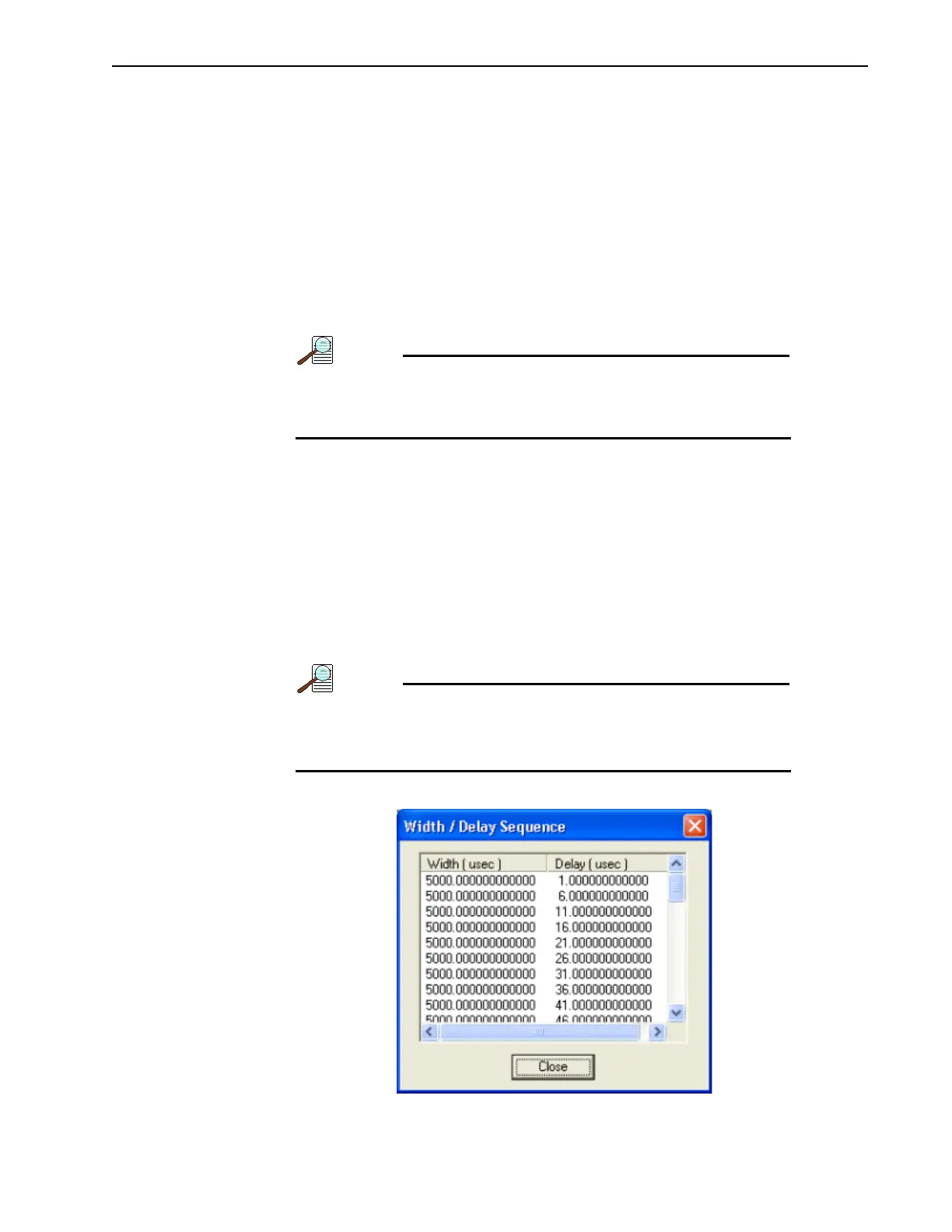
To examine the gate delay for each acquired spectra, click on
View Width/Delay Sequence. See Figure 7-18.
Click Close when done.
Figure 7-18: Typical View Width/Delay Sequence Dialog



 To Next Page