176 PI-MAX
®
4 System Manual Issue 9
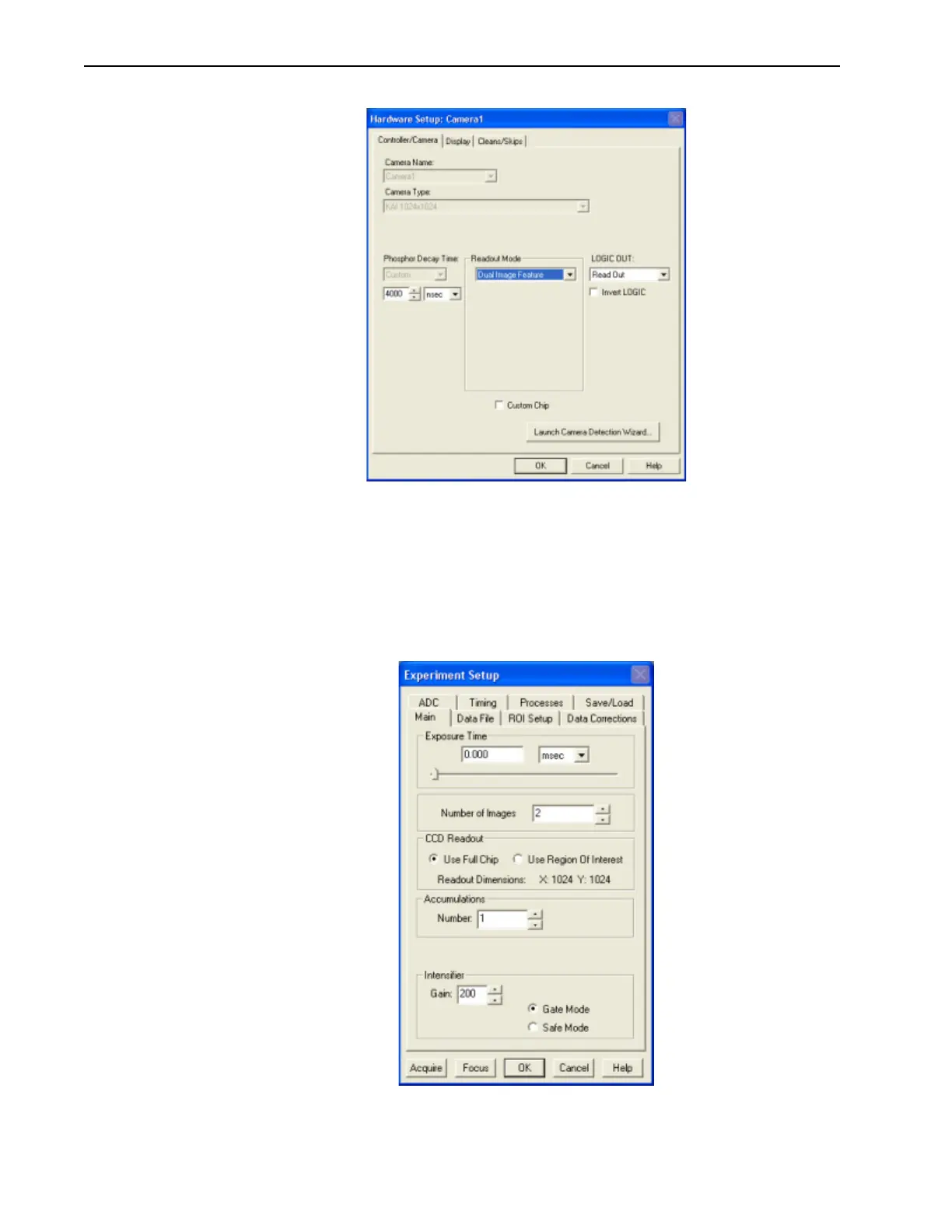
Figure 10-3: WinX Hardware Setup Dialog: Controller/Camera Tab
2.
After the alignment and focus, the PI-MAX4 system needs to be put into DIF mode. On
the
Setup —> Hardware Setup —> Controller/Camera tab, select Dual Image
Feature
as the Readout Mode, and then click OK.
3. The PI-MAX4 must be configured for Gate Mode in order for the intensifier to operate
properly. Either click on the
Gate mode button on the Custom Toolbar, or select Gate
Mode
on the Acquisition —> Experiment Setup… —> Main tab. See Figure 10-4.
Figure 10-4: WinX Experiment Setup Dialog: Main Tab



 To Next Page