56 PI-MAX
®
4 System Manual Issue 9
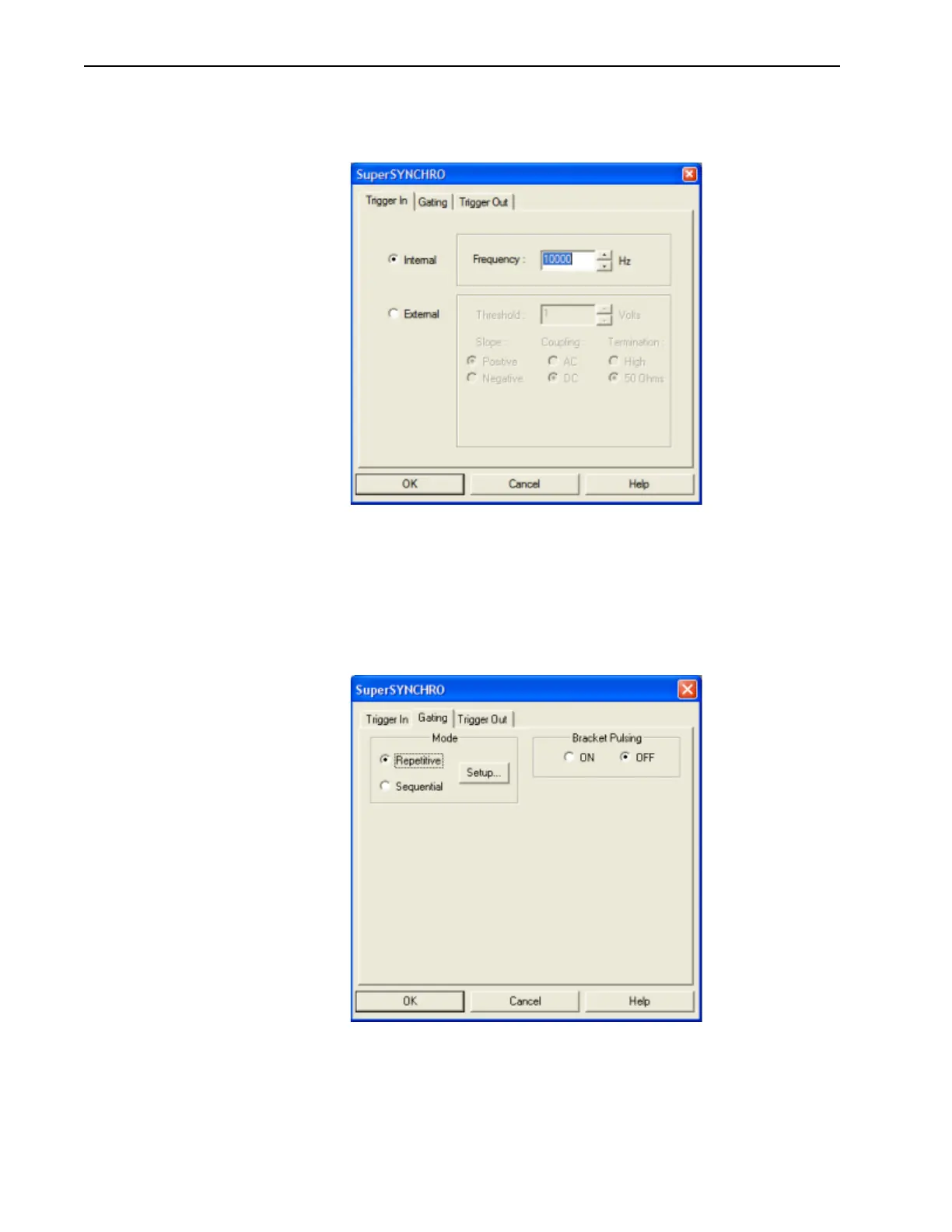
2. Select the SuperSYNCHRO radio button, and then click on the Setup Pulser… button.
The
SuperSYNCHRO dialog is displayed, as shown in Figure 4-7.
Figure 4-7: Typical SuperSYNCHRO Dialog: Trigger In Tab
3.
On the Trigger In tab, verify the following settings:
• Internal is selected;
• Frequency = 10000 Hz.
4. Click on the Gating tab.
Configure the Gating Mode by selecting
Repetitive. See Figure 4-8.
Figure 4-8: Typical SuperSYNCHRO Dialog: Gating Tab



 To Next Page