Chapter 13 PI-MAX4: 1024i-RF and RF Modulation 209
13.3.4 Phase Modulation Sorting Add-In
When activated, this add-in provides the ability to sort SPE frames by Phase after each
acquisition has been completed.
Sorting SPE frames with the Phase Modulation Sorting add-in
is non-destructive and preserves the original Phase order for
the set of SPE frames.
In addition, SPE frames gathered and saved from a previous experiment can be sorted by
phase as a post process once the add-in has been loaded.
Perform the following procedure to sort SPE frames by phase:
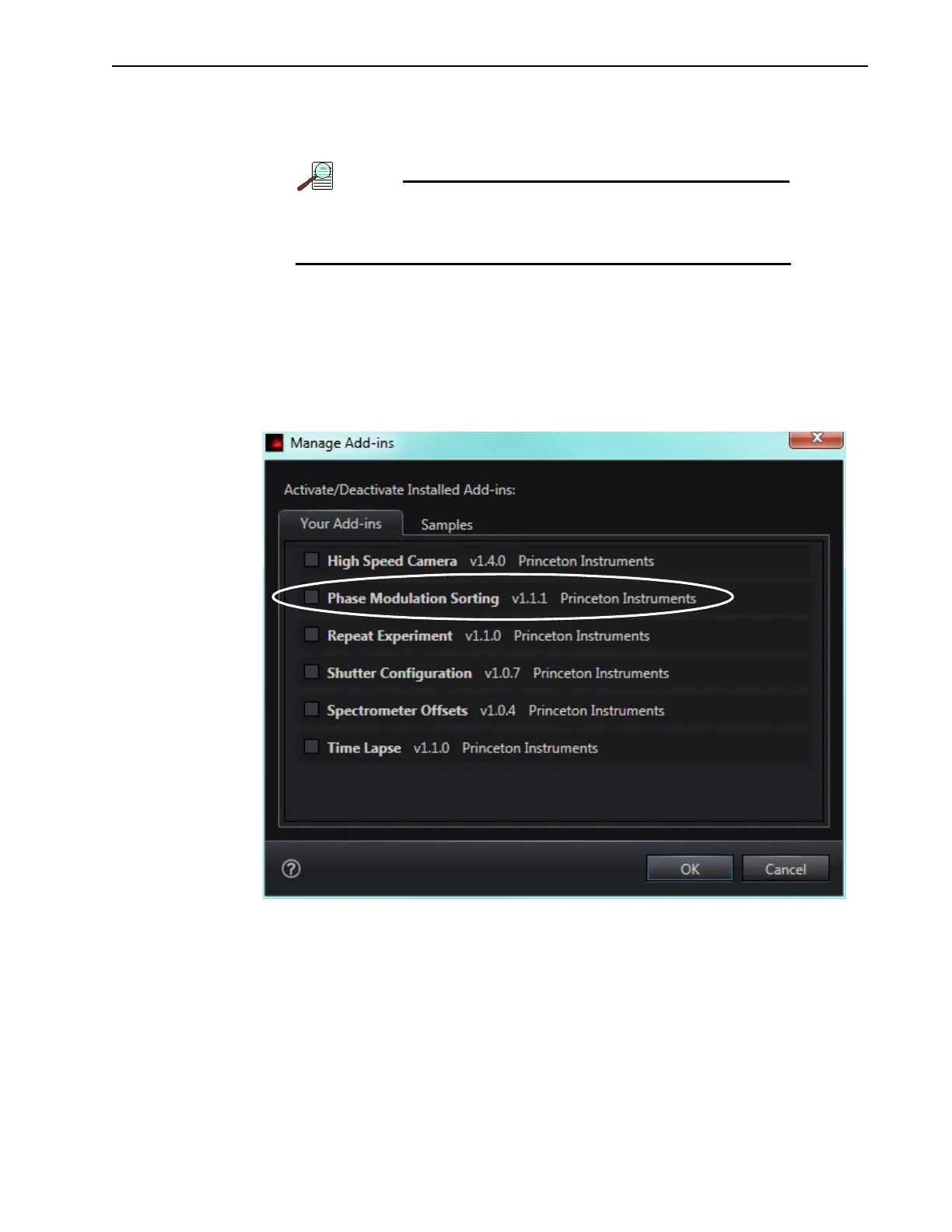
1. Within LightField, click on Application Menu —> Manage Add-ins… to display the
Manage Add-ins dialog. See Figure 13-8.
Figure 13-8: Typical Manage Add-ins Dialog
2.
On the Your Add-ins tab, locate the Phase Modulation Sorting add-in and click on its
box to select it.
3. Click OK to activate the add-in and dismiss the dialog.



 To Next Page