82 PI-MAX
®
4 System Manual Issue 9
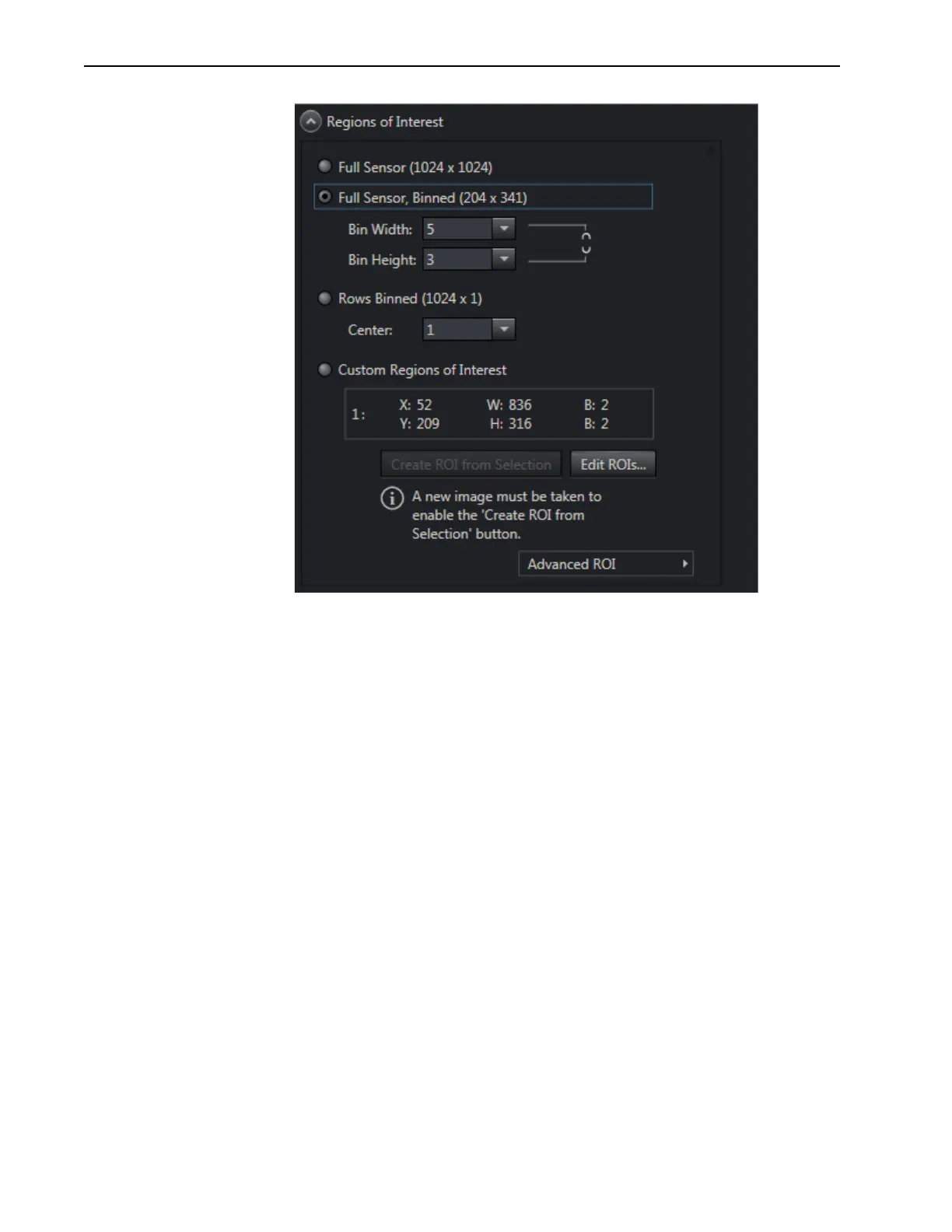
Figure 5-17: Dual Port Readout: LightField Settings, 5×3 Binning, Interline CCD
5.9 Software Binning
Software binning is a software-averaging post-acquisition process that can be performed on
either non-binned or hardware-binned data. This type of binning can improve the S/N ratio by
as much as the square root of the number of binned pixels. Unfortunately, with a high
number of scans (i.e., above 100,) camera 1/f noise may reduce the actual S/N ratio to
slightly below this theoretical value. Also, if the light source used is photon flicker (1/f
noise) limited rather than photon shot-noise limited, this theoretical signal improvement
cannot be fully realized. Again, background subtraction from the raw data is necessary.
Software binning is also useful in high light level experiments, where the camera is again
photon shot-noise limited. Summing multiple pixels in software corresponds to collecting
more photons, and results in a better S/N ratio in the measurement.
In LightField and WinX software, software binning can be configured to occur
automatically or as a manual post-processing operation.
• LightField
Automatic software binning is configured by entering the Bin W and Bin H
parameters directly on the
Region of Interest expander or when creating a Custom
ROI via the
Edit Regions of Interest window. Alternatively you can acquire raw
data, load the file in the Data Workspace, select
Software Binning from the
Processes menu, enter the binning parameters, preview the resulting data, OK the
process, and then use the Data Workspace
Save function to save the result to an
appropriately named file.



 To Next Page