54 PI-MAX
®
4 System Manual Issue 9
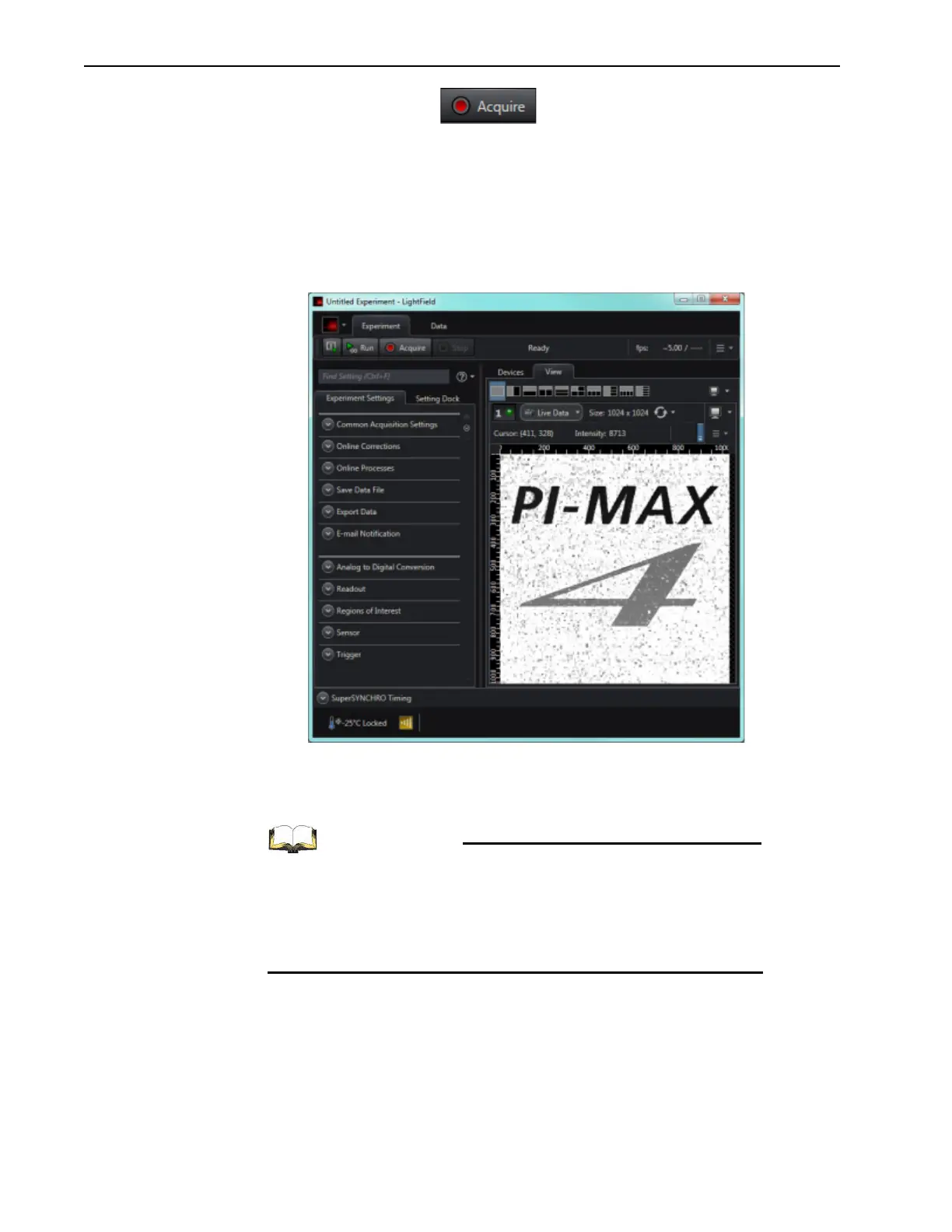
6. Click on the Acquire button to begin image acquisition.
• If an image is displayed, PI-MAX4 is able to acquire an image.
If the image is out of focus, reposition the target and/or rotate the lens. Click on
Acquire to determine the degree to which the focus has changed.
• If the image is upside down, change the image orientation using the Online
Corrections
expander.
Figure 4-5 shows a properly oriented, in-focus image.
Figure 4-5: LightField View Area Displaying an Acquired Image
4.5.5 Focusing
For complete information about focusing the PI-MAX4 camera
when using C-, F-, or spectroscopy mounts, refer to:
• Section E.4, Focusing C- and F-Mount Lenses;
• Section F.3, Spectrograph-Camera Rotational
Alignment and Focusing



 To Next Page