Chapter 7 WinX and Gated Operation 145
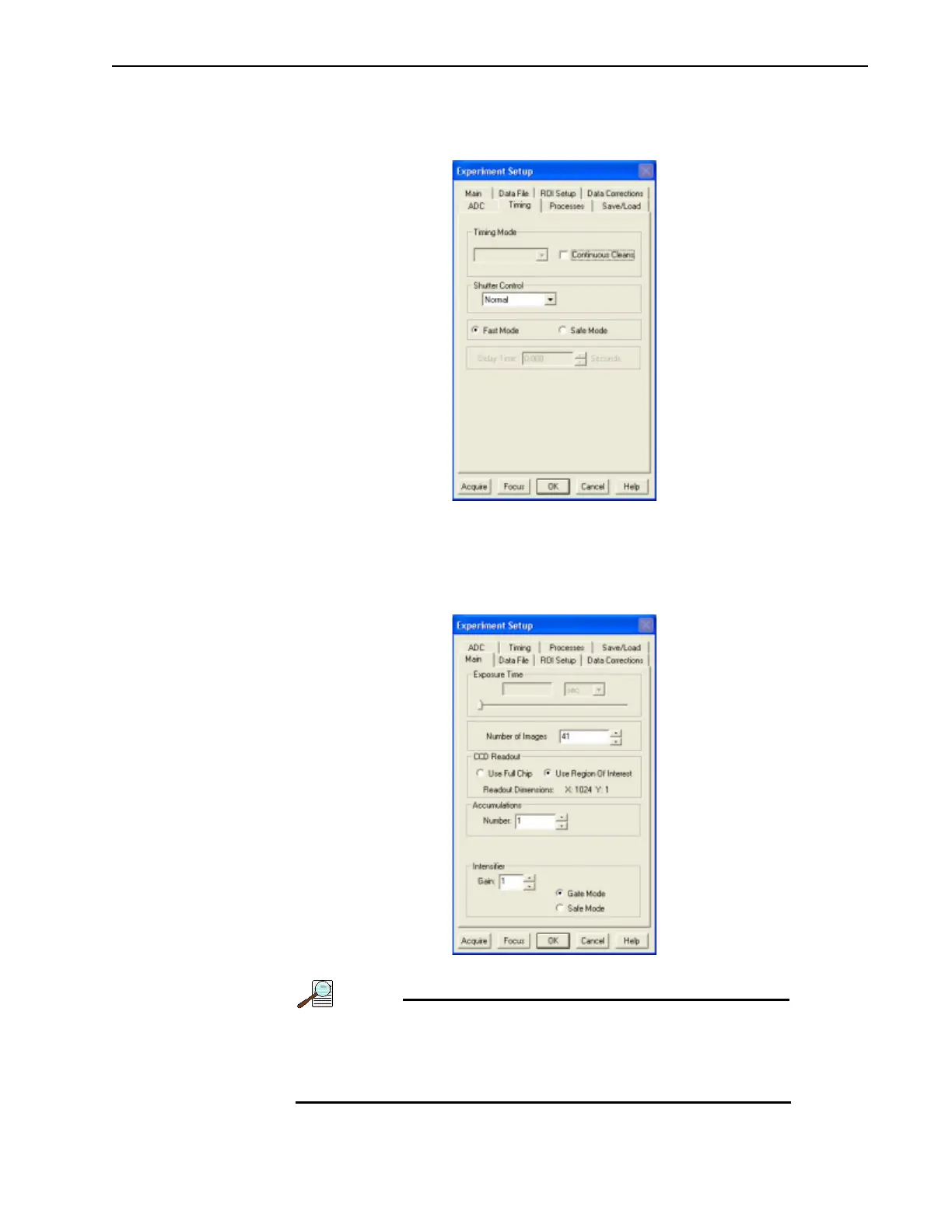
14. Configure experiment parameters from the Experiment Setup dialog.
a. Click on the Timing tab and configure the timing as shown in Figure 7-20.
Figure 7-20: Experiment Setup: Timing Tab
b.
Click on the Main tab, select Gate Mode, and enter the desired Intensifier Gain.
The number of spectra is automatically updated depending on the number entered
on the
Sequential Gating Setup dialog. See Figure 7-21.
Figure 7-21: Experiment Setup: Main Tab
In Gate Mode, the photocathode is biased on only for the time
that each gate pulse is applied. This limits the risk of damage
resulting from room light. However, there is a risk of damaging
overload from intense light sources such as lasers.



 To Next Page