Chapter 4 First Light 57
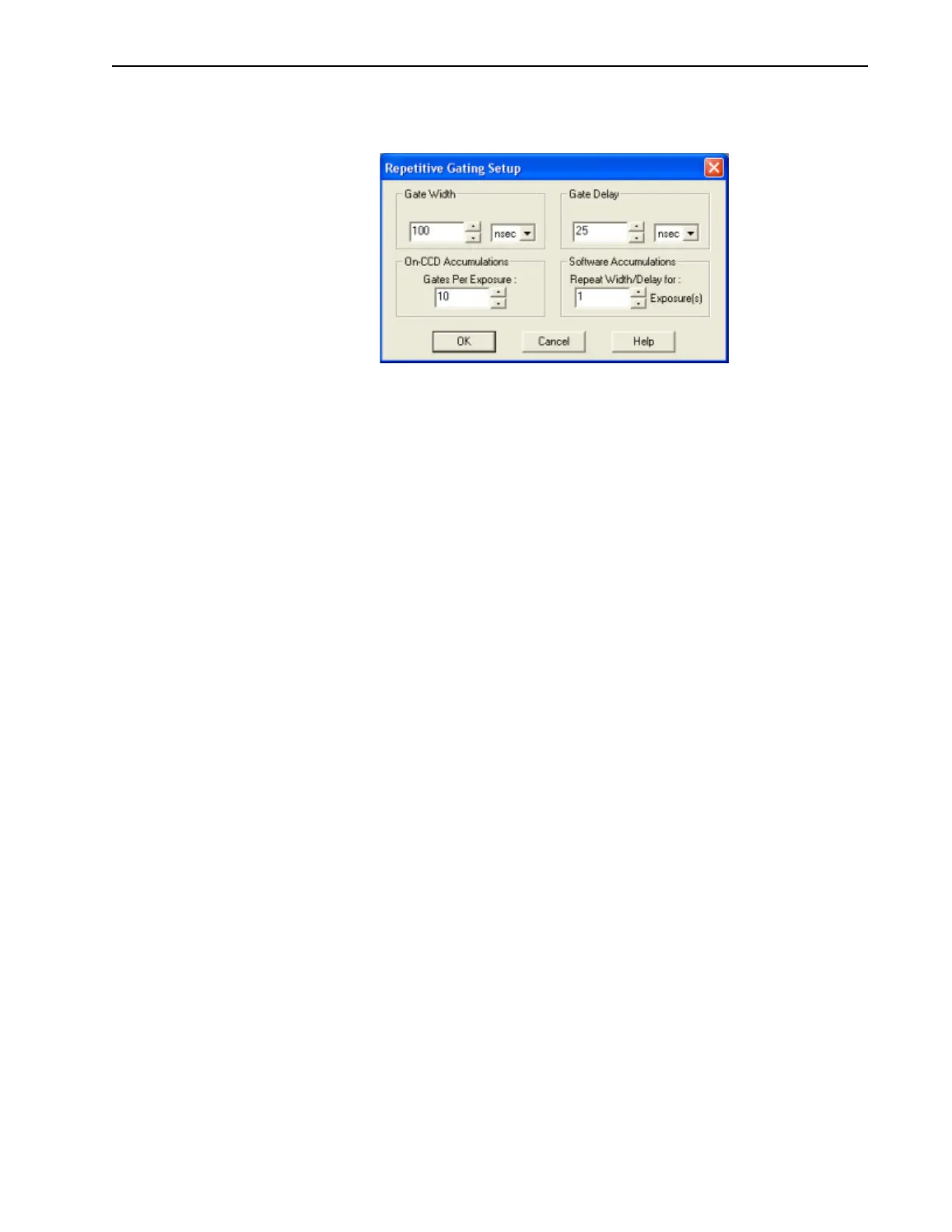
5. Click Setup… to display the Repetitive Gating Setup dialog, similar to that shown in
Figure 4-9.
Figure 4-9: Typical Repetitive Gating Setup Dialog
6.
Configure the following settings:
• Gate Width: 50 ms;
• Gate Delay: 10 ns;
• Gates per Exposure: 1;
• Repeat Width/Delay: 1.
7. Click OK to save the Repetitive Gating configuration settings and return to the
SuperSYNCHRO dialog.
8. Click OK to save the SuperSYNCHRO configuration.
9. From the Acquisition pull-down menu, select Experiment Setup.
The
Experiment Setup dialog is displayed with the Main tab shown.



 To Next Page