92 PI-MAX
®
4 System Manual Issue 9
5.14.2 Region of Interest Expander
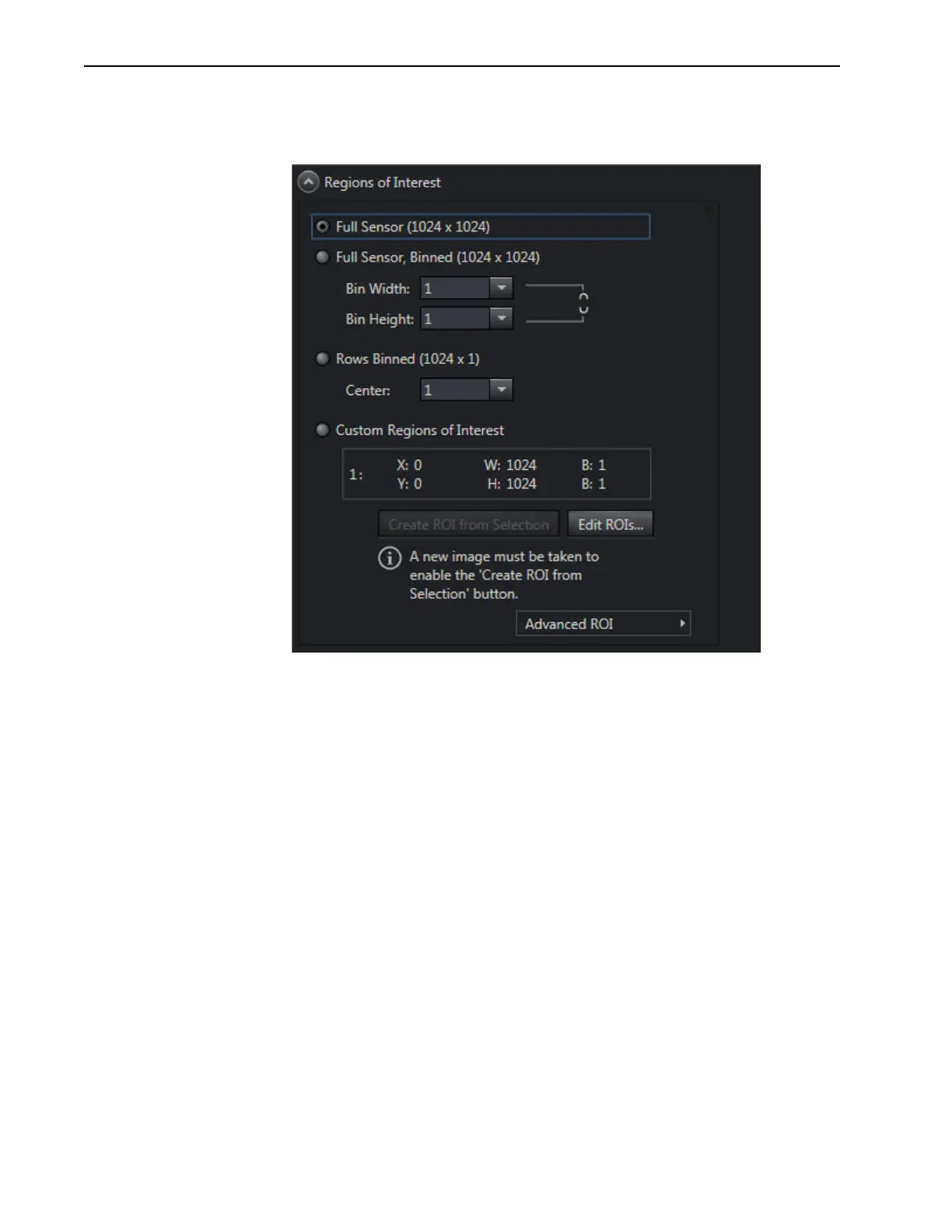
Figure 5-25 illustrates a typical Region of Interest expander.
Figure 5-25: Typical Region of Interest Expander
The Region of Interest expander is used to configure how much of the total sensor image
area will be used to acquire the data (i.e., full sensor, or one or more regions of interest.)
Hardware or software binning are configured on this expander. The
Advanced button opens
a fly-out panel where the type of binning (hardware or software) to be used is configured
when bin values other than 1 have been specified.
The
Edit ROIs button opens the Edit Regions of Interest window where a reference image
can be captured to help define which area (or areas) on the sensor are to be included when
data acquisition is started. A selection box may be drawn to define an area, or specific
values may be entered into the ROI fields.



 To Next Page