50 PI-MAX
®
4 System Manual Issue 9
4.5.3 Parameter Configuration
This procedure is based on LightField. Basic familiarity with
the LightField software is assumed. If this is not the case,
review the software manual or have it available while
performing this procedure.
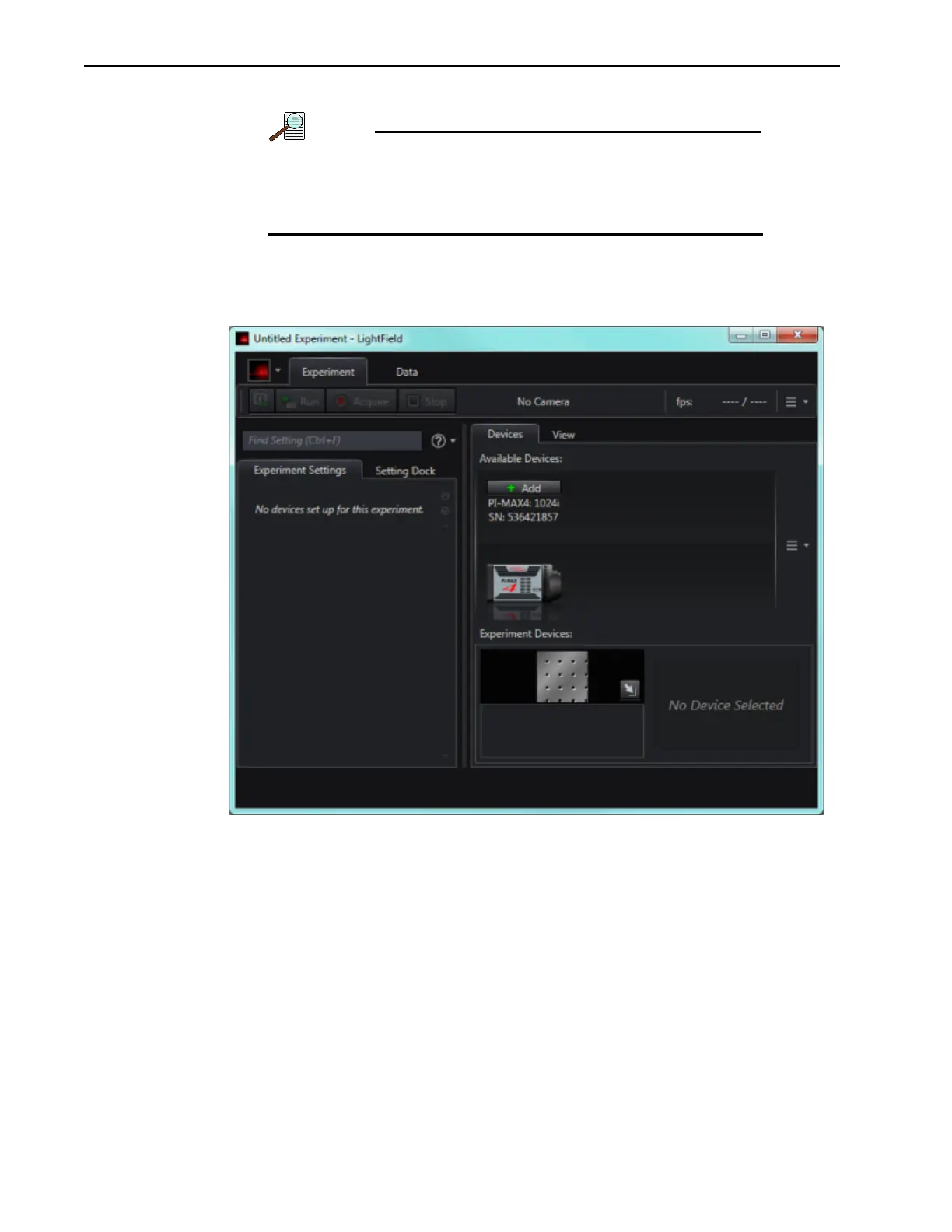
1. Once LightField has launched, an icon representing the camera should be visible within
the
Available Devices area. For example, in Figure 4-1, a PI-MAX4:1024i is shown.
Figure 4-1: LightField Desktop: Available Devices



 To Next Page