Chapter 14 PI-MAX4: EM Family 237
14.3.1 Configuring Photon Detection
Perform the following procedure to configure Photon Detection:
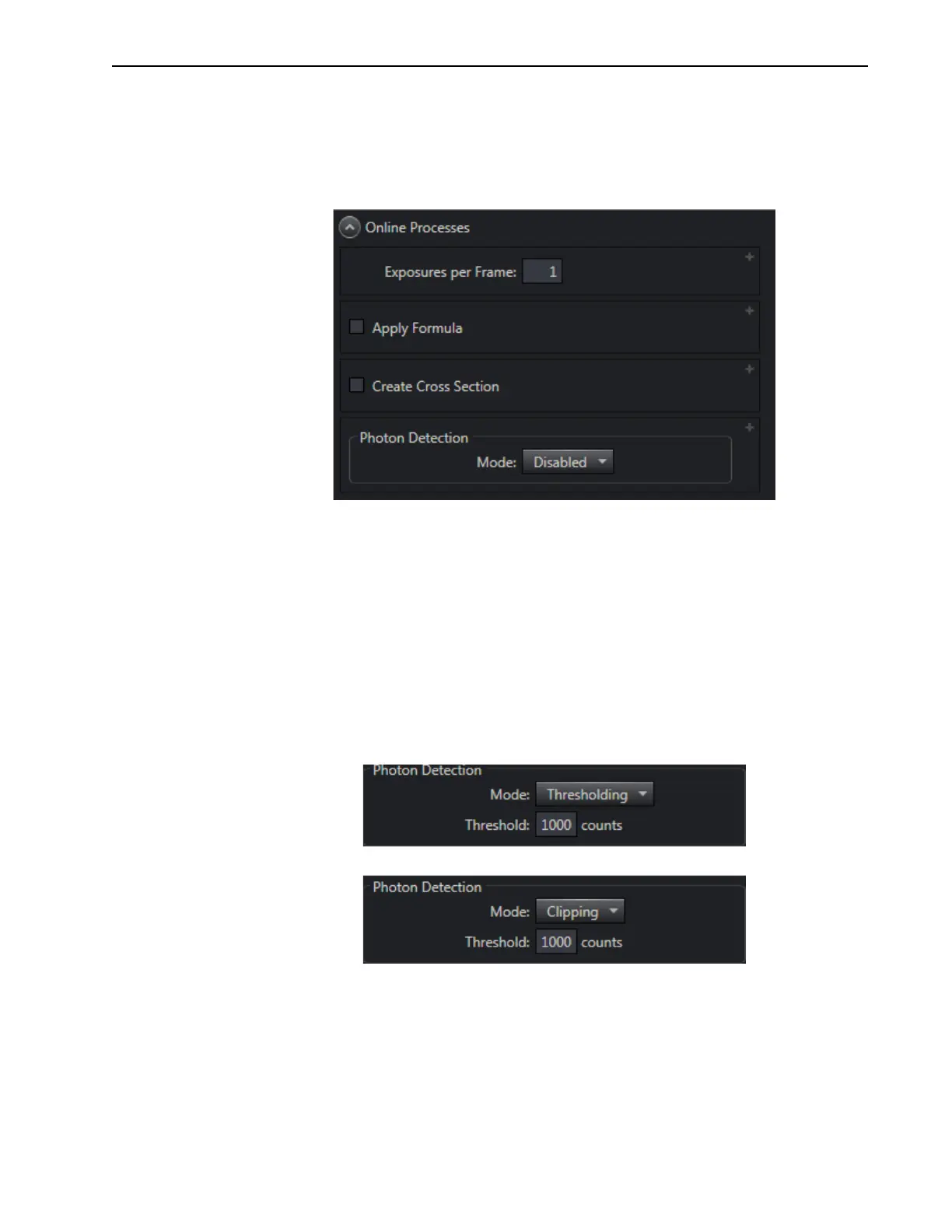
1. Photon Detection is enabled and configured on the Online Processes expander. See
Figure 14-18.
Figure 14-18:Typical Online Processes Expander: Photon Detection
2.
Within the Photon Detection section, select the desired Mode.
Supported modes are:
• Disabled [default];
• Thresholding;
• Clipping;
3. Both Thresholding and Clipping require the Threshold, in counts, be specified. The
default value is 1000 counts, but can easily be updated depending on the specific
experiment requirements.
Figure 14-19 shows the
Threshold field for both Thresholding and Clipping modes.
Figure 14-19:Typical Thresholding and Clipping Configuration Parameters



 To Next Page