Chapter 14 PI-MAX4: EM Family 221
14.1.2.1 Optimal
This is the default mode and is recommended for most applications.
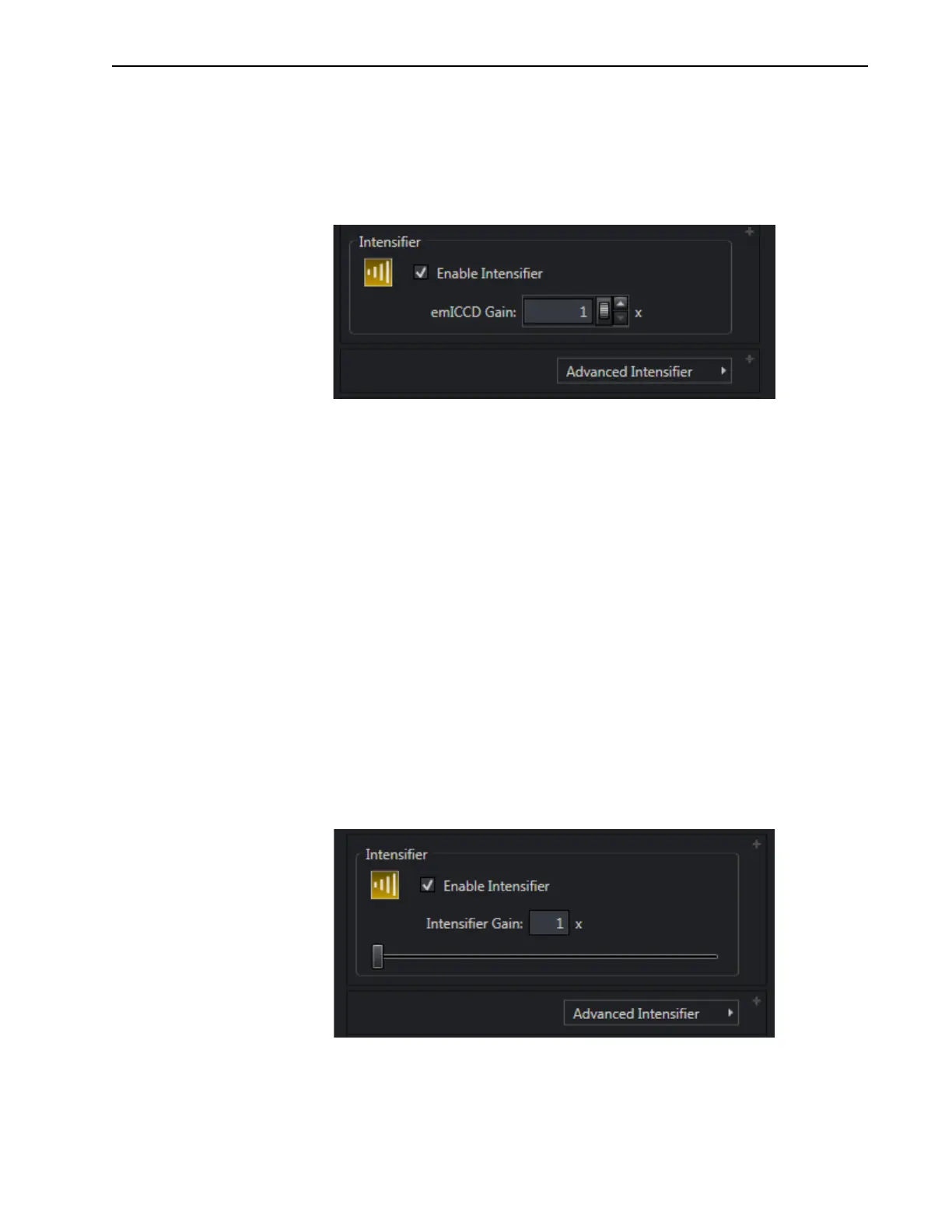
In Optimal mode, camera gain is set by configuring only one parameter, em
ICCD Gain
which is located on the
Common Acquisition Settings expander as part of the Intensifier
configuration settings block. See Figure 14-5.
Figure 14-5: Typical emICCD Gain Configuration: Optimal Mode
The desired gain may be specified manually using the keyboard, or adjusted using the scroll
wheel and/or the Up/Down arrows provided.
Valid gain settings are whole numbers between 1 and 10,000 (inclusive,) where:
• 1x corresponds to no gain and the camera performs as a standard high-speed CCD
with rather high read noise.
• 10000x is the maximum gain setting.
Gain values are mapped non-linearly to the internal serial clock voltages that vary the
multiplication gain resulting in an approximate 1:1 relationship between desired/configured
gain setting and actual gain.
Once a value for
emICCD Gain has been selected, LightField then uses a complex
algorithm to automatically select the best combination/ratio of Intensifier and EM gain
values to provide the best possible signal-to-noise ratio.
14.1.2.2 Manual
In Manual mode,
Intensifier Gain and EM Gain must be individually configured and
controlled.
• Intensifier Gain is configured on the Common Acquisition Settings expander.
Figure 14-6 shows the
Intensifier Gain configuration fields for Manual Mode.
Figure 14-6: Typical Intensifier Gain Configuration: Manual Mode
The desired Intensifier Gain can be specified manually using the keyboard, or
adjusted using the slider bar located just below the field.
Val id
Intensifier Gain values are whole numbers from 1x to 100x, inclusive.



 To Next Page