INSTALLATION PROCEDURE
C262/C265 1-16 SM
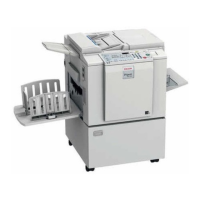
24. Raise the paper delivery table [A] slightly, then gently lower it.
25. Lift the side plates and the end plate, and adjust them to the paper size.
26. Install the platen cover or ADF ( 1.2.2 or 1.2.3).
27. Firmly insert the plug in the wall outlet.
NOTE: Make sure that the wall outlet is near the machine and easily
accessible.
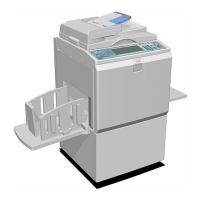
28. Open the main switch cover [B], and turn on the main switch [C].
29. Place the original on the exposure glass or ADF.
30. Make a master and make 30 prints with this master. Do this at least three times,
until the image quality is acceptable.
NOTE: This is a new drum. Because of this, before the first print is made, ink is
supplied automatically. This takes 2 minutes.
C262I036.WMFF
C262I038.WMFF
[A]
[B]
[C]


 To Next Page