entire directory. The role of the bind DN is to query the directory using the LDAP
query filter (as specified under the Advanced tab) and search base for the DN
for authenticating users. When the DN is returned, the DN and password are
used to authenticate the user.
Bind Password: Enter the password to be used to bind with the LDAP Server. Leave this
field empty for anonymous simple authentication.
NSS Password: Enter the password to be used for nss_base and nss_shadow.
Example: ou=People,dc=example,dc=com?one.
Port: The port number of the LDAP server (default port numbers: regular LDAP = 389;
secure LDAP = 636)
Checkbox Auto-follow Referrals: Allow the use of LDAP referrals to be utilized in order
to access locations that more likely hold a requested object.
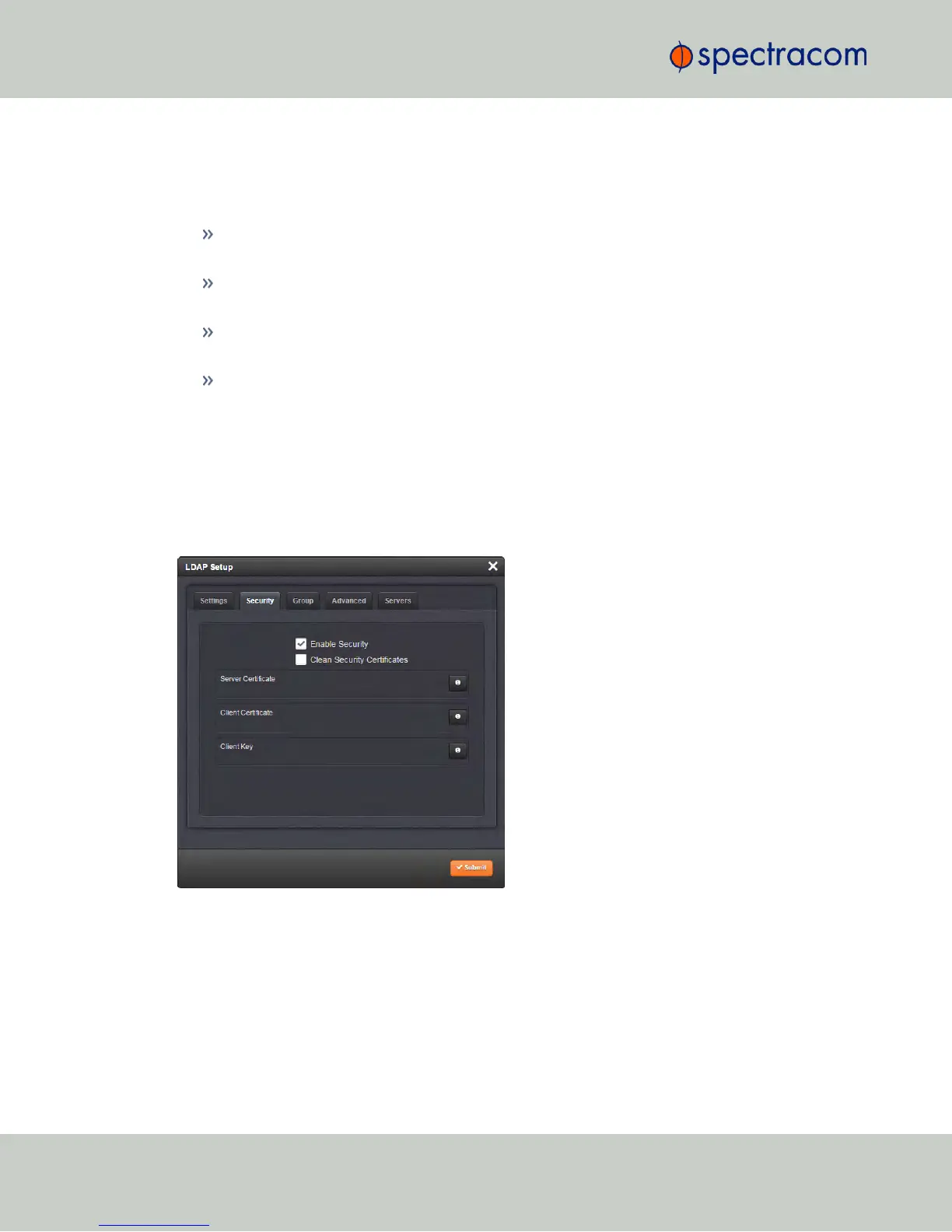
LDAP Security Settings
Under the LDAP Security tab, you can upload and install the SSL required certificates and NTP
client key. If your LDAP server requires secure communications with its "clients" (i.e. the use of
SSL), the Server Certificate, the Client Certificate, and the Client Key must be uploaded to
NetClock here.
You may upload a server certificate, a client certificate, or a client key.
For each:
a.
If necessary, create the desired certificate or client key. See "NTP Autokey: IFF Autokey
Support" on page113 for information on client keys.
b.
Click the INFO icon for the certificate you wish to upload.
c.
In the Certificate window, click the Choose File button.
246
CHAPTER 4 • NetClock User Reference Guide Rev. 16
4.3 Managing Users and Security



 To Next Page