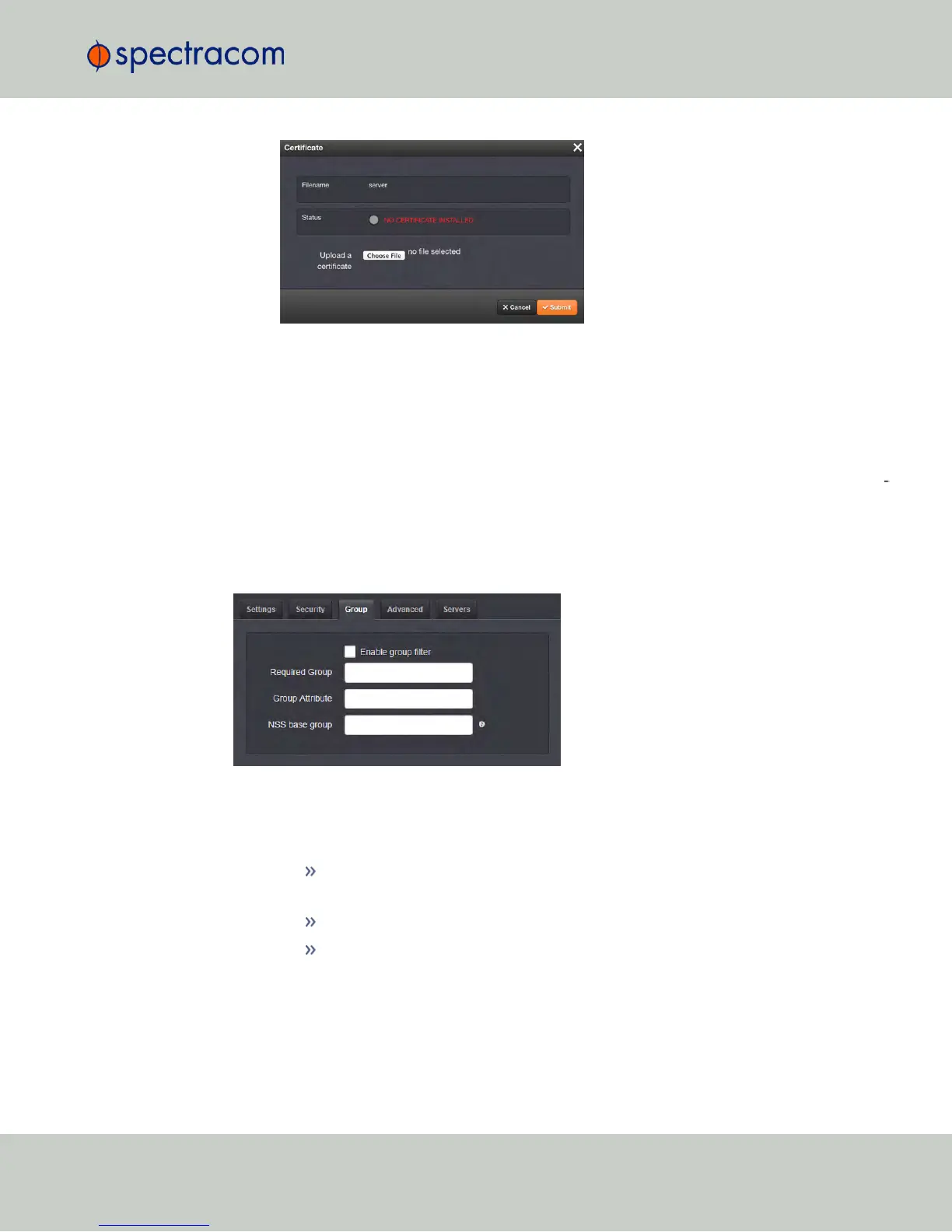
d.
Locate and upload the certificate or client key file.
e.
Click Submit.
The SSL certificates and/or client key you upload will be installed in the /home/spec-
tracom/xfer/cert/ directory.
Use the checkbox Enable Security if you want to enable SSL security, i.e. use Secure LDAP.
Use the checkbox Clean Security Certificates to remove all certificates currently stored on NetC
lock (e.g., to eliminate expired certificates).
LDAP Group Settings
Under the LDAP Group tab, you can filter access by group.
To enable group authentication:
a.
Select the Enable group filter checkbox.
b.
Enter information for:
Required Group—Enter the required group. Example. : ou=Group,
dc=example, dc=com.
Group Attribute—Enter the group attribute. Example: member.
NSS base group—Enter the nss_base group. Example: ou=Group, dc=example,
dc=com?one.
c.
Click the Submit button.
LDAP Advanced Settings
4.3 Managing Users and Security
CHAPTER 4 • NetClock User Reference Guide Rev. 16
247



 To Next Page