Vista 1 Digital Mixing System
4-40 GC Operation
Document generated: 18.04.17
SW V5.3
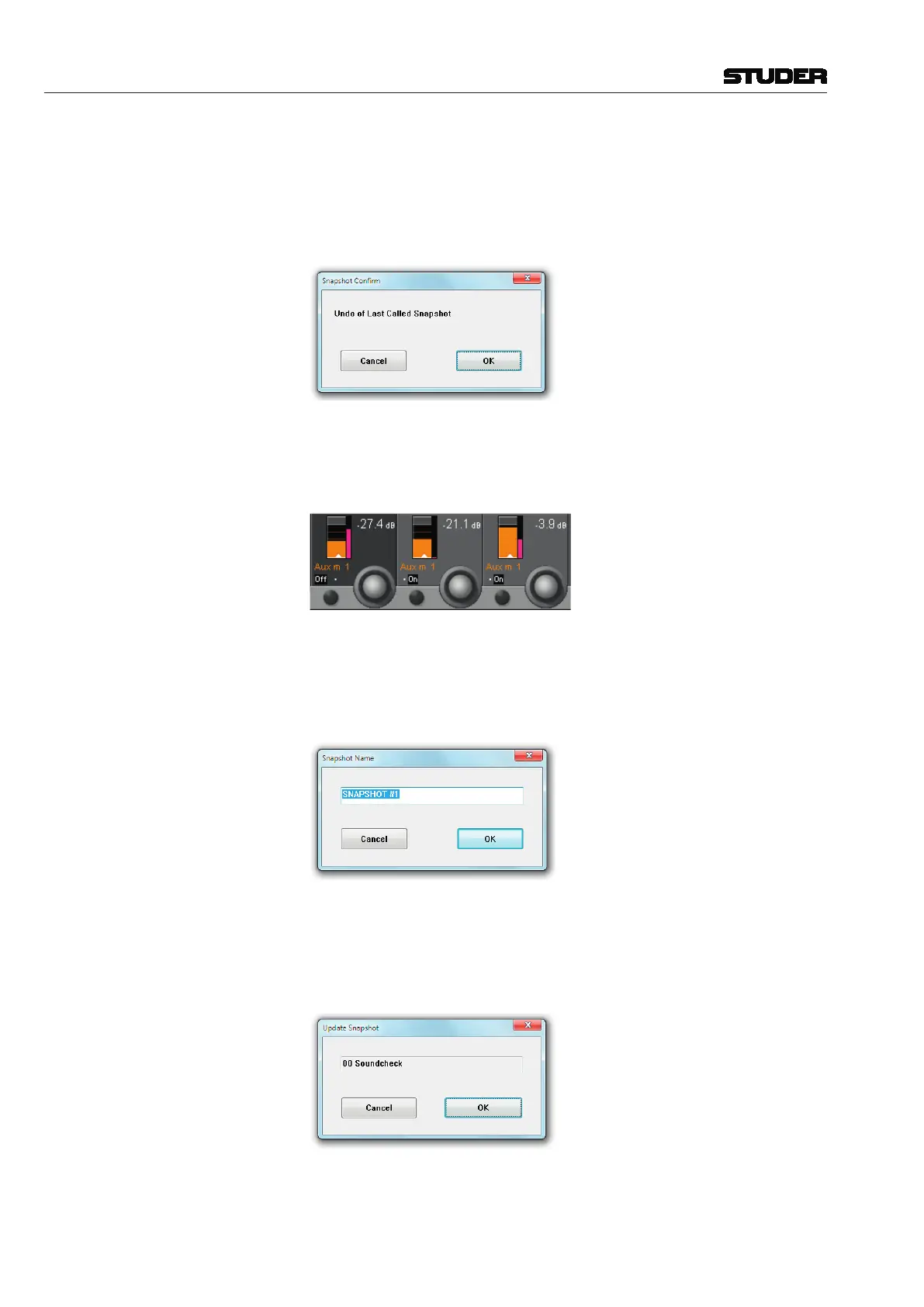
Note: Once a snapshot or preset is applied, the existing parameter settings are
replaced by those contained within the snapshot or preset. If the previous
settings had not been saved, there is an Undo button available, in order to go
back to the last settings before recalling the snapshot or preset. This has to
be confirmed as well if the ‘snapshot Confirm’ option in the Options menu
is active, as mentioned above.
Snapshot Preview If you are not completely sure whether the selected snapshot is the right one,
click on the Preview button. Its colour changes to pink, and the Vistonics
screens indicate the parameter values of the selected snapshot, next to the
current values, in pink as well - as shown below for some mono Aux levels:
(Re-) Name a Snapshot • SelectasnapshotfromtheList,and
• ClickontheName button.
This action will bring up a window that allows the user editing this snapshot’s
name. Since snapshots are listed in alphabetical order, by carefully naming
you can arrange them exactly as you wish.
Update a Snapshot • SelectasnapshotfromtheList,and
• ClickontheUpdate button.
This action will bring up a window that allows the user to confirm the update.
An update will save any changes you since made under the selected snapshot’s
name.



 To Next Page