Vista 1 Digital Mixing System
GC Operation 4-41
Document generated: 18.04.17
SW V5.3
Delete Snapshot(s) • SelectasnapshotfromtheList,or
• SelectanynumberofsnapshotsfromtheListusingthefamiliarWindows
multiple-selection techniques (press Shift and select the first and the last
snapshot with the touch pad pointer, or press Ctrl and select whichever
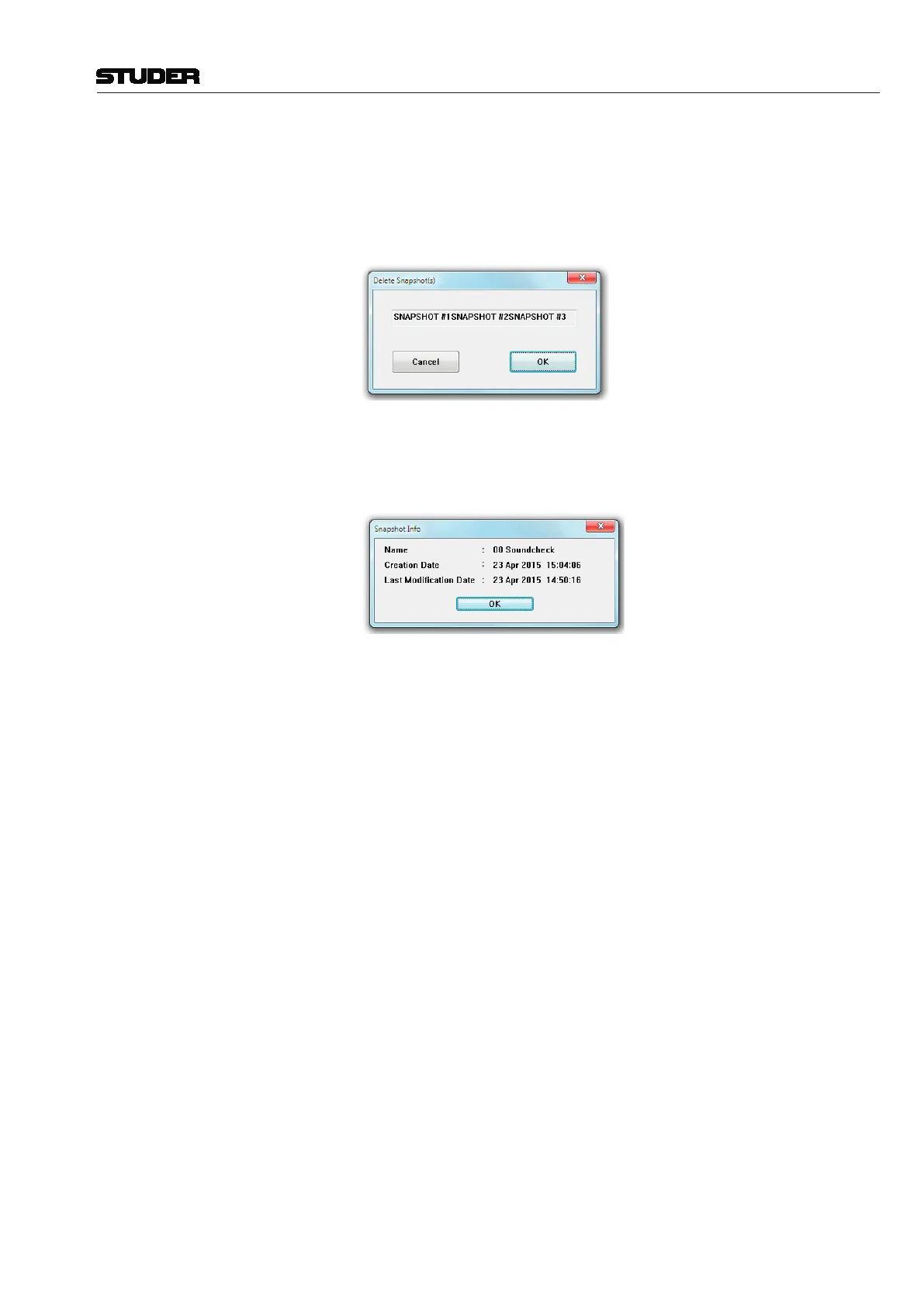
you desire with the touch pad pointer). A click on Delete will bring up a
window to confirm the deletion.
View the Snapshot Info • SelectasnapshotfromtheList,and
• Clickon the Info button. This will bring up a window displaying the
snapshot Name, the snapshot Creation Date & Time, and the snapshot Last
Modification Date & Time.
Note Snapshots are saved with the current title; their file extension is *.snp.



 To Next Page