Vista 1 Digital Mixing System
GC Operation 4-55
Document generated: 18.04.17
SW V5.3
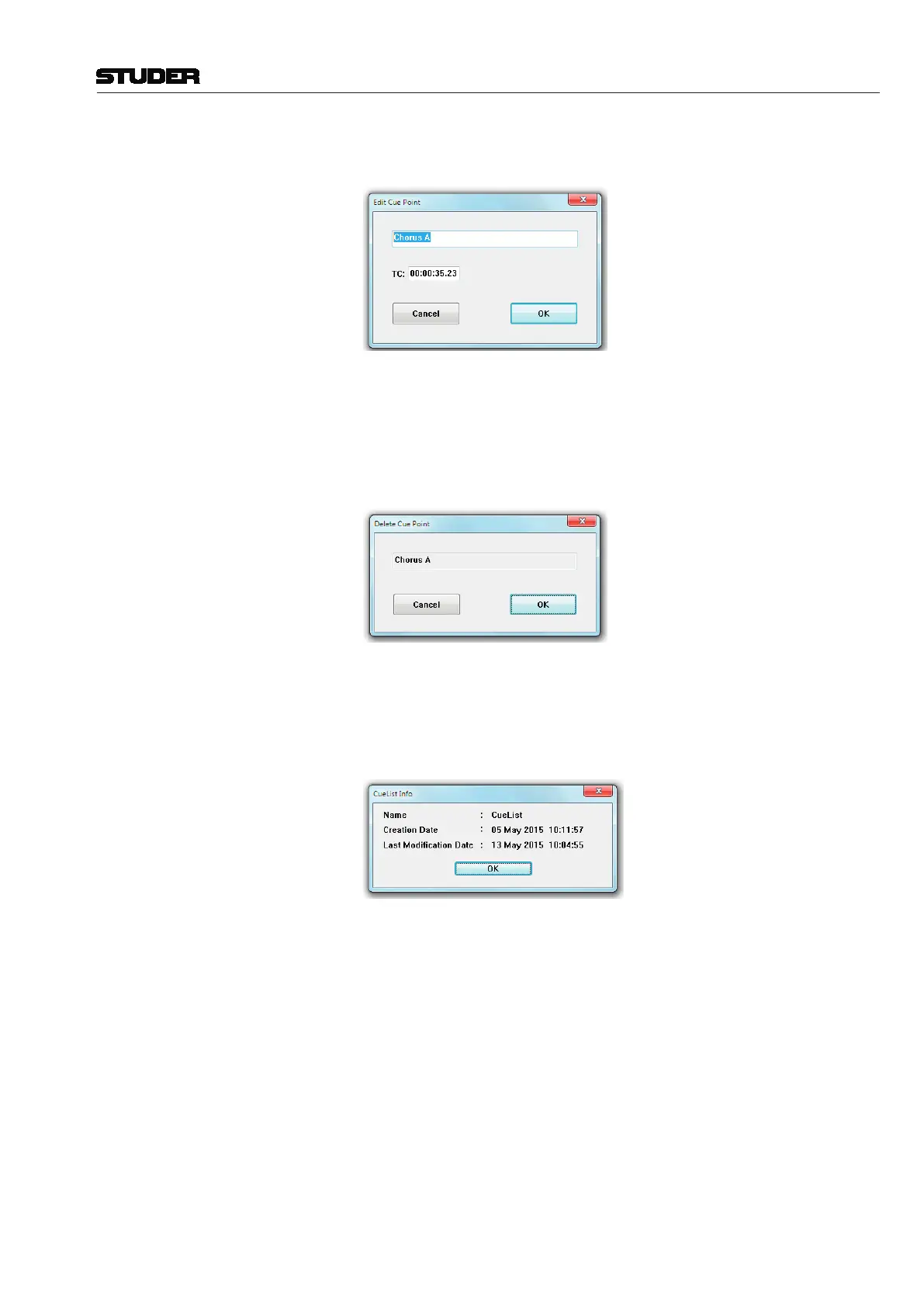
Edit Opens an edit window that allows changes to be made to the name and the
timecode stamp of a selected cue from the cue list.
Delete Opens an edit window that allows one or more cues to be deleted from the
list. Select a cue in the list by clicking on it, or select any number of cues from
the list using the familiar Windows multiple-selection techniques (drag on
the touch pad, or press SHIFT and select with the cursor). Click on the Delete
button. This action will bring up a window asking you to confirm the delete
operation.
Info Calls up cue info:
Click on the Info button; that will bring up a window displaying
• Cuelistname;
• Cuelistcreationdateandtime;
• Cuelistlastmodificationdateandtime.
Tip To enter timecode values, use the control surface keyboard’s numeric keypad.
The keypad features a double-zero key (00) to speed up the process. You do
not have to enter any punctuation marks – i.e., no colons or commas between
hour, minute, second, and frame values – since they will be added automati-
cally.
Click-and-Scroll Method This is an alternate method for fast timecode entries. It is initiated by the
clicking-and-holding the left touch pad button followed by a touch pad move
in vertical direction.



 To Next Page