Vista 1 Digital Mixing System
GC Operation 4-139
Document generated: 18.04.17
SW V5.3
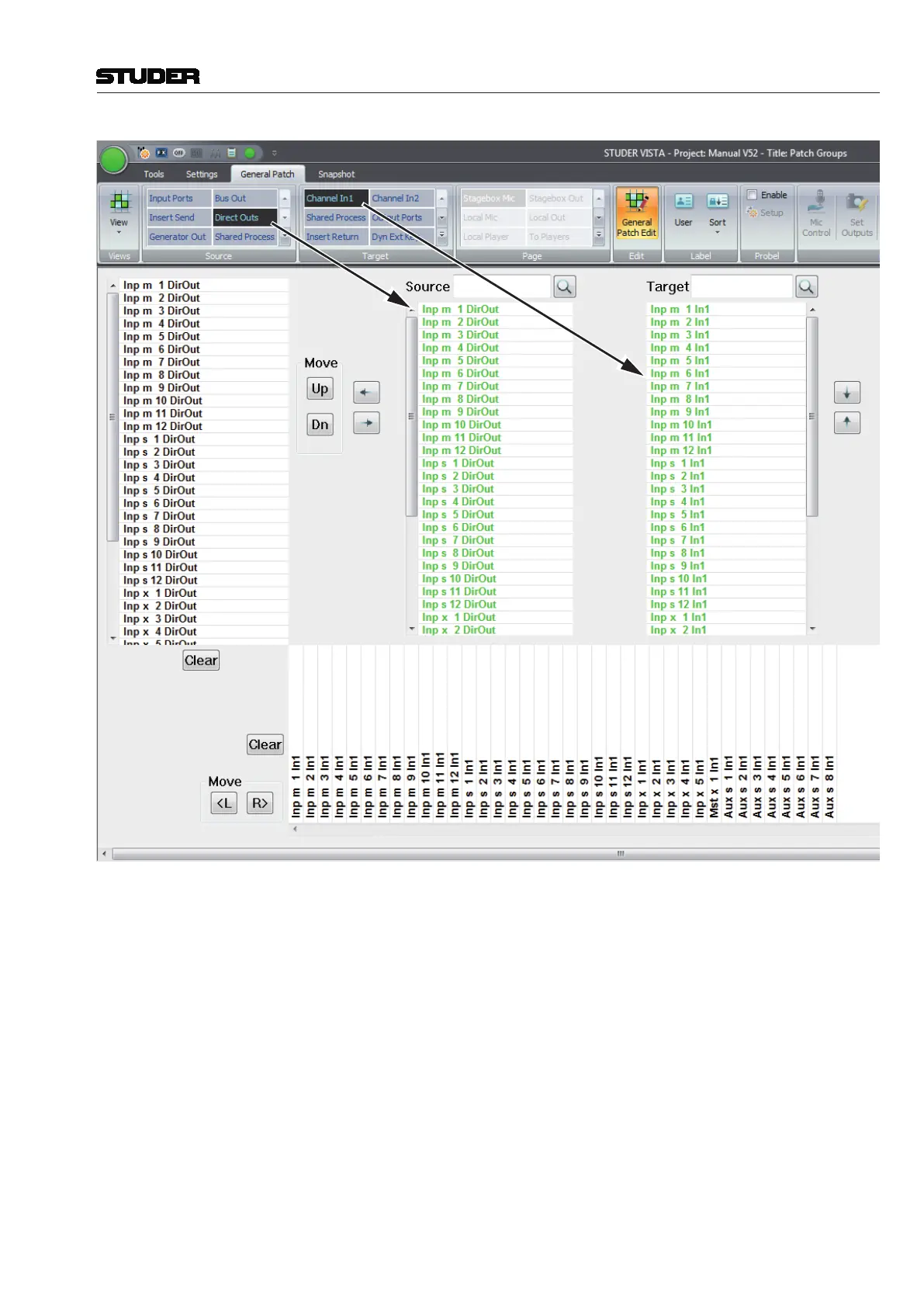
When in the General Patch Edit mode, the vertical source list on the left side
and the horizontal target list on the bottom will show the sources and targets
within the selected source and target groups which have been chosen before
entering the edit mode. These source and target lists are the ones that get
stored when saved to a User Patch Group. To start source and target groups
from scratch, just press the Clear buttons next to the vertical and horizontal
lists.
Adding Sources and Targets
The sources and targets shown in the two vertical source and target lists in the
middle of the GUI can be assigned to the vertical source list on the left side
and the horizontal target list at the bottom. If a source or target gets assigned,
its colour changes to green in the two vertical lists in the center. Sources and
Targets which are not assigned are in black font.



 To Next Page