Vista 1 Digital Mixing System
4-146 GC Operation
Document generated: 18.04.17
SW V5.3
[d950SerialPorts]
1= {p} COM1 baud=115200 parity=N data=8 stop=1
2= {b} COM6 baud=38400 parity=E data=8 stop=1
‘b’ is used to indicate Pro-Bel use. Only the COM ports defined in this way
will be available in the Pro-Bel set-up dialog.
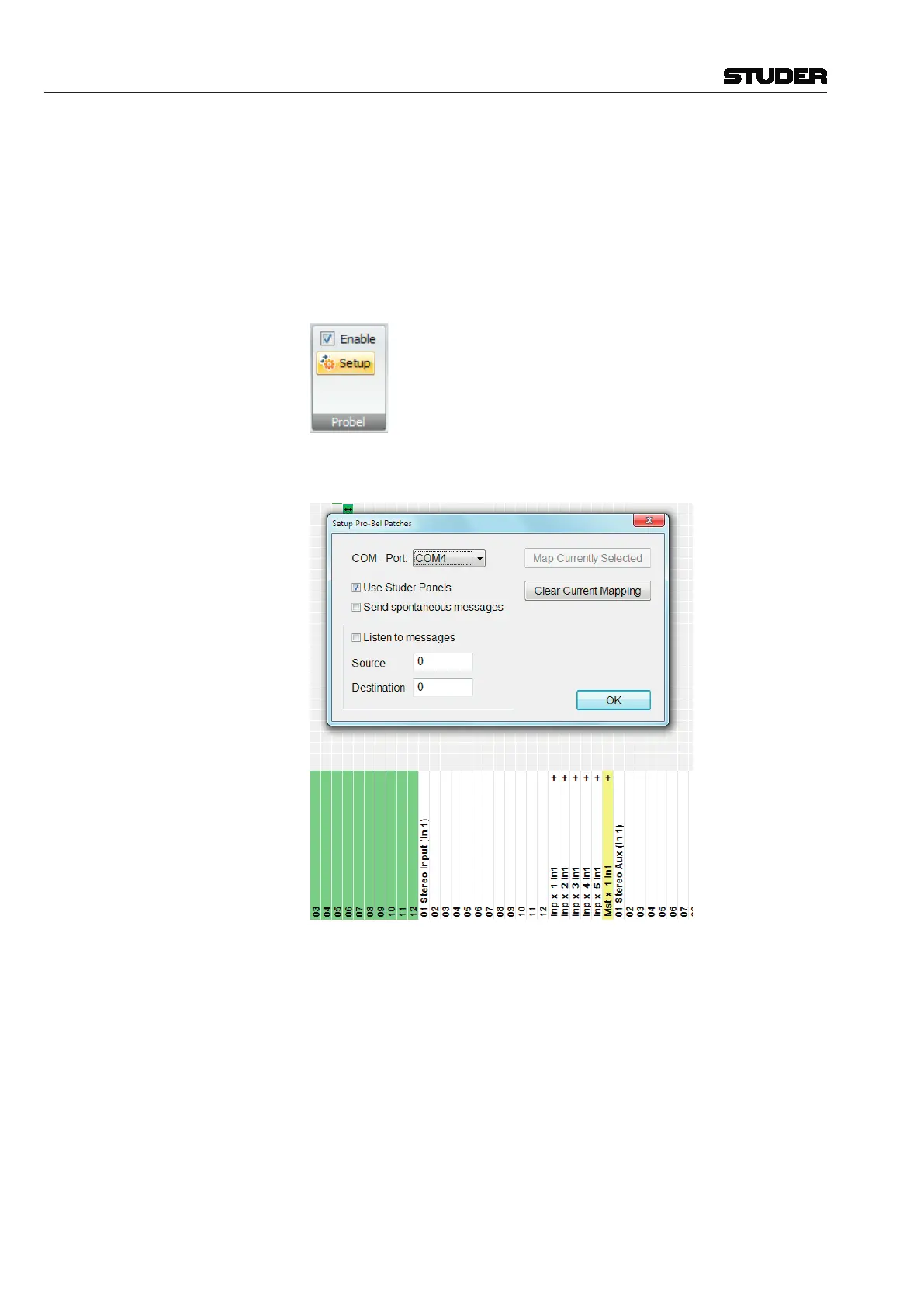
Pro-Bel Set-up Dialog With Pro-Bel Setup enabled
, the Pro-Bel catecory displays the additional
Setup - button.
When clicking on this button the system brings up the set-up dialog and enters
Pro-Bel set-up mode.
Targets with their respective connections can be selected by clicking on them
in the list on the general patch. Selected targets change their color to pink to
show their selection state.



 To Next Page