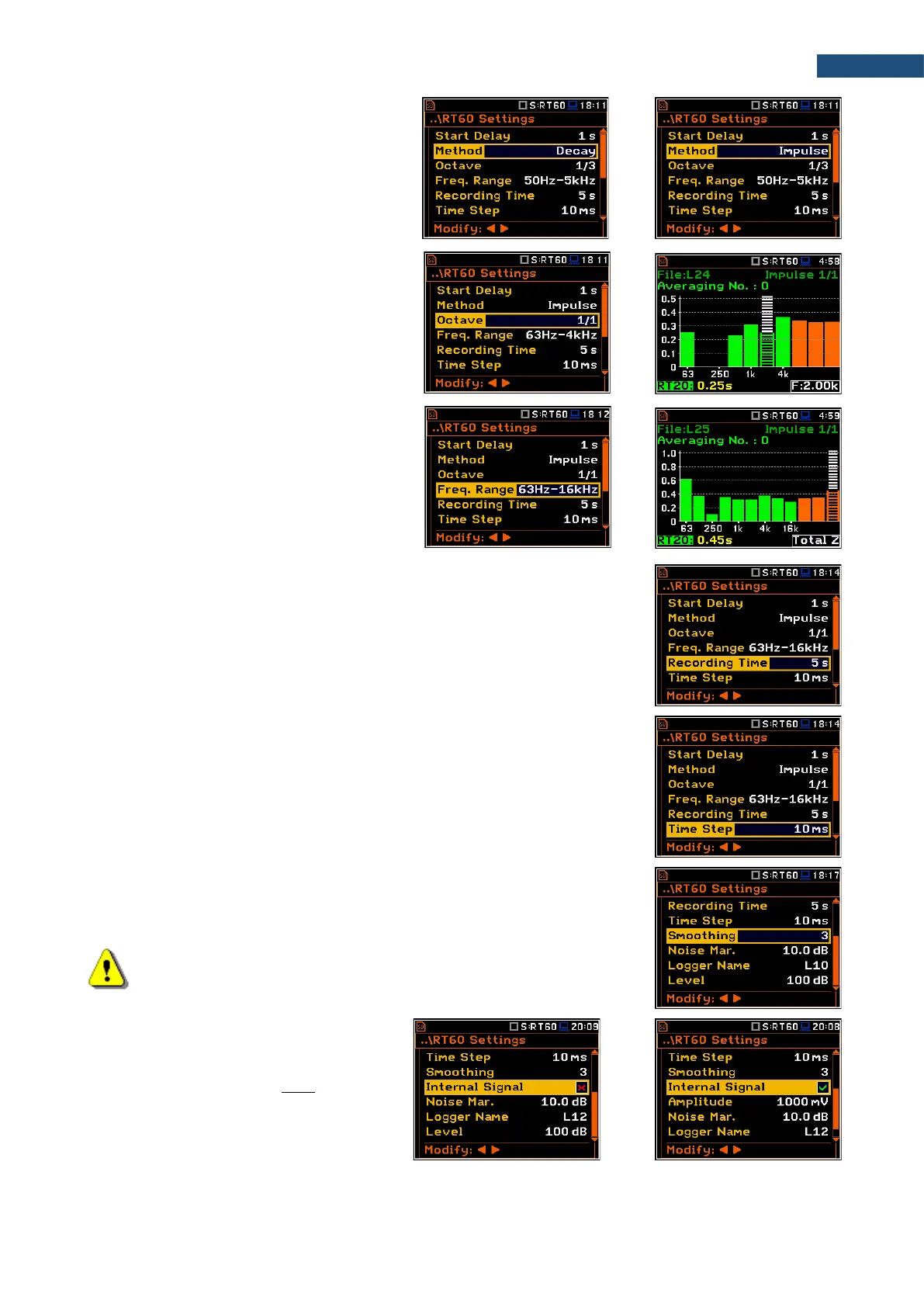
The Method parameter allows you to
choose the method for RT60 calculations:
Decay or Impulse. Both methods are
described in Appendix E.
The Octave parameter defines for which
bands (1/1 or 1/3) the RT60 analysis will be
performed.
The Freq. Range parameter defines the
frequency range for 1/1 or 1/3-octave
calculations:
- for 1/1-octave: 63Hz-4kHz (7 bands) or
63Hz-16kHz (9 bands).
- for 1/3-octave: 50Hz-5kHz (21 bands) or
50Hz-20kHz (27 bands).
The Recording Time parameter defines the recording time of the measurement
data (sound pressure level decay curve). Data registration starts in the moment
of the trigger condition appearance. Recording time can be set in the range
1 ÷ 30 s.
The Time Step parameter defines the time-step of data registration (sound
pressure level) in the file. The parameter value can be selected from the set:
2, 5, 10, 20, 50, 100 ms.
The Smoothing position allows you to set the number of samples, which should
be taken into consideration by the smoothing algorithm. The higher is this
number the smoother is a graph. The parameter can be set in the range
0 ÷ 15 (default value is 3).
Note: this parameter influences the reverberation time results.
The Internal Signal position switches on
generation of the pink noise to feed the
noise source in the Decay method. The
signal is transmitted to the pin 1 of the I/O
connector.
In this case you should set the Amplitude of
this noise.



 To Next Page