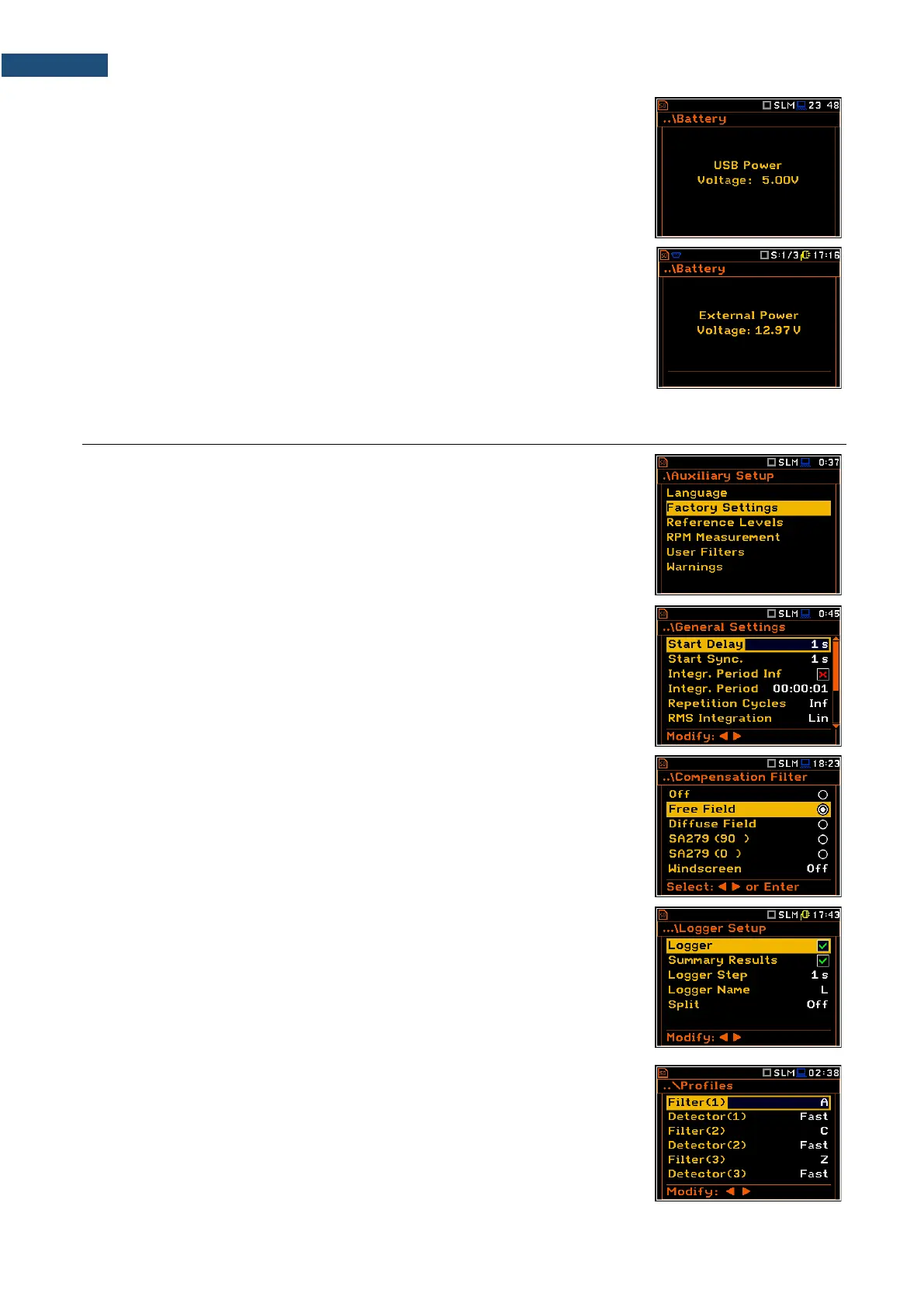
When there is a connection to the USB interface (USB Device socket is
connected by the cable to a PC), the „USB”icon is presented on the top of the
display and in the Battery screen there is the message: USB Power
Voltage: x.xxV.
When there is a connection to the 7–16V socket the “plug” icon is presented on
the top of the display and in the Battery screen there is the message:
External Power Voltage: yy.yyV.
Factory settings
The instrument as sold has default settings which you may change, but always
return to them with the use of Factory Settings option in the Auxiliary Setup
menu.
Next chapters of the manual will describe in detail what each parameter means
and how to change the instrument settings.
Main default settings
With the default settings, the instrument will measure sound pressure level by
three virtual meters, so called profiles (Measurement Mode: Sound;
Measurement Function: Level Meter) with 1 second delay from the <Start>
key pressure (Start Delay: 1 s), 1 second integration time (Integration Period:
00:00:01), infinitive repetition till press the <Stop> key (Repetition Cycle: Inf),
linear integration for the RMS base results (RMS Integration: Lin), linear
integration for statistics (Statistics: Lin), daytime limits for Lden calculations
(Day Time Limits: 6-18 h), time frames for two rolling Leq calculations
(Rolling Time(1): 30 m and Rolling Time2: 1 h), free field compensation
(Compensation Filter: Free Field), active logging of the selected results with
1 second step (Logger: On; Logger Step: 1 s; Logger Results: Peak, Max,
Min and Leq for all profiles) and summary results saving including Statistics.
The logger and summary results will be automatically saved in the file with the
name defined by the instrument and presented in the Logger Setup screen
(Logger Name: Lxxxx). Other functions are switched off, like:
- measurement trigger (Measurement Trigger: Off),
- logger trigger (Logger Trigger: Off),
- wave recording (Wave Rec.: Off),
- timer (Timer: Mode: Off).
Default profile settings for Sound measurements:
Profile 1 - A weighting filter (Filter(1)=A), Fast RMS detector
(Detector(1)=Fast);
Profile 2 - C weighting filter (Filter(2)=C), Fast RMS detector
(Detector(2)=Fast);



 To Next Page