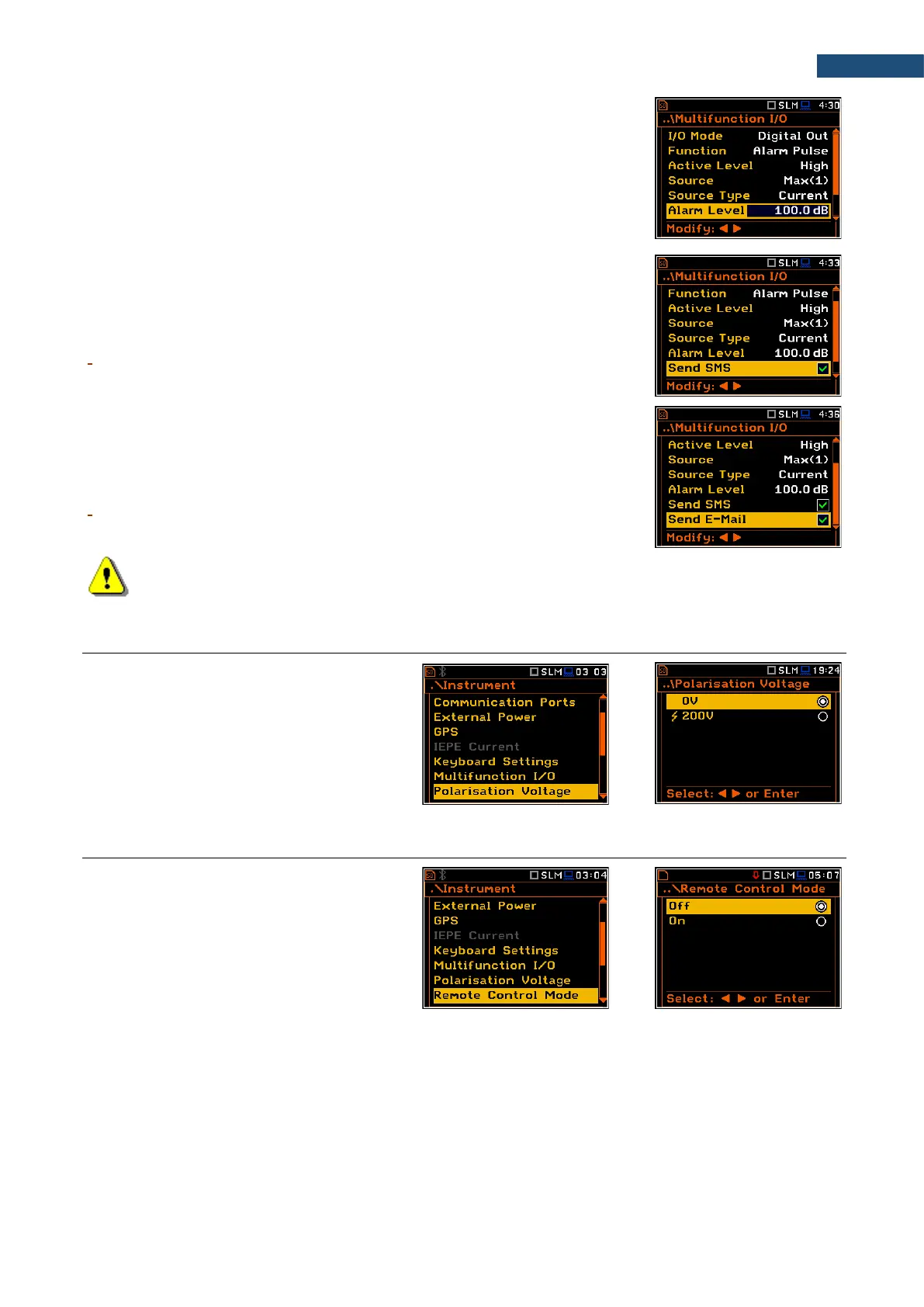
Alarm trigger threshold level
The Alarm Level parameter defines the threshold level for triggering an alarm
pulse generation. If the Source value is greater than the Alarm Level, the
instrument will generate the alarm signal with the selected logic. The available
levels are within the range [30.0 dB, 140 dB] in Sound modes and [60.0 dB,
180 dB] in Vibration modes.
SMS alarm message
When the alarm is generated during the measurement, the SMS message may
be sent (Send SMS) to the phone number, defined in the SMS Option screen
(path: <Menu> / Instrument / Wireless Transfer / SMS Options).
E-mail alarm message
When the alarm is generated during the measurement the e-mail message may
be sent (Send E-Mail) to the address, defined in the E-mail Settings screen
(path: <Menu> / Instrument / Wireless Transfer / E-mail Settings).
Note: SMS and e-mails can be sent if the instrument is working as a part of SV 279 PRO monitoring
station.
7.11 SETTING MICROPHONE POLARISATION VOLTAGE – POLARISATION VOLTAGE
The Polarisation Voltage position allows
you to choose polarisation voltage of the
instrument's microphone in the
Sound Meter mode: 0V and 200V.
In other modes, the 200V option is
unavailable.
7.12 SWITCHING ON/OFF THE REMOTE CONTROL MODE – REMOTE CONTROL MODE
The Remote Control Mode position allows
you to activate the remote control mode. In
this mode the messages that require manual
action from the user will stop being shown
after 5 seconds. This mode is helpful when
the instrument is configured for remote
monitoring during which usually there is no
person nearby who can control the
instrument manually. In this mode,
instrument's normal operations will not be
interrupted by such messages.



 To Next Page