The measurement results can be viewed in different view modes, the set of which depend on the selected
Measurement Function and which you can change and activate/deactivate.
Measurement results viewing
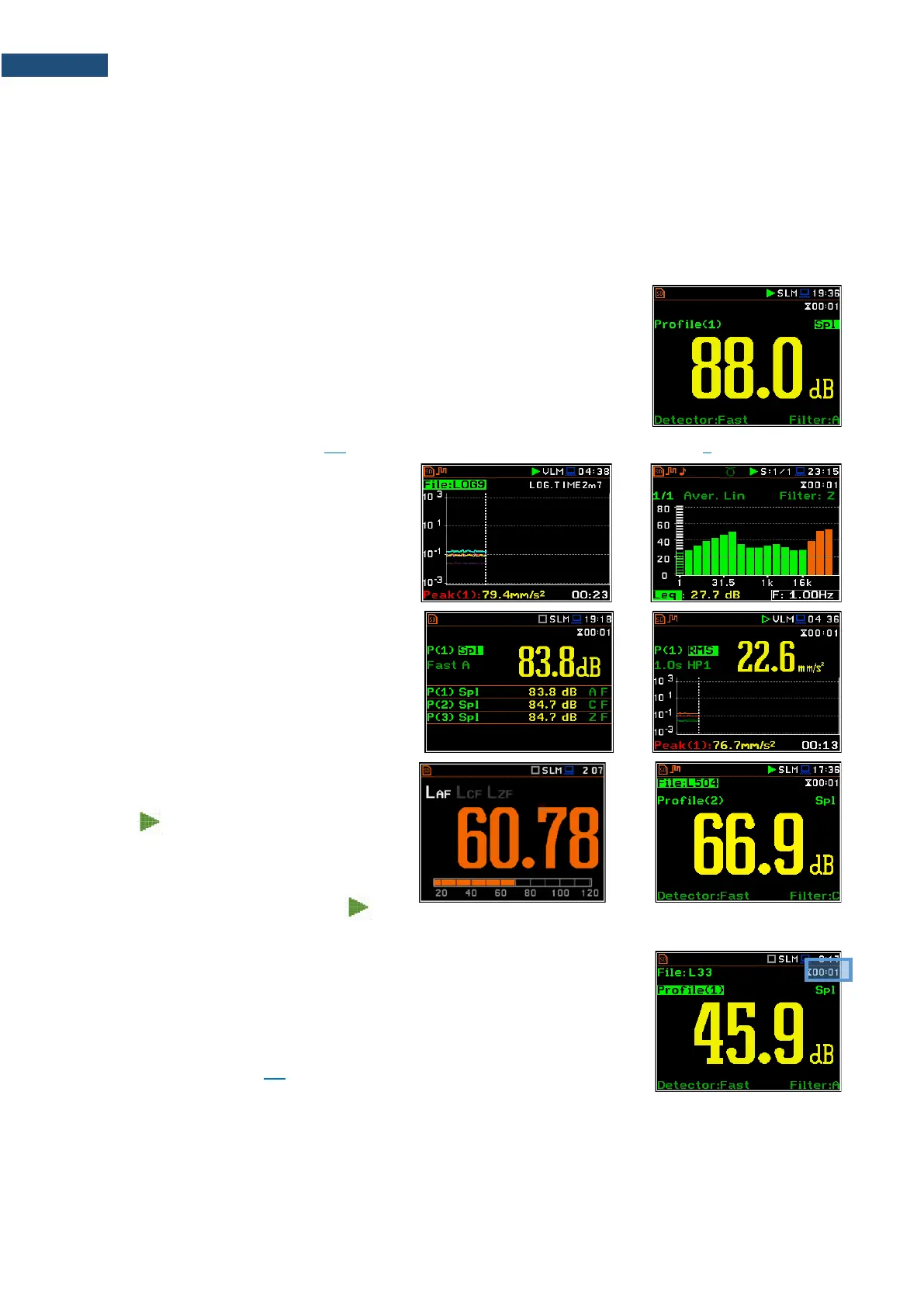
Measurement results can be presented in different views, so called display modes, some of which are always
available, and some can be activated or deactivated.
Display modes present some measurement results as well as additional
information in the way of icons regarding:
• instrument status: memory, power, real time, Bluetooth, GPS, connection
with the modem etc.;
• measurement status: measurement function, measurement elapsed time,
measurement start/stop/pause, trigger, logger etc.;
• measurement parameters: measured result, profile number, file name,
detector type, filter etc.
All icons are described in Chapter 2.8, other fields and view control functions - in Chapter 5.
Some views present numerical and some
graphical results, like on the right-hand
example: time-history plot and spectrum.
In some views the screen is divided into two
parts to show more numerical results in
different formats or both numerical and
graphical results.
If you are in the measurement mode, you can
switch between views using the ▲ / ▼ keys
pressed together with <Alt>.
Starting measurement
To start measurement, press the <Start> key.
The icon will appear, and the
measurement will be performed with the
current instrument settings, which are stored
in the instrument’s internal memory. During
the measurement the shape of the icon
will be changing from self to contoured.
The time passed from the measurement start (elapsed time) is displayed in the
right upper corner of the measurement screen in the format mm:ss in the
range from 00:00 to 59:59, or in the format hh:mm:ss in the range from
01:00:00 to 99:59:59, or in the format xxxh from 100h to 999h, and >999h
if the elapsed time exceeds 999 hours. Its maximum value is equal to the
Integration Period and the elapsed time is zeroed when the new measurement
cycle starts (see Chapter 4.1).



 To Next Page