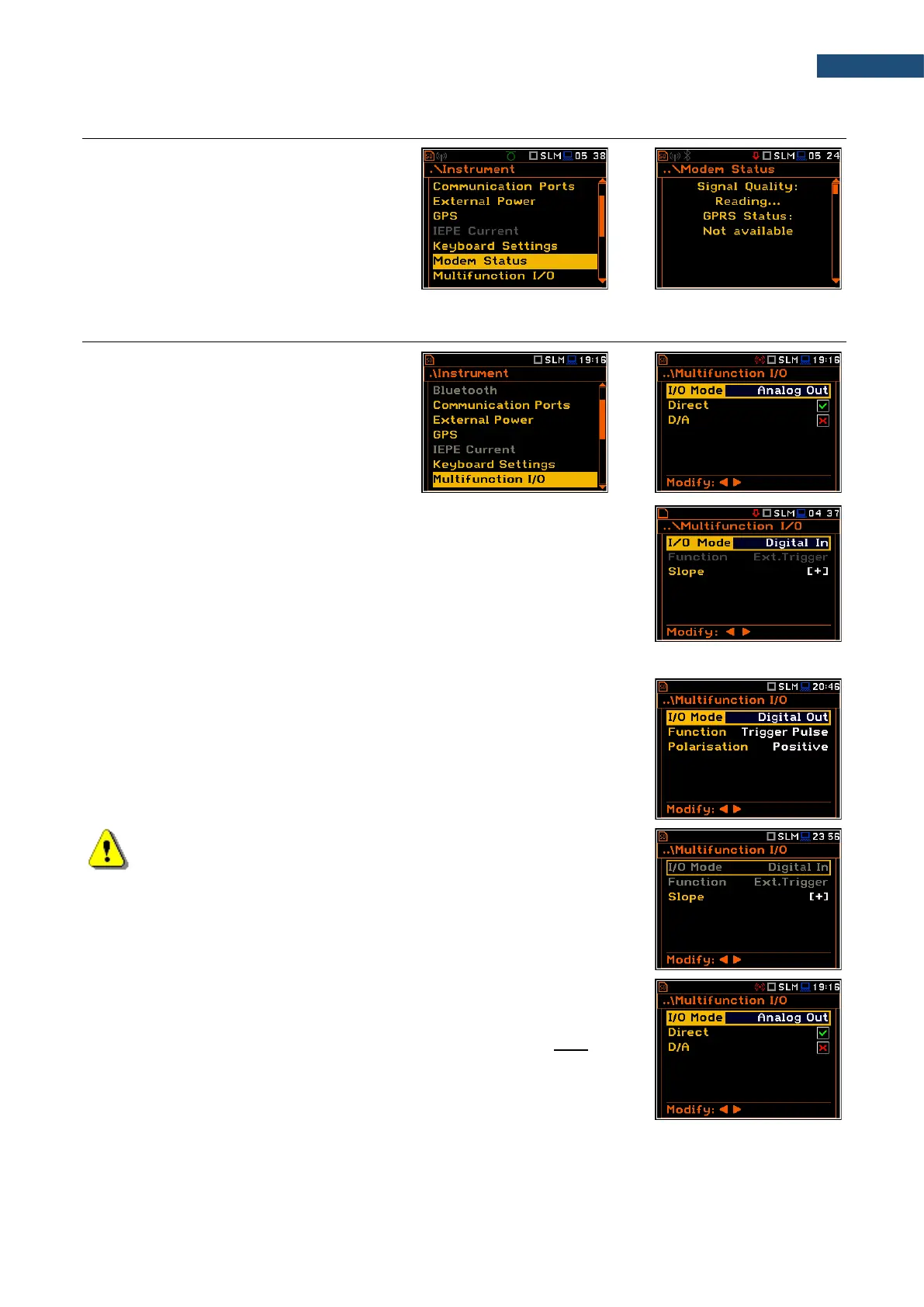
7.9 CHECKING THE MODEM STATUS – MODEM STATUS
The Modem Status position is active only
when the GPRS option is selected (path:
<Menu> / Instrument / Wireless Transfer /
Network).
This screen shows status of the 3G
connection when SV 979 works as a part of
the SV 279 PRO/PRIM monitoring station.
7.10 SETTING PARAMETERS OF I/O PORT – MULTIFUNCTION I/O
The Multifunction I/O position allows you to
select the available functionality of the I/O
port (2 pin Lemo socket).
The I/O jack socket can be used as (I/O Mode):
• output of the analogue signal (Analog Out) transmitted from the input of the
instrument to its output with or without digital processing,
• input of the digital signal (Digital In) used as an external trigger to start the
measurements. The instrument is acting in this case as so called “slave
instrument”,
• output of the digital signal (Digital Out) used for triggering other “slave
instrument(s)” (the instrument is acting in this case as a “master instrument”),
or as a source of any alarm signal in case of certain circumstances occurred
during measurements (i.e. the level of the input signal is higher than the user
selected trigger alarm threshold).
More detailed description of the I/O port is given in Appendix C.
Note: If the RPM function is enabled (path: <Menu> /
Auxiliary Settings / RPM Measurement) the Multifunction I/O is set
automatically to Digital In mode with the Ext.Trigger function.
Analog Out mode
In the Analog Out mode, you can select two parameters: Direct and D/A.
When Direct is selected, the measured signal is transmitted to the pin 2 of the
I/O connector directly from the signal input.



 To Next Page