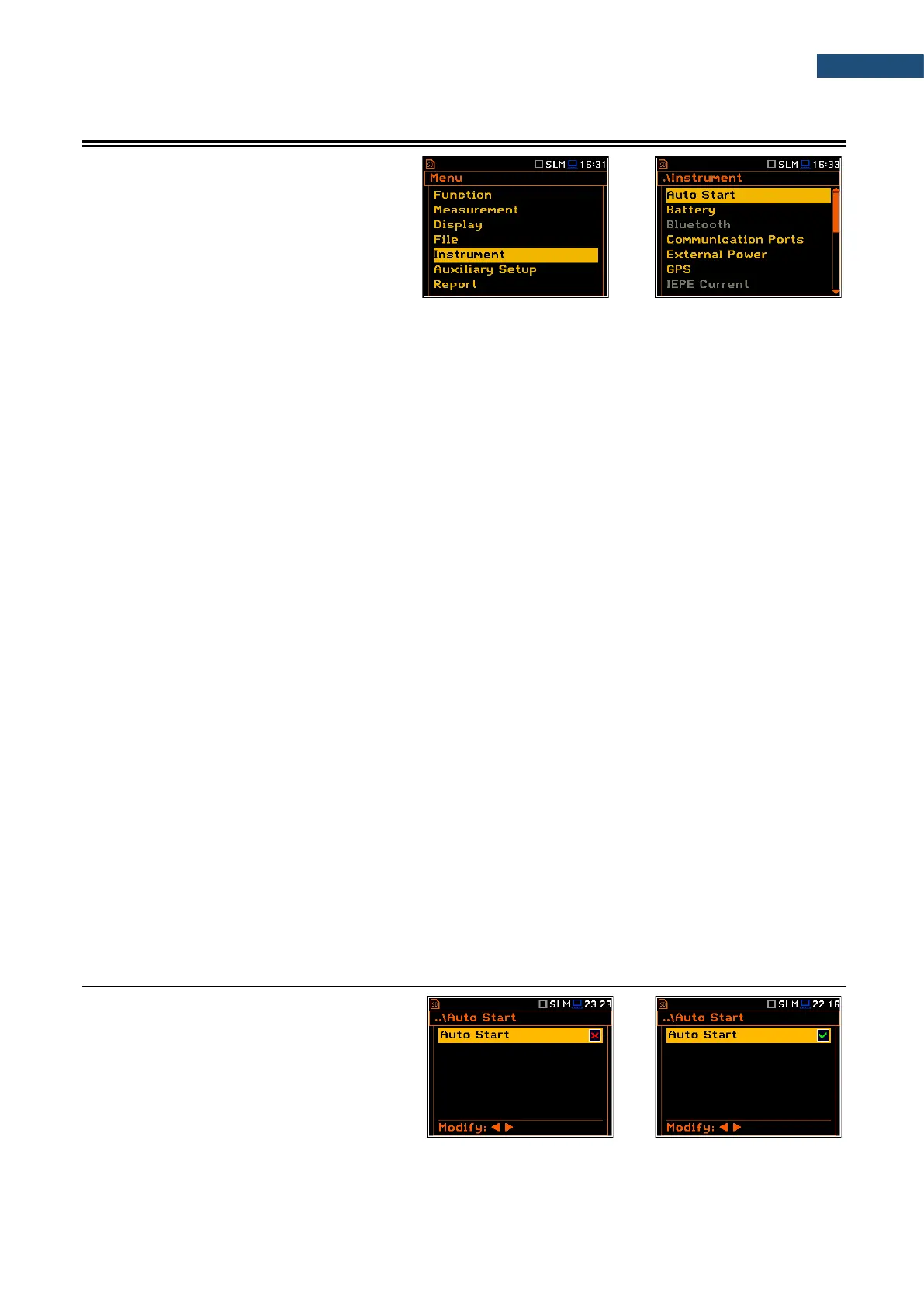
The Instrument list contains following positions:
Auto Start allowing you to automatically start the measurement just after turning the
instrument on;
Battery allowing you to get information about current power source;
Bluetooth allowing you to configure Bluetooth
®
;
Communication Ports allowing you to select the active port of the instrument;
External Power allowing you to select the minimum voltage of the external source, when the
instrument should be switched off automatically;
GPS allowing you to select a time zone and switch on/off time synchronization;
IEPE Current allowing you to choose correct IEPE current supply for the used microphone
and accelerometer;
Keyboard Settings allowing you to set the operating mode of the <Shift>, <Alt> and <Start/Stop>
keys;
Modem Status allowing you to check the status of the modem (position appears when the
GPRS function is switched on);
Multifunction I/O allowing you to select the available functionality of the I/O port;
Polarisation Voltage allowing you to choose the polarisation voltage for the instrument's
microphone;
Remote Control Mode allowing you to configure the remote control of the instrument;
RS232 allowing you to set the transmission speed and the timeout in the RS232
interface;
RTC allowing you to set the Real-Time Clock;
Self Vibration allowing you to check the self-vibration levels of the instrument;
Signal Generator allowing you to switch on the signal generator function;
Wireless Transfer allowing you to select the network type and configure parameters of data
transmission when it is a part of the SV 279 PRO monitoring station;
Unit Name allowing you to enter the name of the instrument visible by the SvanNET web-
service;
Unit Label allowing you to display instrument properties and the standards which the
instrument complies with.



 To Next Page