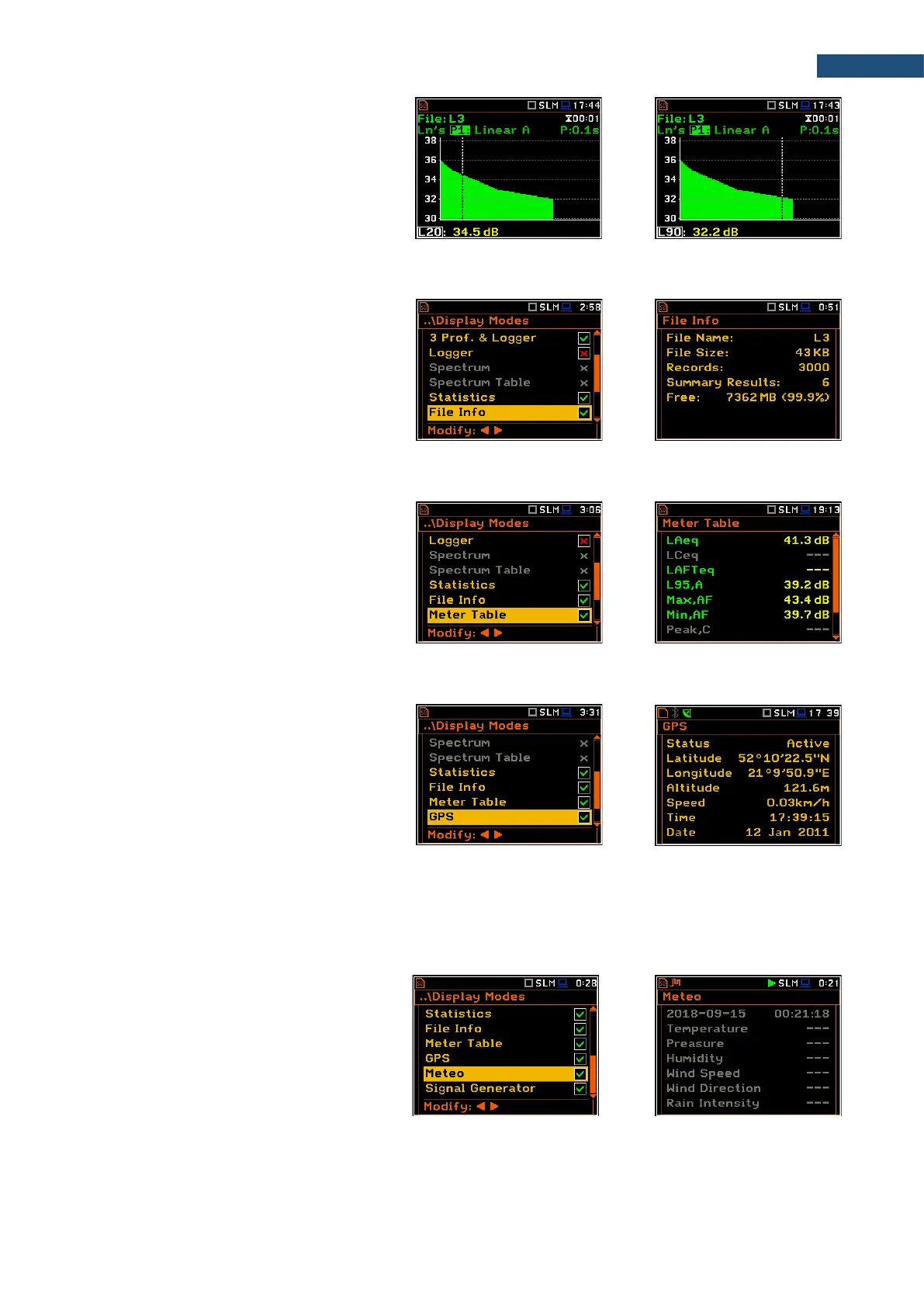
The cursor position is changing with the ◄ /
► key. The statistical level and appropriate
value are presented in the line below the
plot.
5.1.7 File information view
The File Info position enables the additional
file information view.
The File Info view displays the file name, its
size, number of records made with Logger
step, number of summary results blocks
(records made with Integration period), free
memory space etc.
The Meter Table view displays a list of
predefined results with assigned weighting
filters and detector type without information
about profiles.
If specified in that list result is not measured
in any profile, it will be of grey colour and
without value (“---“).
The GPS view allows you to display
information from GPS module connected to
the USB Device or USB Host socket of the
instrument.
The GPS view shows the GPS status, co-
ordinates, etc. This view will be active if you
switch on the GPS position in the
Display Modes screen and the
GPS Host Port or GPS Device Port option
is active (path: <Menu> / Instrument /
Communication Ports).
The Meteo view allows you to display the
results obtained from the Meteo module,
connected to the monitoring station
SV 279 PRO.
If SV 979 works as standalone instrument
the Meteo view only presents possible
results that can be measured in grey letters.



 To Next Page