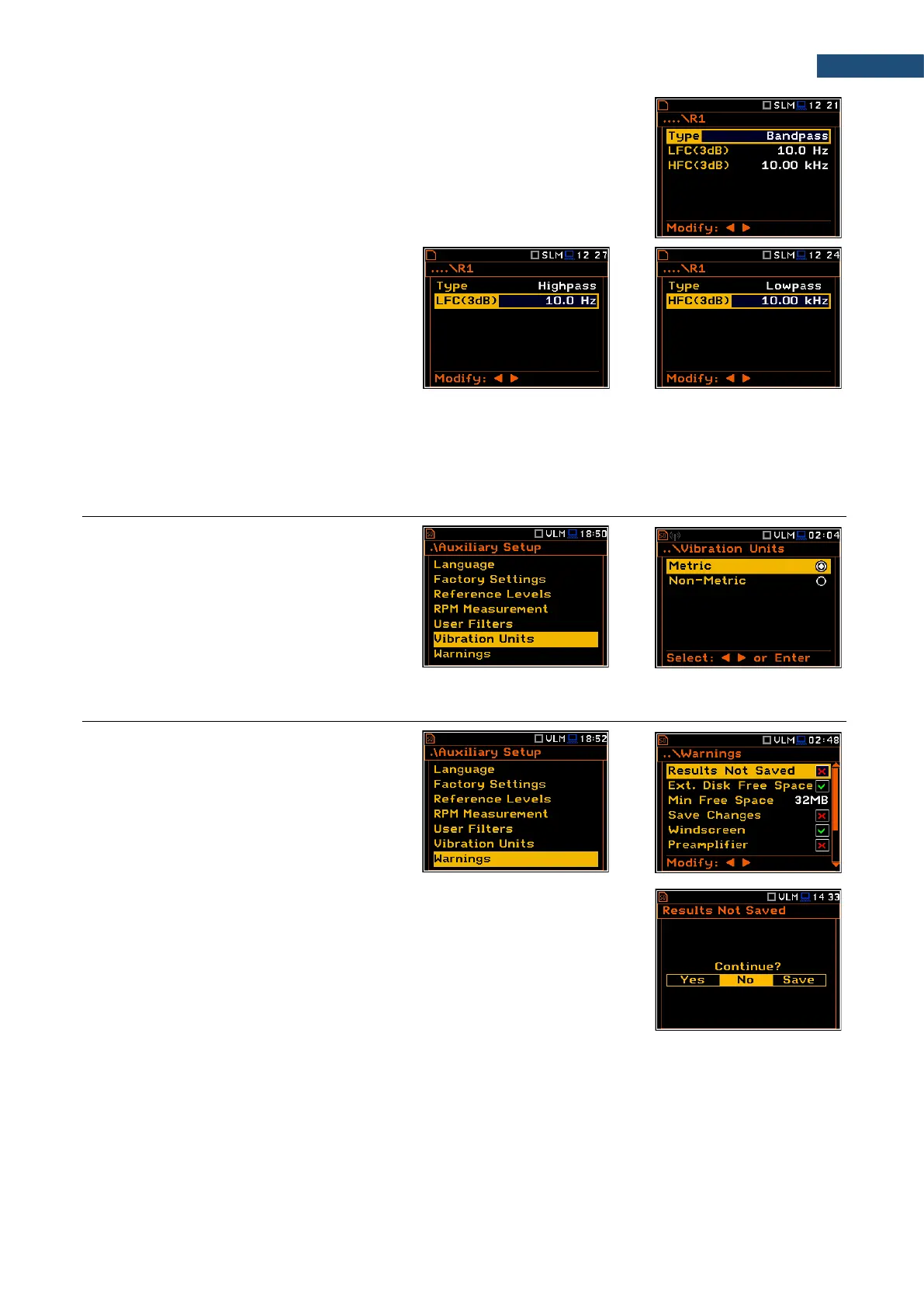
In the Rx (R1, R2, R3) screen you can select the filter Type (Highpass,
Bandpass or Lowpass) and define frequency corners: low frequency corner -
LFC(3dB) and high frequency corner - HFC(3dB).
Bandpass filters require definition of two frequencies: LFC(3dB) and
HFC(3dB). The amplitude of the input signal is attenuated by half at these
frequencies. The available values for LFC are from 10 Hz to 10.0 kHz, and for
HFC - from 100 Hz to 10.00 kHz.
The Highpass filter requires definition of
LFC(3dB), while the Lowpass filter requires
definition of HFC(3dB).
All filters mentioned above, high-pass, band-pass and low-pass, are the second order with the slope equal to
12 dB/octave.
Characteristics if these filters are presented in Appendix C.
8.6 SELECTING UNITS FOR VIBRATION RESULTS – VIBRATION UNITS
The Vibration Units position allows you to
select units for Vibration measurements
(this position is available only in Vibration
modes).
It is possible to select the Non-Metric units
(e.g. g, ips, mil etc.) or Metric units (e.g.
m/s
2
, m/s, m etc.).
8.7 WARNINGS SETUP – WARNINGS
The Warnings position allows you to
activate messages, which will be displayed
during the normal operation of the
instrument.
By default, all warnings are enabled except
Preamplifier and Self Vibration Level.
Saving the measurement results in a file
If the Results Not Saved warning is enabled, the special confirmation will be
displayed after pressing the <Start/Stop> key in case results of the previous
measurement were not saved.
You should select one of three answers to the question Continue?: Yes, No or
Save. If Yes is chosen, the instrument returns to the active measurement view
and starts the new measurement process. If No is chosen, the instrument
returns to the active measurement view without starting the new measurement
process. If Save option is chosen, then the measurement results are saved and
after saving the instrument returns to the active measurement view and starts
the new measurement process.



 To Next Page