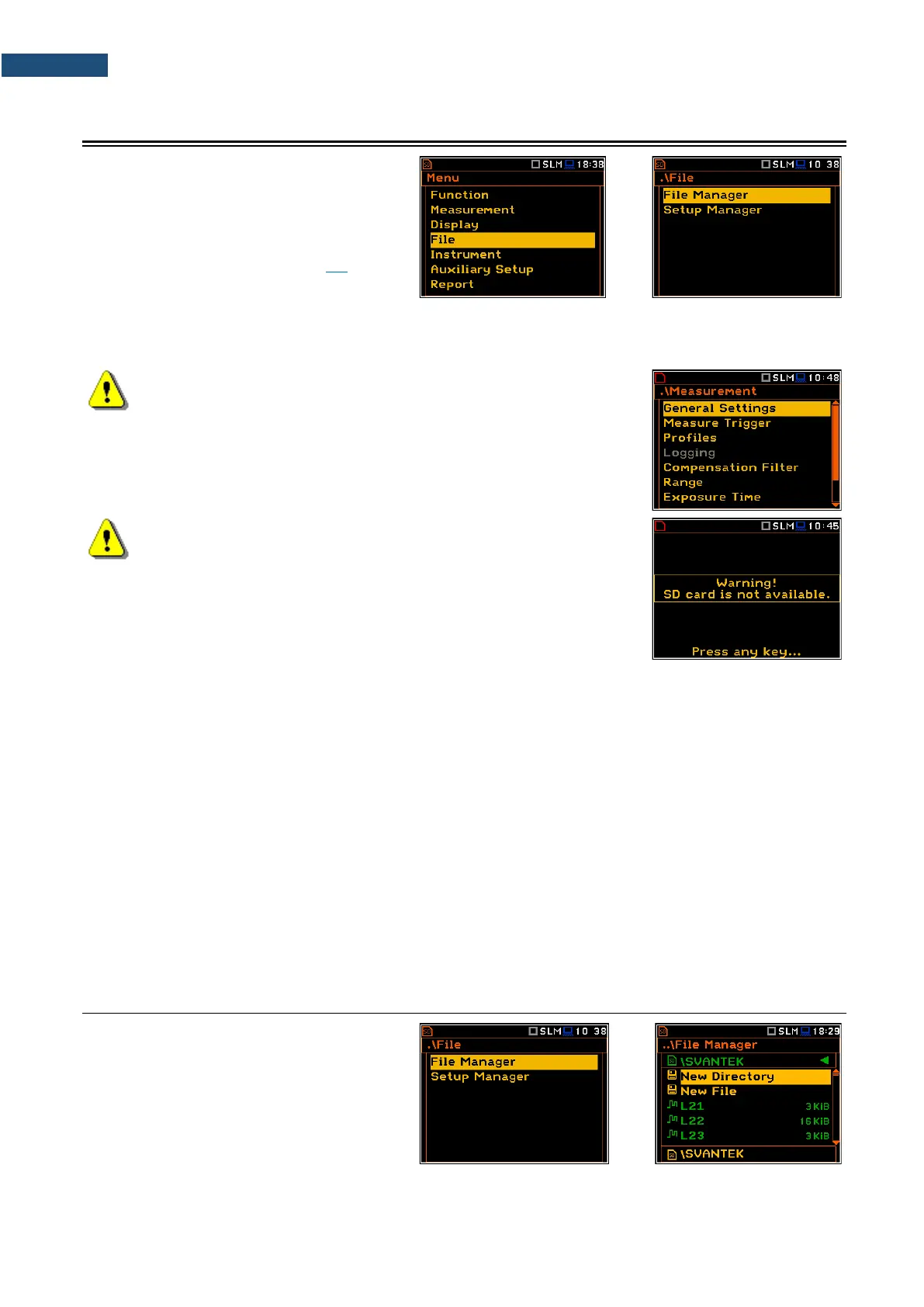
The File section contains the elements that
enable managing data (logger and wave)
and setup files saved in the instrument’s
memory (micro SD card).
The memory structure and files saving
methods are described in Chapter 2.9.
The File list contains following items:
File Manager allowing you to manage all files and directories on the SD card or USB disk,
Setup Manager allowing you to manage setup files located in the predefined SETUP directory.
Note: Both data and setup files are saving in the SD card or USB Disk
memory. So, if there is no SD card or USB Disk in the instrument there
is no possibility to create any file. Among other things in this case, the
Logging position in the Measurement list is not available.
Note: Positions in the File list are active only when an SD card or
USB Disk is inserted. Otherwise, the instrument will generate a
warning every time you try to open any position in the file list.
There are three types of files that the instrument generates:
• Logger files with measured results (extension .SVL),
• WAV files with time waveform records (extension .WAV);
• Setup files with measurement configuration settings (extension .SVT).
The detailed description of all types of file structures is given in Appendix B.
The logger file (.SVL) structure depends on the selected function (Level Meter, 1/1 Octave, 1/3 Octave, etc.)
and logging settings and may include:
• summary results, including results of statistical analysis,
• time histories of measured results,
• marker recordings,
• results of the 1/1 Octave – 1/12 Octave analysis,
• results of the FFT analysis,
• results of the TR60 analysis,
• results of the Loudness analysis.
6.1 MANAGING INSTRUMENT’S FILES – FILE MANAGER
Files are stored in directories, which are
organised hierarchically.
File Manager enables access to files and
directories.



 To Next Page