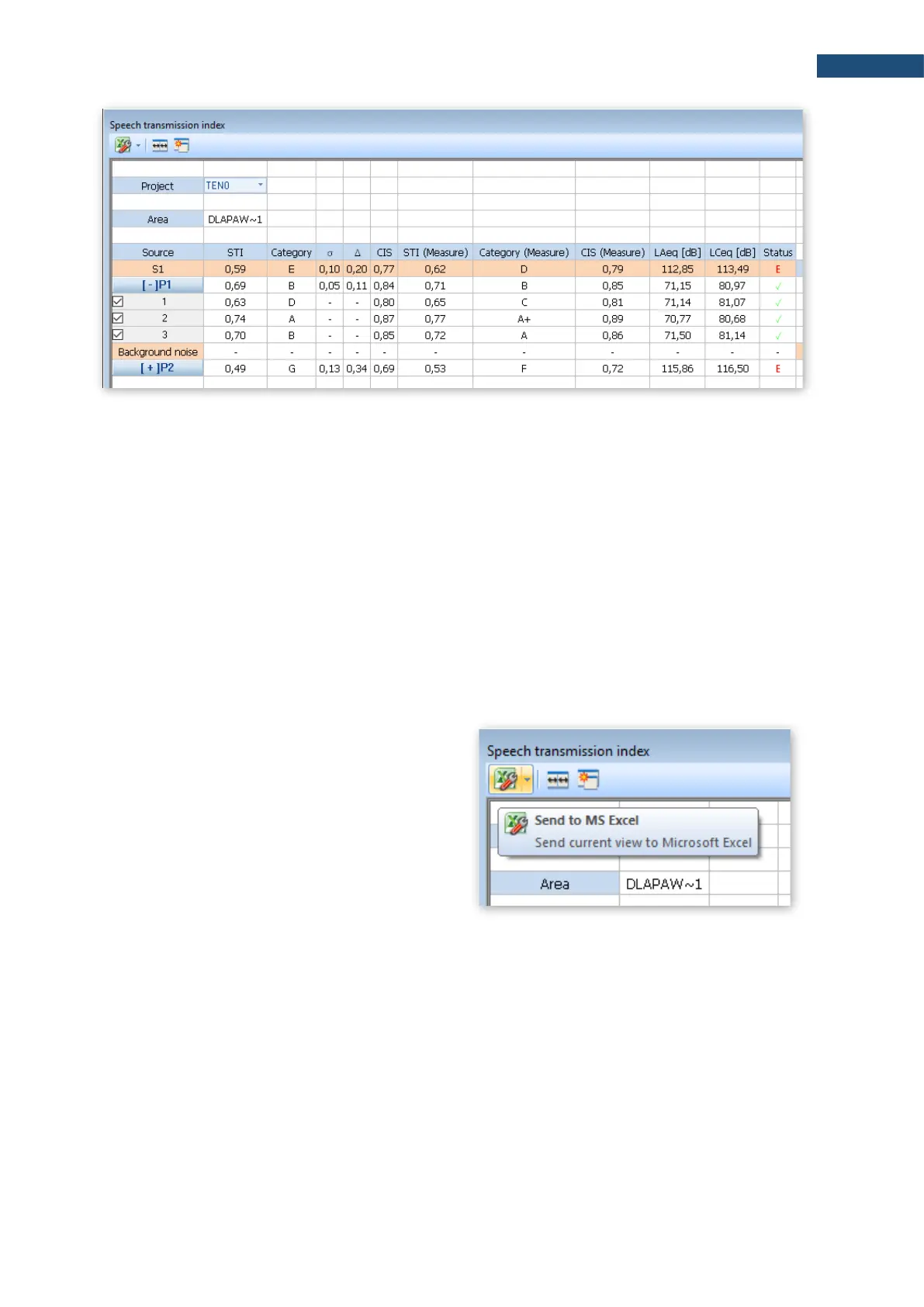
The cells with the background noise results are editable, i.e. you can manually enter values for individual
octaves (just double click on the selected background noise value). Such a change will automatically convert
the results for a point and above.
You can also import background values using the paste option (CTRL+V or menu "Edit -> Paste") after
selecting the value from which you want to paste the results. Data that are in the clipboard will be inserted for
the next octaves starting from the selected cell. You can copy data to the clipboard from Excel, from another
program as well as you can copy values from another view of SvanPC++ (thanks to that you can import results
from another SVL file). If the clipboard has numerical values separated by a white space (space, tab, enter),
the program will accept them correctly.
There are two ways to generate a report:
1. Using the Excel icon in the upper left corner
of the view - an Excel spreadsheet will
automatically open with all the data visible
on the view.
2. Selecting cells in the table and using the
copy-paste option (CTRL+C or menu
"Edit -> Copy" or from the right-click context
menu), you can transfer a fragment or the
whole view, for example, to the Word
application.



 To Next Page