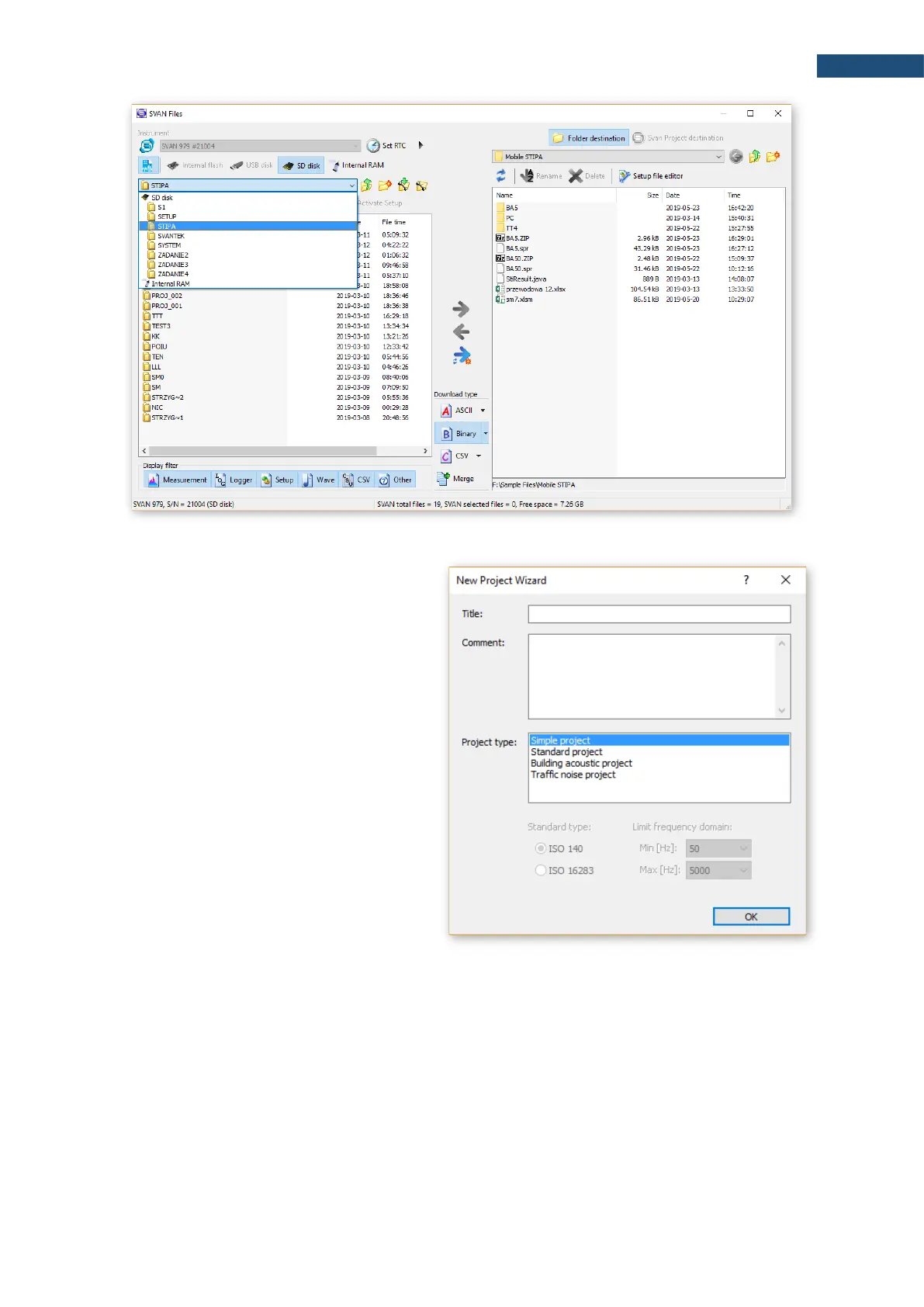
If you downloaded a file, you can open it with a
double-click, if you downloaded the whole folder,
you need to link the downloaded data set. The
easiest way for this is to use the SvanPC++
project functionality. For this, close the "SVAN
Files" window and create a new project ("File ->
New Project" and select "Simple project" as the
project type).
A window on the left side with a list of project files
(empty for now) will appear. Add files / folders to
the project that you wish to combine. The easiest
way to do this is through drag & drop operations
from the file explorer by selecting the folder / files
and dragging it to the SvanPC++ window. The
program will automatically link all files from the
folder, whereby the program may ask how to link
files - in case of STIPA, the option you choose is
irrelevant because STIPA measurements are
linked by grouping on matching projects, areas,
sources, points. After this operation, the STIPA
results window will appear automatically.



 To Next Page