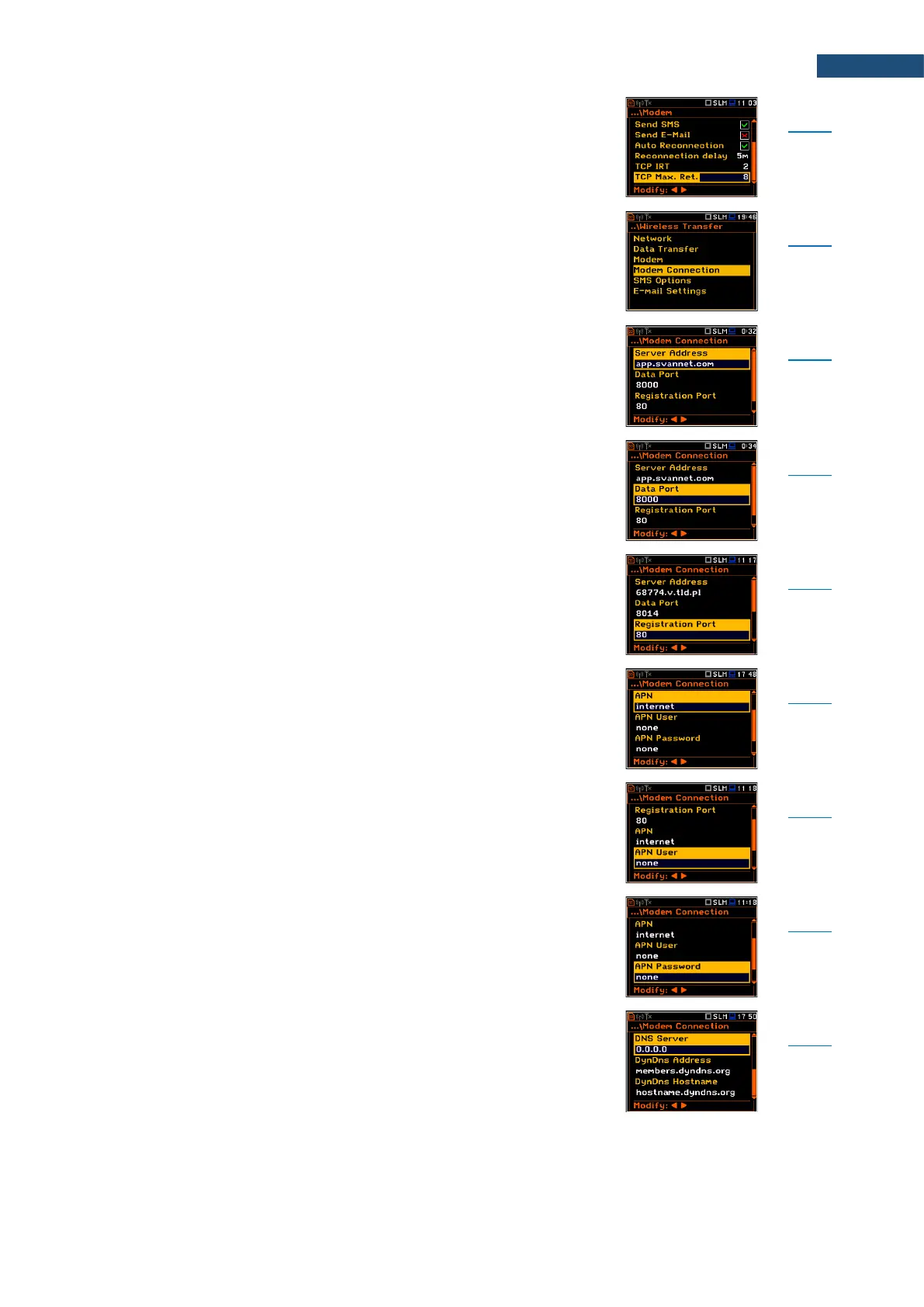
Parameter of the Modem screen defining maximum
reconnection attempts performed within a simple
connection cycle.
Screen that enables configuring supporting options
required by 3G modem to establish internet connection:
Server Address, Data Port, Registration Port, APN, APN
User, APN Password, DNS Server, DynDns Address,
DynDns Hostname, DynDns Login and
DynDns Password.
Parameter of the Modem Connection screen defining
either IP or domain address, where the registration data
will be sent during registration process (Data Protocol:
TCP S or UDP) or to which the modem will be connected
to (Data Protocol: TCP C). By default, the server address
is app.svannet.com.
Parameter of the Modem Connection screen defining the
port number that denotes a port on which a
communication socket will be configured for data
exchange between the remote host and the station.
Parameter of the Modem Connection screen defining the
port number that denotes a port on which a
communication socket will be configured to transmit
registration package (Register Mode: On) or exchange
Http data (Register Mode: AS or SMT. AS).
Parameter of the Modem Connection screen defining the
APN name of the SIM card used with the modem.
Parameter of the Modem Connection screen defining the
user name used for verification by the SIM card of the
modem.
Parameter of the Modem Connection screen defining the
password used for verification by the SIM card of the
modem.
Parameter of the Modem Connection screen defining the
IP address of DNS server used for establishing
connection with the internet. In most cases, leaving the
default value of “0.0.0.0” will be sufficient, but some SIM
cards may require a specific address.



 To Next Page